How to remove platform fees from your direct-booking checkout
The whole point of a direct booking is that no marketplace stands between you and your guest, and no one takes a cut. With RentalBeam there is nothing to negotiate down: Pro takes zero commission and adds no booking fee. Here is exactly which costs disappear when you book direct, and the one ordinary cost that remains.
What "platform fees" usually means
When hosts say platform fees, they usually mean two things: the percentage commission an OTA takes from every booking, and the per-booking transaction fees some booking tools tack on. Both scale with your success: the more you book, the more they take. A direct booking on your own website removes the marketplace from the middle, and with RentalBeam it removes the cut entirely.
RentalBeam takes zero commission
Pro takes no commission and no booking fee on your direct bookings. Your booking revenue is 100% yours.
What RentalBeam charges, and what it does not
You do not pay
- No commission on any booking
- No RentalBeam booking or application fee
- No per-transaction cost on inquiry-only or pay-later bookings
You do pay
- A flat monthly Pro subscription, billed through Paddle
- The standard Stripe card-processing fee, only when a guest pays by card
The card-processing fee is not a RentalBeam fee
When a guest pays by card, Stripe charges the standard processing fee to move the money: the same fee any payment processor charges. It is paid to Stripe, not RentalBeam, and RentalBeam adds nothing on top.
Set up a commission-free direct checkout
- 1
Sync your availability
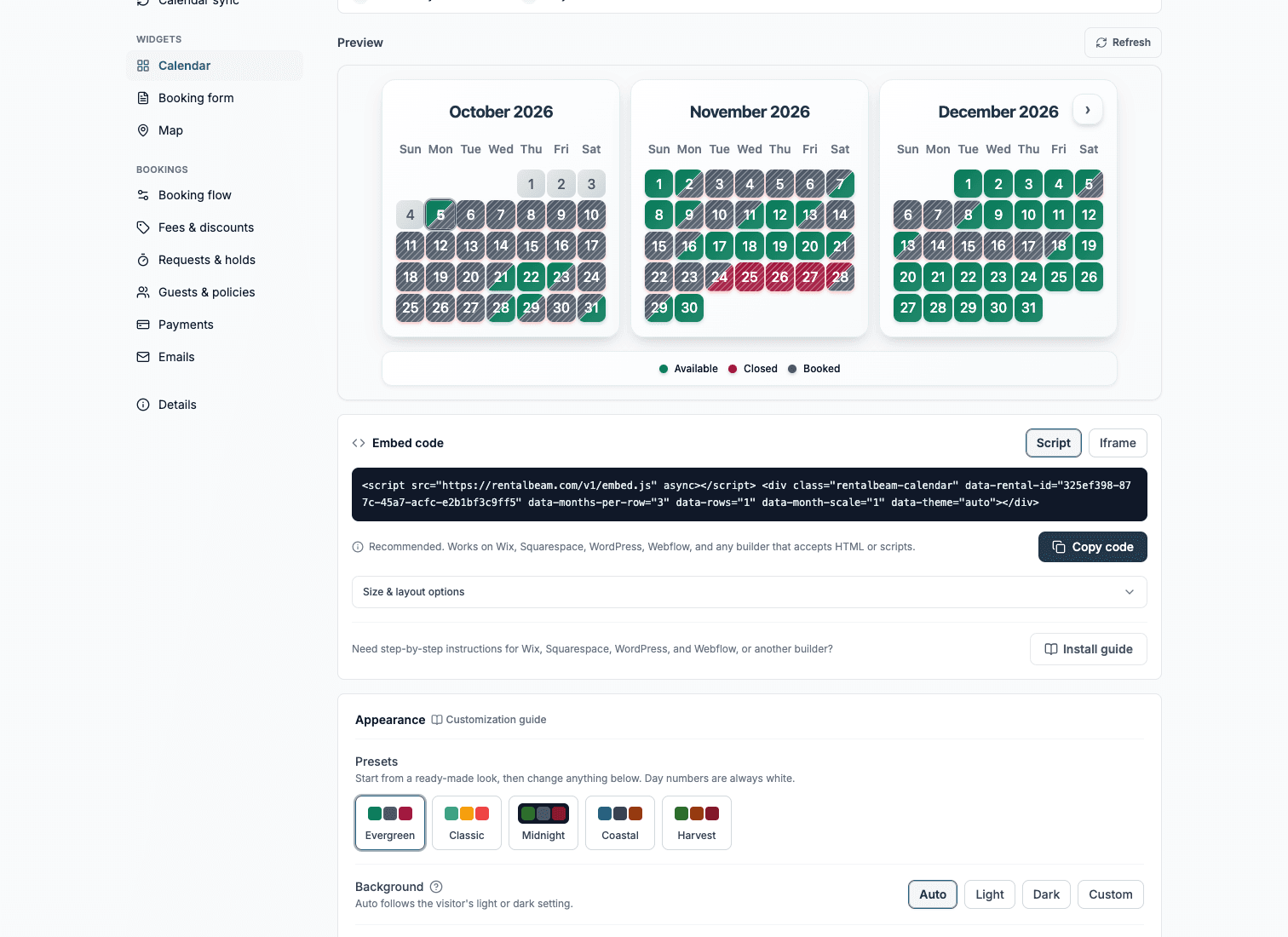
Paste your Airbnb, Vrbo, or Booking.com iCal feed into RentalBeam so your website calendar shows live availability and guests only ever request open dates.
- 2
Add the booking form widget on Pro
Paste the booking widget onto your own site. Every booking that comes through it is a direct booking with no commission and no booking fee.
- 3
Choose how guests pay
Stay inquiry-first, approve a stay and bill by bank transfer, cash, or a secure card payment link, or let guests pay by card in the widget. Only card payments carry the standard Stripe processing fee; the other flows have no per-transaction cost.
- 4
Keep your OTA listings too
RentalBeam complements Airbnb, Vrbo, and Booking.com rather than replacing them. Keep the channels that work and route repeat or word-of-mouth guests to your commission-free direct checkout.
Ways to keep even more of each booking
- Point repeat and referral guests to your direct site, where there is no commission
- Use inquiry-only or pay-later for guests who prefer bank transfer or cash, avoiding card-processing fees entirely
- Reserve card payments in the widget for guests who value paying instantly online
- Show pricing, coupons, and seasonal rates directly so guests book with confidence on your own page
The remaining cost is small and predictable
Once platform commissions are gone, the only variable cost is the standard card-processing fee on card payments. For most hosts that is a fraction of what an OTA commission would have taken.
The simplest next step
If you are weighing this against a per-booking pricing model, start with the monthly-fee-vs-transaction-fee guide. When you are ready, see current subscription prices on the pricing page, localized for your region.
A clear page matters as much as a low fee
Removing platform fees only helps if guests actually complete the booking. Keep your direct-booking page simple, show availability and price clearly, and respond quickly.