How to accept direct bookings from your vacation rental website
This guide walks you through adding a direct booking engine to your website, connecting up-to-date availability, and turning website visitors into reservation requests or paid stays without relying only on OTA commissions. It also covers the optional pricing, seasonal, rules, guest-intake, and payment features that make a booking form more useful than a generic contact form.
Why direct bookings matter
OTAs bring you guests and charge commission for it. A booking taken on your own site costs you the card fee and nothing else, and the guest's email address is yours.
A direct booking is a reservation a guest completes through your own website instead of through an OTA listing. RentalBeam syncs the same availability guests would see on Airbnb or VRBO, then lets them submit a request or pay - with zero RentalBeam commission on Pro.

OTA booking vs. direct booking on your website
| What changes | OTA booking (Airbnb, VRBO, Booking.com) | Direct booking via your website |
|---|---|---|
| Guest relationship | Owned by the platform | Owned by you from the first click |
| Commission on the booking | Platform commission applies | Zero RentalBeam commission on Pro; only the standard Stripe card fee applies if the guest pays by card, paid to Stripe not RentalBeam |
| Availability source | The platform's own calendar | Synced from the same iCal sources, always aligned |
| Booking flow | Platform-controlled checkout | Inquiry only, request now bill later, or pay in widget - your choice |
For the full pricing-model comparison, see should you pay a monthly fee or a transaction fee for direct bookings.
What you need first
- A RentalBeam account and an active rental
- Connected iCal source(s) from Airbnb/VRBO/Booking.com
- Active Pro plan - the booking form widget is a Pro feature
- Access to your website editor
Launch with one property first
Start with your highest-converting listing, validate guest flow and response time, then roll out to your full portfolio.
Setup steps
- 1
Connect and validate availability
- Open your RentalBeam dashboard
- Select the target rental
- Confirm iCal feeds are connected and syncing
- Check that blocked dates display correctly
Availability comes first
Your booking engine should only be published after synced availability is verified to avoid guest friction. - 2
Configure booking and pricing settings
- Enable the booking form in your booking settings (Pro plan required)
- Set base nightly rate or leave pricing disabled if you only want requests
- Add seasonal pricing overrides, cleaning fees, discounts, and coupon codes
- Configure custom fields, guest counts, and booking rules such as prep time or same-day cutoff
- Set contact email for request notifications
- Save and preview total calculations
Learn more on the vacation rental booking widget page.
- 3
Embed the booking engine on your website
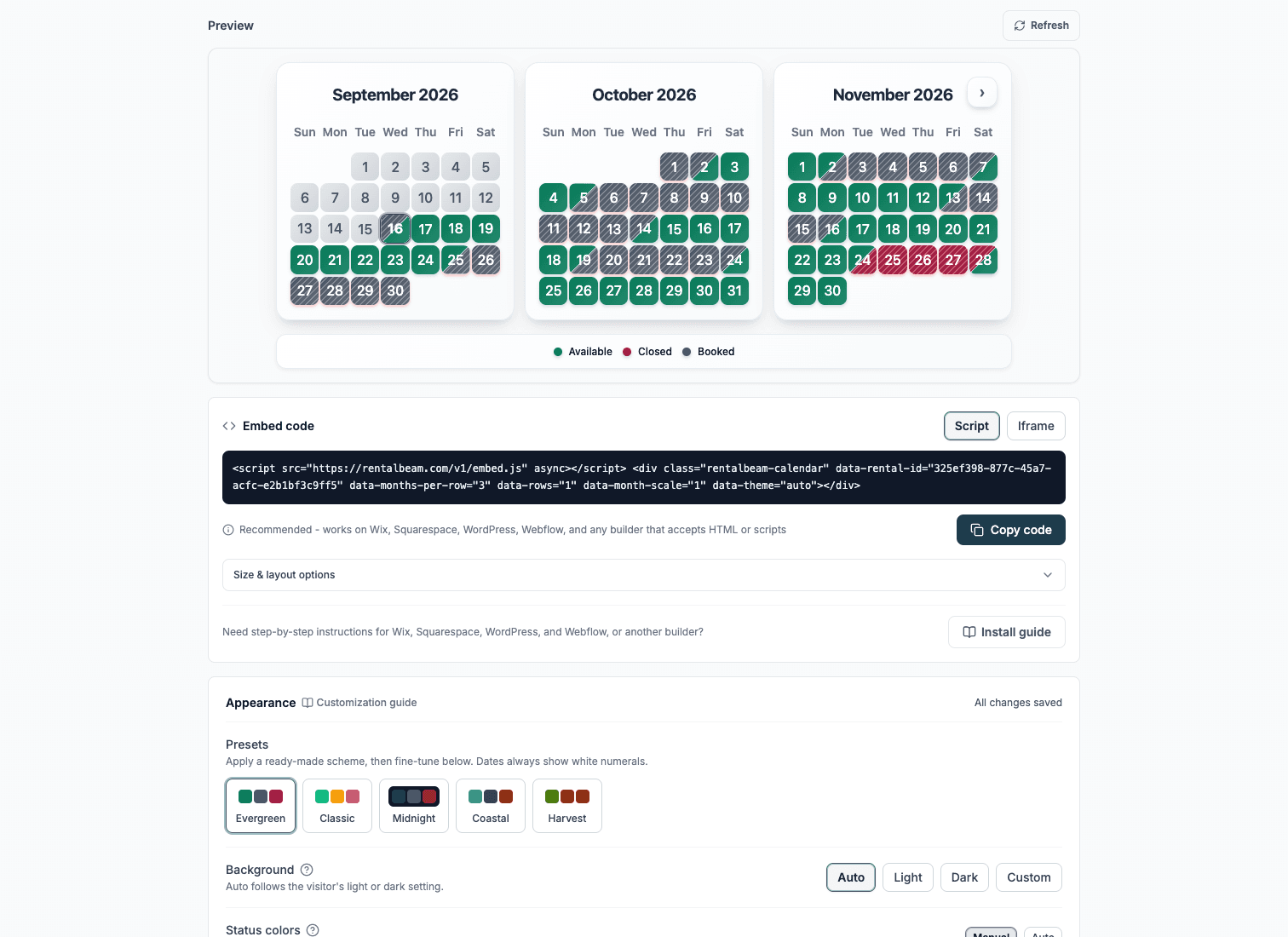
Copy your booking embed code from widget settings and paste it into your website page. For Custom HTML installs, the script snippet is now the default recommendation.
html<script src="https://cdn.rentalbeam.com/v1/embed.js" async></script> <div class="rentalbeam-booking-form" data-rental-id="your-booking-widget-id" style="width: 100%; max-width: min(100%, 840px); margin: 0 auto;"></div>Website builder install steps
Pick your builder to see the safest place to paste the booking widget and whether Script or Iframe is the better choice.
Recommended: ScriptWordPress
Best fit when you can add a Custom HTML block or plugin.
WordPress usually allows the booking form script directly, so you can keep the best loading and mobile behavior.
Use the Script tab for this builder.
- Open the page with your booking CTA
- Insert a Custom HTML block where the booking form should appear
- Paste the booking widget embed code
- Update the page and submit a live test inquiry
Before you publish
- Place the booking form directly below the availability calendar or next to your primary booking copy so the page reads as one clear booking flow.
- If your theme adds very tight column widths, give the booking form section its own full-width row so the fields do not feel cramped.
- Always submit one live test inquiry after publishing so you can confirm the widget renders correctly and the notification email arrives.
- 4
Run a real end-to-end test
What Pro actually includes
Optional pricing display
Show nightly pricing if you want guests to see an estimated total, or keep the form request-only with no pricing shown.
Seasonal pricing and minimum stays
Override rates, minimum stay, and discounts for holidays, peak season, shoulder season, or special events.
Fees, discounts, and coupon codes
Configure cleaning, pet, and service fees, plus early-bird, last-minute, and length-of-stay discounts with coupon controls.
Custom guest intake
Collect extra information with custom fields, guest-count settings, and booking rules before you reply to the guest.
Guest payments and invoicing
Optionally collect payment online through Stripe Connect, send hosted payment links, and generate invoice PDFs - or keep the workflow inquiry-only and bill guests however you prefer.
Inquiry-first or payment-enabled - your choice
RentalBeam can stay request-first, or you can enable secure guest payments through Stripe Connect when you want guests to pay online. Compare the options in the booking-flow guide.
Conversion best practices
- Keep one primary CTA: focus attention on booking action, not too many competing buttons.
- Use trust context near form: mention response time, secure handling, and clear policy links.
- Prioritize mobile readability: larger tap targets, concise labels, and short paragraphs improve completion rates.
- Respond quickly: the first host reply strongly influences conversion outcome.