RentalBeam vs BNBForms: booking form widget, compared
RentalBeam and BNBForms are both commission-free and both embed on your own website, so on paper they look alike. Look closer and they aim at different things. BNBForms is a booking form: its whole product is the widget guests fill in to reserve, on a flat fee with no free tier. RentalBeam sells the availability calendar as a free widget on its own, then adds the booking form and a location map on top. If all you want is a booking form, BNBForms is focused on exactly that; if you want a free calendar first and a wider widget set, RentalBeam fits better.
How RentalBeam compares to BNBForms
RentalBeam next to BNBForms, from publicly available information checked August 25, 2026.
What it is
RentalBeam
(Us)
BNBForms
Pricing model
RentalBeam
(Us)
BNBForms
Commission on your direct bookings
RentalBeam
(Us)
BNBForms
Permanent free plan
RentalBeam
(Us)
BNBForms
Standalone availability calendar widget
RentalBeam
(Us)
BNBForms
Direct booking form and guest payments
RentalBeam
(Us)
BNBForms
Guest payment processors
RentalBeam
(Us)
BNBForms
Location map widget
RentalBeam
(Us)
BNBForms
iCal availability sync
RentalBeam
(Us)
BNBForms
Website builder support
RentalBeam
(Us)
BNBForms
Best suited for
RentalBeam
(Us)
BNBForms
| Feature | RentalBeam(Us) | BNBForms |
|---|---|---|
| What it is | Availability calendar, booking form, and map widgets | A booking form widget |
| Pricing model | Free plan + flat rental tiers | Flat fee, no permanent free tier |
| Commission on your direct bookings | None | None |
| Permanent free plan | Included | Not included |
| Standalone availability calendar widget | Included | Calendar shown inside the booking form |
| Direct booking form and guest payments | Yes, on Pro | Included |
| Guest payment processors | Stripe | Several, including PayPal and Stripe |
| Location map widget | Included | Not included |
| iCal availability sync | Included | Included |
| Website builder support | Wix, Squarespace, WordPress, Webflow, and any builder that accepts HTML or scripts | Very broad, including Shopify and GoDaddy |
| Best suited for | A free calendar plus bookings and a map | A focused paid booking form |
RentalBeam or BNBForms?
BNBForms is a flat-fee, commission-free booking form widget you embed on a rental website. Here is the honest split.
Pick BNBForms
Choose BNBForms if what you want is a focused booking form on a flat fee, and you value its breadth elsewhere: it supports a long list of payment processors (including PayPal, Stripe, Braintree, and others) and embeds on an unusually wide range of site builders, from WordPress and Wix to Shopify, GoDaddy, and Joomla. For a straightforward paid booking widget, it does the job.
Pick RentalBeam
Choose RentalBeam if you want to start free. Its availability calendar is a free widget in its own right, so you can show open dates on your site before paying for anything, then add the booking form and guest payments on Pro. RentalBeam also ships a single-property location map widget that BNBForms does not, and shows several of your rentals together with Collections.
Where RentalBeam differs
A free availability calendar
RentalBeam has a permanent free plan for the availability calendar on its own. BNBForms has no permanent free tier; it is a paid flat-fee product after a trial.
Three separate widgets
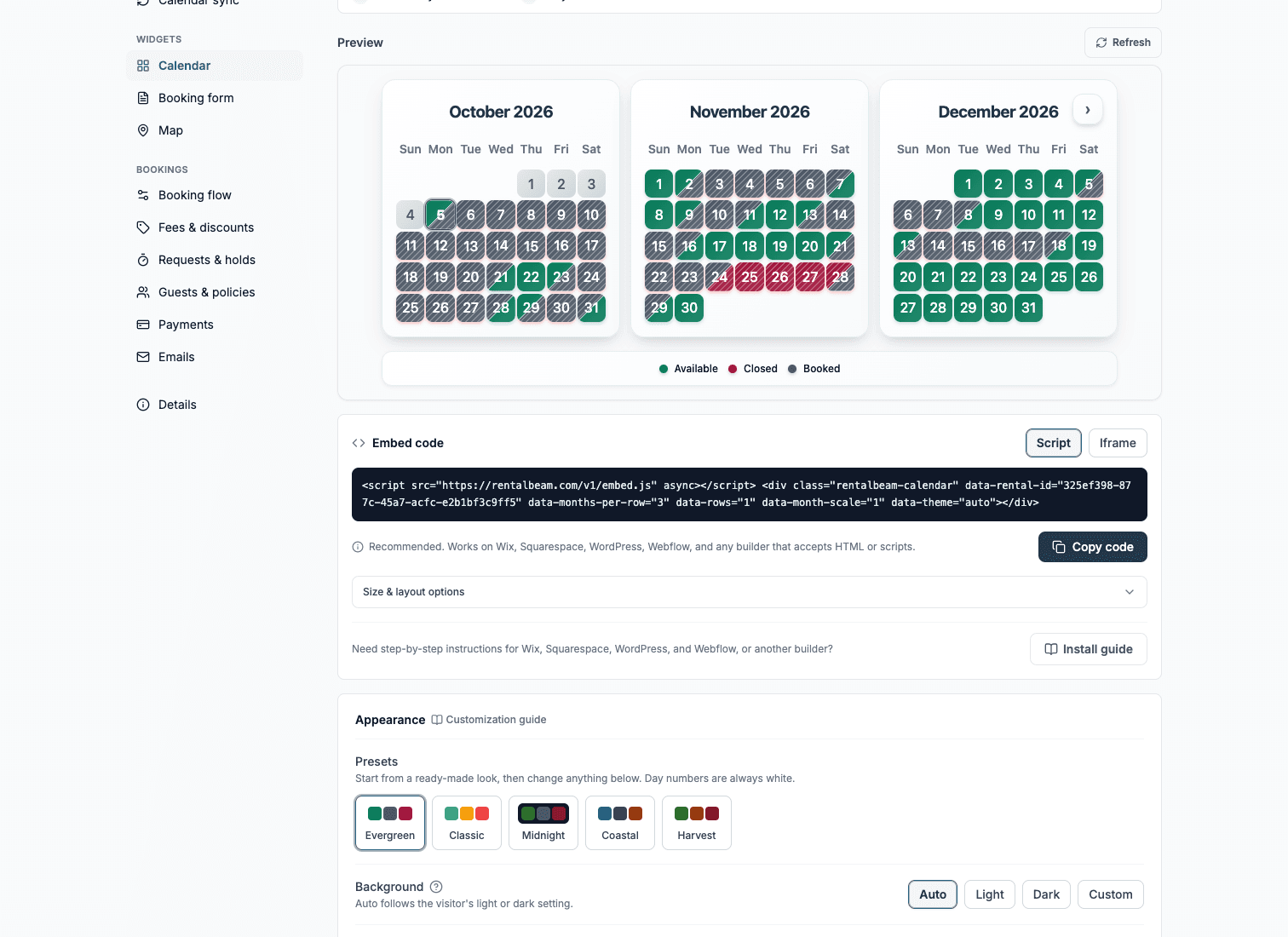
RentalBeam offers an availability calendar, a booking form, and a location map as separate widgets. BNBForms centers on the booking form, with the calendar shown inside it.
A location map widget
RentalBeam ships a single-property map widget with privacy modes. BNBForms does not offer one.
Want the number for your own listings? Calculate what OTA commissions cost you per year.
BNBForms is a trademark of its respective owner and is not affiliated with RentalBeam. This comparison reflects publicly available information checked on August 25, 2026. Vendors change their plans without notice, so confirm current terms before deciding.