

Booking widget
A direct booking form guests fill out on your own website, no booking site commission, no redirect.
Available onPro
The booking widget is a Pro feature. The availability calendar is a separate widget available on Free and above.
What it does
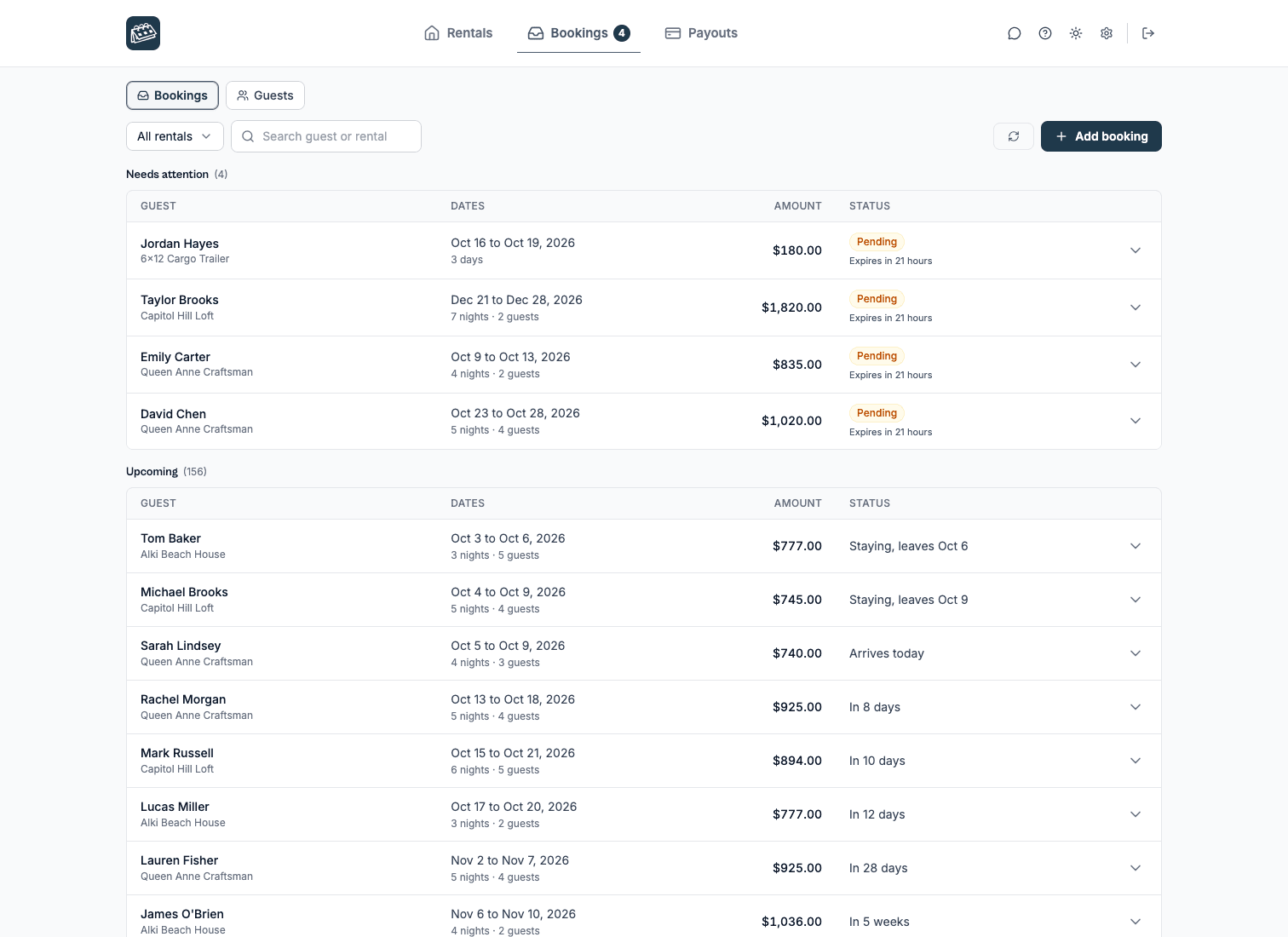
The booking widget embeds a reservation form on your site. Guests pick available dates, enter their details, and submit a request. Depending on the booking type, you confirm the request, send a secure payment link, or let the guest pay right in the form. Online payments run on Stripe Connect, so the money lands in your own Stripe account. Availability comes from the same iCal sources as your calendar, so dates stay consistent.
rentalbeam.com/dashboard
Plan requirements
| Feature | Free | Plus | Pro |
|---|---|---|---|
| Booking widget | - | - | ✓ |
| Inquiry | - | - | ✓ |
| Request to book + payment links | - | - | ✓ |
| Instant book (Stripe) | - | - | ✓ |
| Seasonal prices charged in the booking form | - | - | ✓ |
| Coupon codes | - | - | ✓ |
| Custom fields & file uploads | - | - | ✓ |
| Booking rules (min stay, advance notice, etc.) | - | - | ✓ |
In this section
- Embed guide: find your rental ID and add the form.
- Booking types: Inquiry, Request to book or Instant book.
- Pricing, fees & discounts: nightly rate, seasonal pricing, fees, tax rates, and discounts.
- Booking rules: advance notice, prep time, and hold time.
- Guest payments: bank transfer, cash, or card via Stripe Connect.
- Custom fields & file uploads: your own form fields and guest file uploads.
- Guests & policies: guest limits, cancellation and date-change wording, and security deposits.
- Payment steps & requests: split what a guest owes into steps, and decide what their payment document says.
- Vehicle & equipment rentals: rent out trailers, boats, RVs, cars, or gear with pick-up and drop-off wording.
- Appearance: logo, accent color, titles, and success messages.
- Notifications & the review link: who gets emailed, and how you respond.
- Guest messaging: reply to a booking email to message the guest directly.
- Collections: put several rentals behind one booking form and let the guest pick.