

RentalBeam app for iPhone and Android
Your direct bookings, on your phone
For vacation rental hosts who take bookings on their own website. Every direct booking, in one place on your phone, beside the stays you get from Airbnb, Vrbo and Booking.com. When a guest sends a request, your phone tells you.
- App StoreComing soon
- Google PlayComing soon
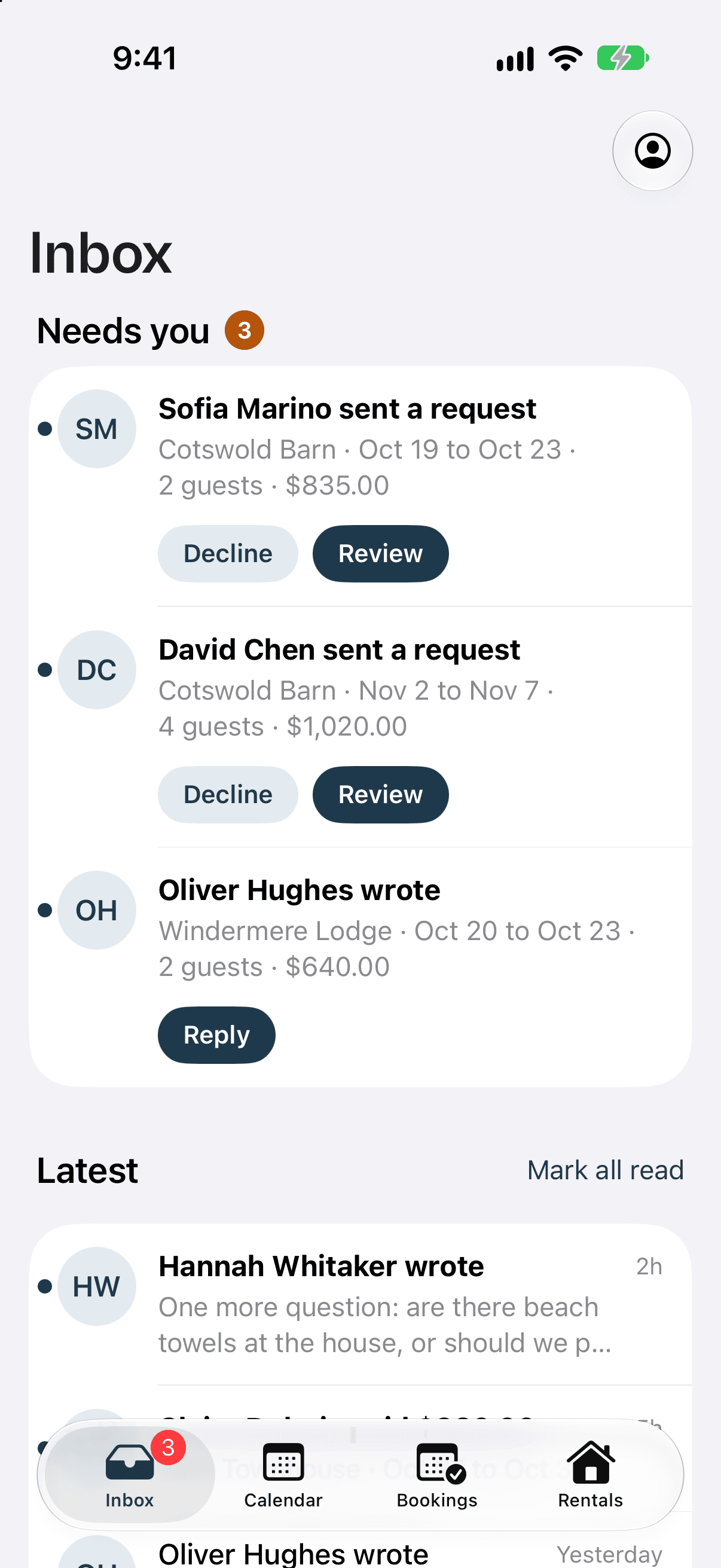
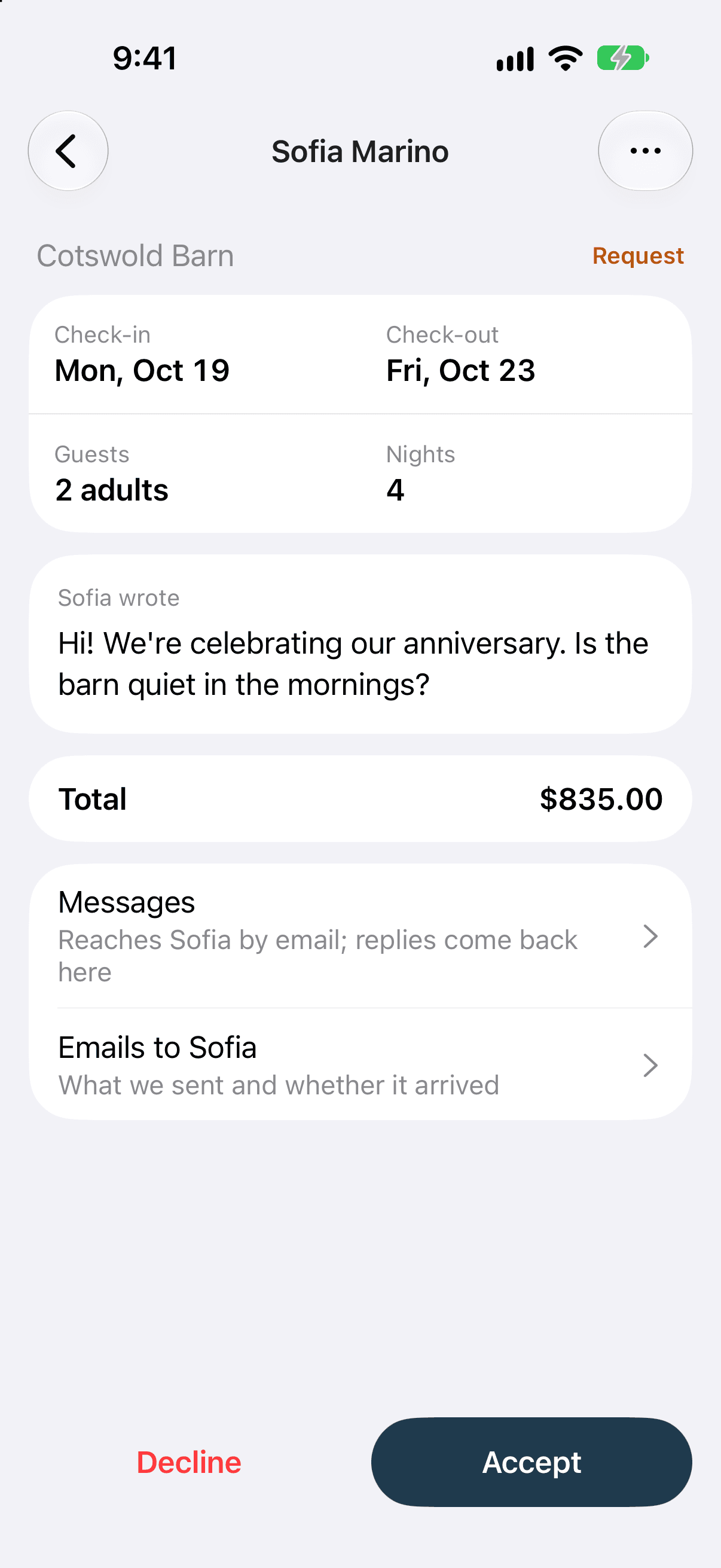
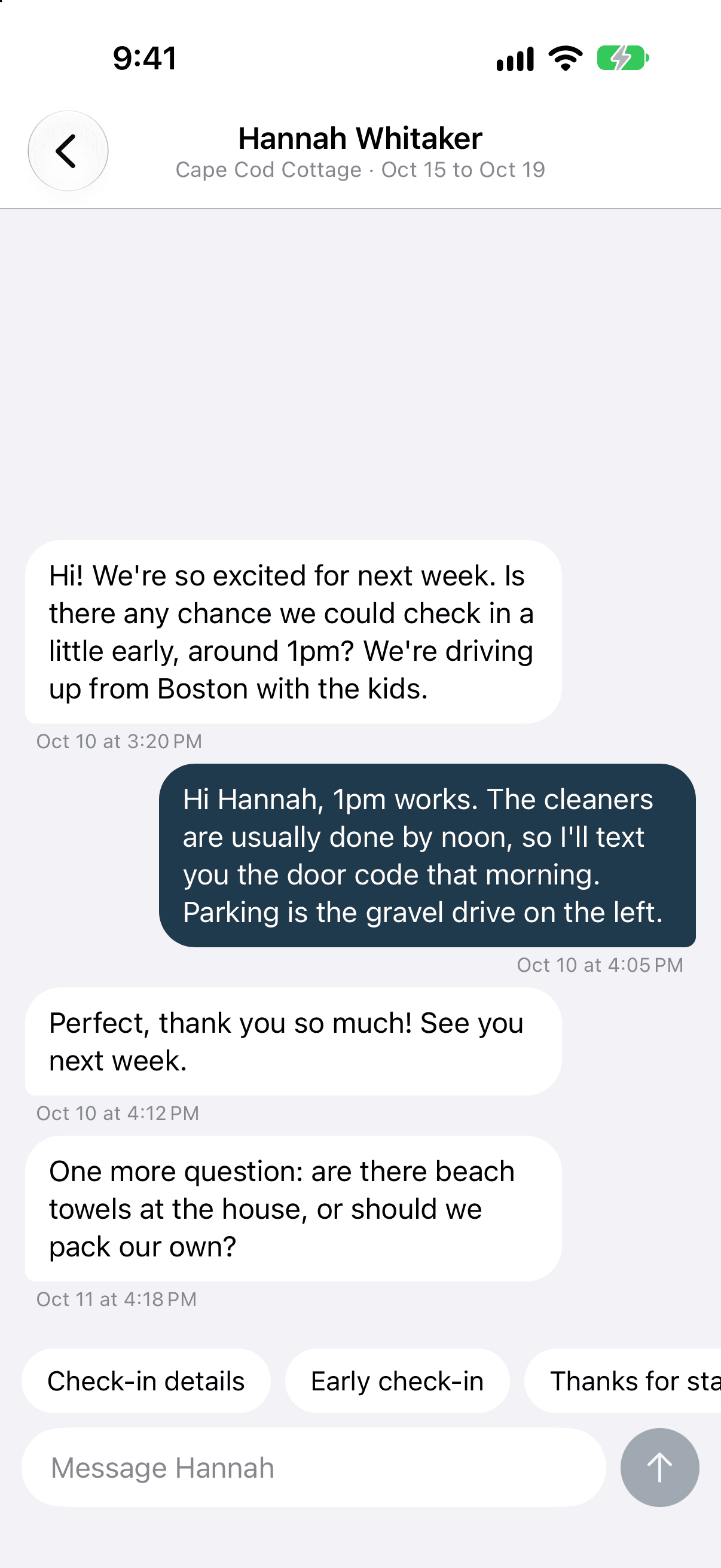
Requests and messages
Answer a request from wherever you are. Open it to see the dates, the guests and the total, then answer in the guest's thread.
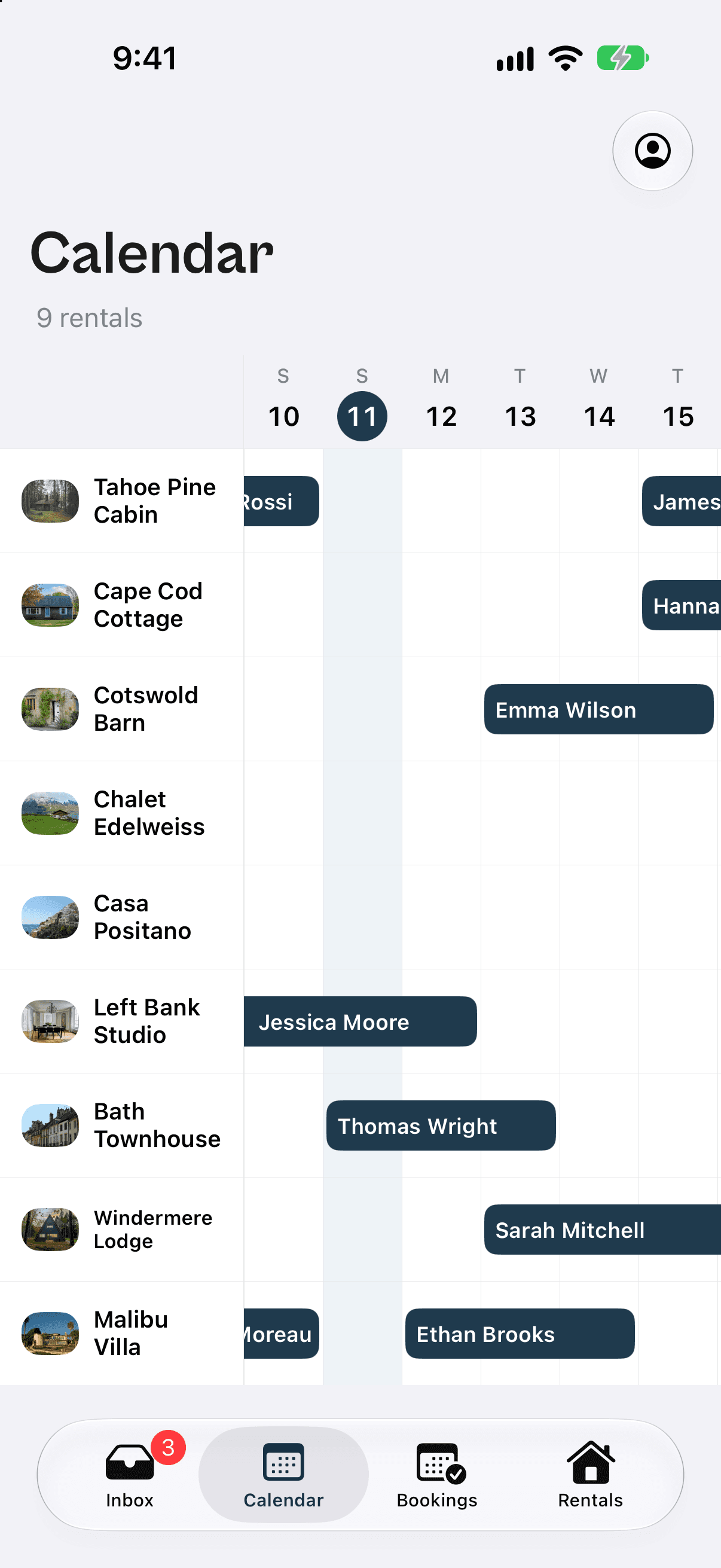
Calendar
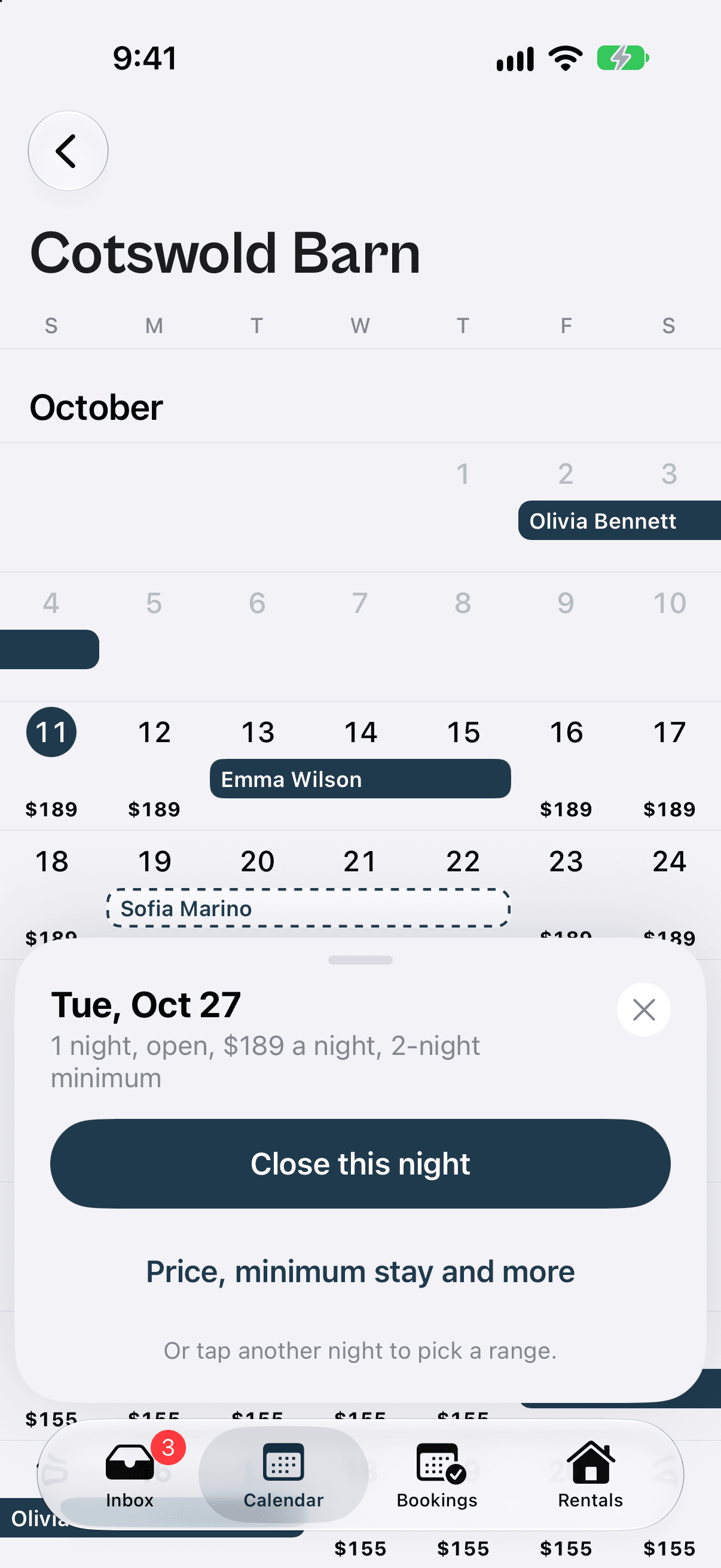
Close a night or change its price in seconds. Your own bookings sit beside every site you list on, with each night's minimum stay one tap away.
Bookings
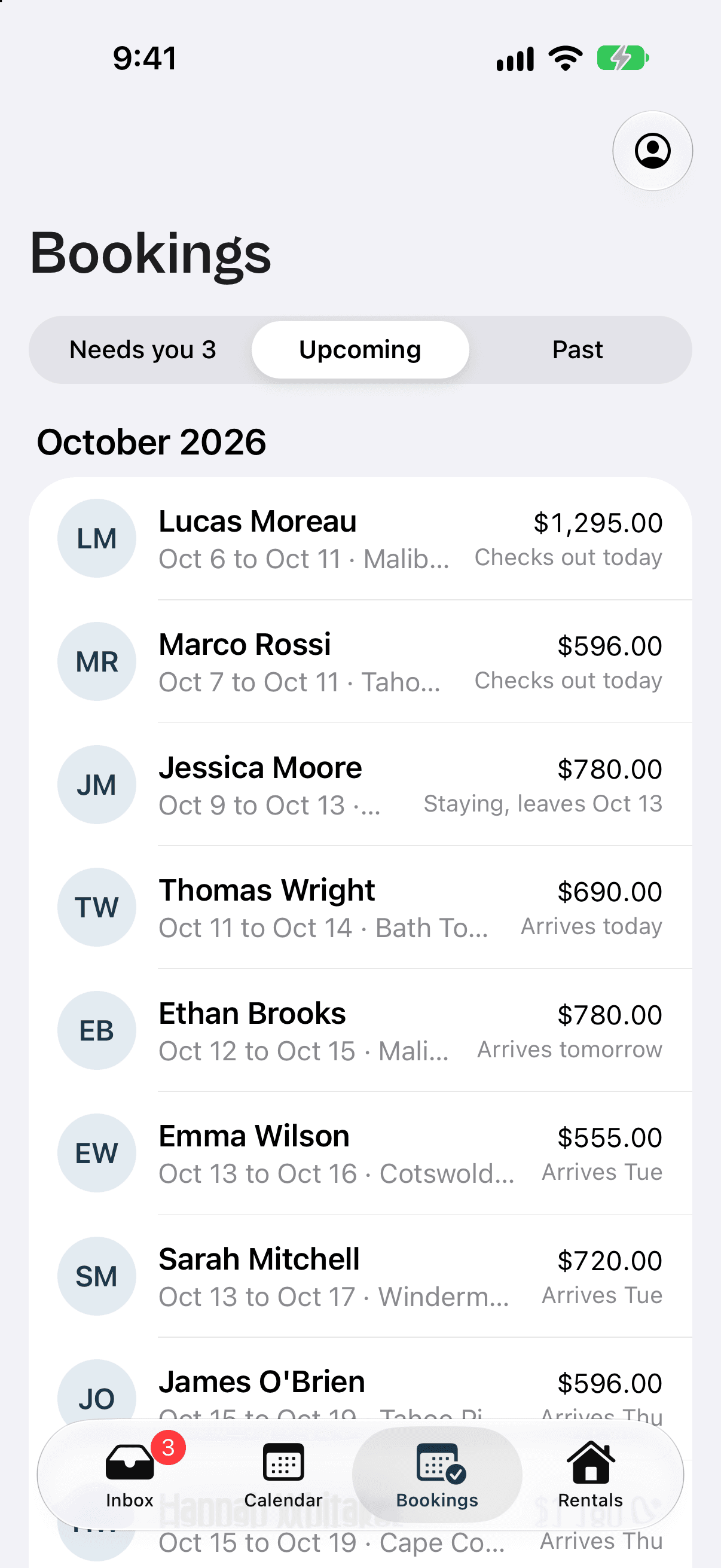
See who arrives this week. Every stay in order of arrival. Send a price, share a payment link or record a payment.
Related guides. How the app works, and the parts of RentalBeam it runs.
Frequently asked questions.
Which phones does the RentalBeam app run on, and when can I get it?
iPhone and Android. It is coming soon to the App Store and Google Play, and this page links to each listing the day it is live.
What can I do in the app?
Get an alert for a new request, a guest message or a payment. Accept or decline a request, reply to a guest, send a price for an inquiry, share a payment link, record a payment, change a booking's dates and guests, or cancel it. On the calendar you can close and open nights and change a night's price and minimum stay.
What stays on the website?
Setting up. Adding your rentals, building the calendar, booking form and map for your website, and copying their embed codes all happen on rentalbeam.com. The app is for running your bookings and calendar from your phone.
Do I need an account to use the app?
Yes. You can create a RentalBeam account in the app or on rentalbeam.com, and sign in to the app with the same account.
Set it up on the website, run it from your phone
Create your account, add your rentals and put the calendar and booking form on your site. Then take your bookings with you.