Minimum stay, maximum stay, and booking rules for direct bookings
A booking form with no rules accepts a one-night stay in peak week, a check-in on cleaning day, and a reservation two years out. Rules are how you say no politely and automatically. This guide walks through every rule RentalBeam enforces on your own booking form, where each one lives, and which ones also travel to Airbnb and Vrbo through your calendar export.
The rules, and where each one lives
| Rule | What it does | Where to set it |
|---|---|---|
| Minimum stay | Fewest nights a guest can book; chosen dates can have their own | Dates & prices |
| Maximum stay | Most nights in one stay; empty means no limit | Dates & prices |
| Booking window | How far ahead guests can book | Dates & prices |
| Allowed check-in and check-out days | Arrivals and departures only on chosen weekdays | Dates & prices |
| Cutoff time | No same-day booking after this time | Dates & prices |
| Advance notice | Minimum days between today and check-in | Dates & prices |
| Prep time | Cleaning gap around every booking | Dates & prices |
| Pending request timing | How long a request holds its dates | Requests & holds |
| Guest limits | Maximum guests, adults, children, pets | Guests & policies |

Minimum stay, and a longer one in season
- 1
Set your usual minimum
Open the rental, then Dates & prices. With no dates selected, the panel shows Your usual settings. Under Length of stay, enter the minimum number of nights. It applies to every date that has no minimum of its own. You can also choose how it counts: Arrivals on that night (how Airbnb counts it) or Any stay that includes it.
- 2
Give a season its own minimum
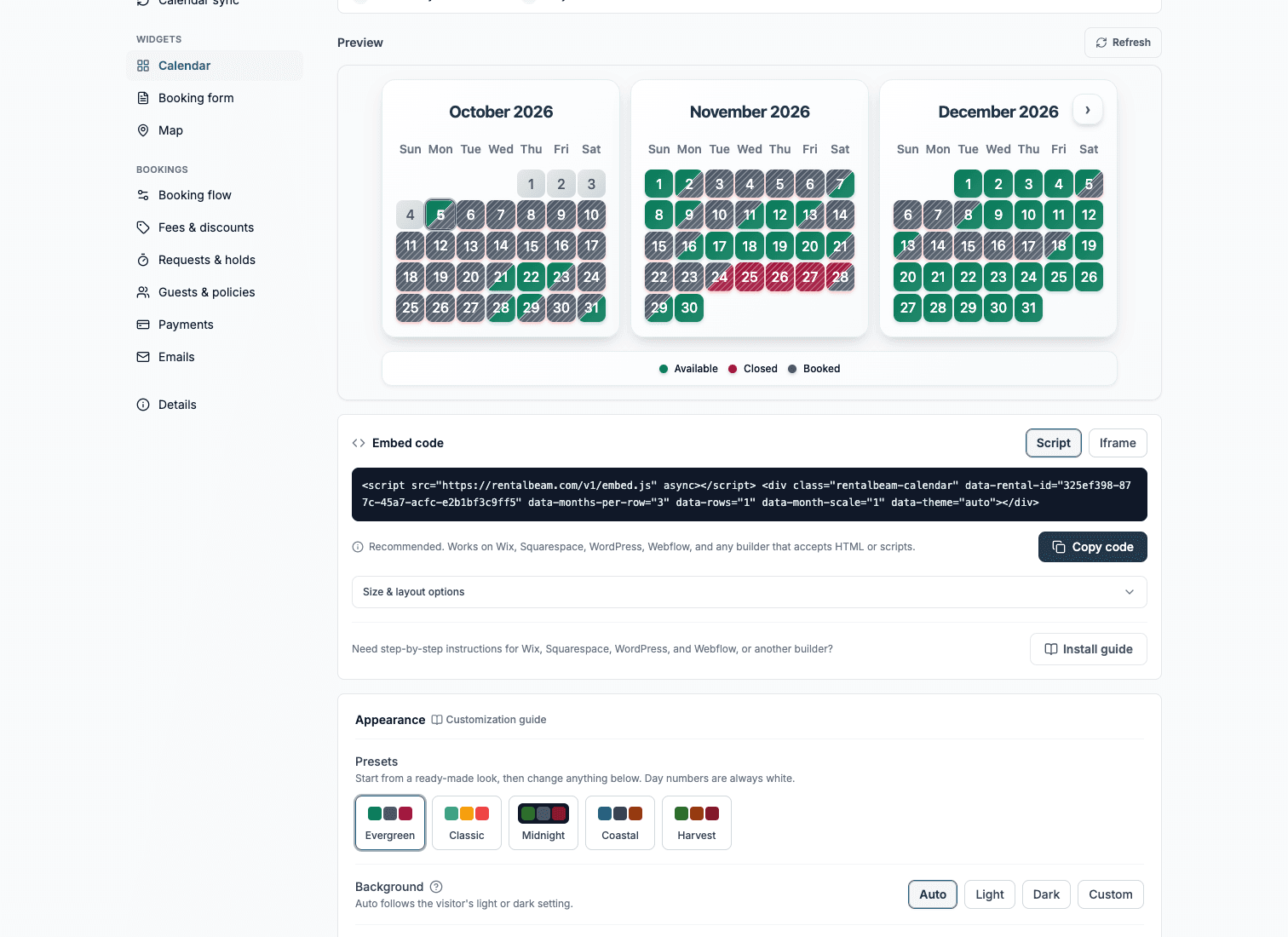
On the same calendar, tap the first and last day of the season. In the Minimum stay box, type the nights and press Save. A seven-night minimum in August and a two-night minimum the rest of the year is one range. The price is a separate box, so setting a minimum never changes a price. Nights with their own minimum show a small "4+" on the calendar. Press Use my usual minimum to go back.
- 3
Watch the form enforce it
The booking form applies the minimum before a guest can request, so a too-short stay never reaches your inbox.
Maximum stay and booking window
A maximum stay caps one reservation in nights. The form greys out check-out dates past the cap while the guest is picking, and a request over the limit is turned down with a clear message. Leave it empty for no limit.
The booking window decides how far ahead anyone can book: any future date, a rolling number of days from today, or a fixed end date. It is set under When guests can book on Dates & prices, because it belongs to the rental, not only to the form: it also shapes your availability calendar and your iCal export, so a platform importing your calendar sees the same closed horizon. Nights on the calendar past the window show as Too far.
Check-in days and the same-day cutoff
- Allowed check-in and check-out days: restrict arrivals and departures to the weekdays you can turn the property around, for example Friday and Saturday only. Set them under Length of stay on Dates & prices. For one stretch of dates, select them and use the Arrivals and departures box.
- Cutoff time: after this time of day, today is no longer offered for a same-day booking. Pair it with advance notice for a full lead-time policy. Both are under When guests can book.
- Both apply to your own booking form. The calendar shows the resulting closed days so guests are not surprised.
How long a request holds its dates
When a guest sends a request that needs your confirmation, you choose what happens to the dates:
| Hold option | What happens |
|---|---|
| Off | The dates stay open until you confirm |
| Expire automatically | The dates are held for a window you set, then released if you have not answered |
| Never expire | The dates stay held until you confirm or decline |
A pending reminder can nudge you before a held request expires. Inquiries follow the same setting only if you turn on Do inquiries block your dates?; by default an inquiry blocks nothing.
Guest limits
Set a maximum total guests for the whole booking. If you want the party size broken down, turn on separate adults and children counters, each with its own optional limit, and a pets counter the same way. Children count toward the total like adults, unless you set an age under which a child does not take a bed; a baby in a cot then stops using up capacity. That age has nothing to do with price; child rates are set separately in Fees & discounts.
Which rules reach Airbnb and Vrbo
Calendar rules travel. Advance notice, prep time, and the booking window are written into your export link as blocked ranges, so any platform importing your calendar enforces the same dates. Stay rules do not travel: the minimum and maximum number of nights, check-in days, and guest counts are enforced on your own form and are set inside each platform's own settings. Keep them consistent by hand, once.
Summary
Almost every rule has one home: Dates & prices. Stay length and check-in days are under Length of stay, and the booking window, notice, prep time and cutoff are under When guests can book. Pending holds are in Requests & holds and guest counts are under Guests & policies. Set them once and the booking form says no for you, before a bad request ever reaches your inbox.