How to avoid double bookings when you also take direct bookings
A double booking is two guests holding the same night, and it almost always starts in the gap between two calendars. You take a direct booking on your website on Friday evening, Airbnb does not hear about it until Saturday, and someone books the same weekend there in between. The fix is not to stop taking direct bookings. It is to close the gap in both directions and to check the calendar one last time at the moment money changes hands.
Where the gap comes from
Every platform keeps its own calendar. Airbnb does not read Vrbo, Vrbo does not read your website, and none of them know about a booking until someone tells them. iCal links are how they tell each other, and iCal is a polling system: each side re-reads the other's link on a schedule. RentalBeam re-reads your platform links at most every 15 minutes. The platforms are slower to publish: Airbnb's export can lag around 3 hours and Booking.com's up to 24.
Inside that window, two calendars disagree. That disagreement is the double booking.

Step 1: import every platform into one calendar
- 1
Collect each iCal link
Airbnb, Vrbo, Booking.com, and any other channel each give you an export link. Here is where each one lives.
- 2
Add them all to one rental
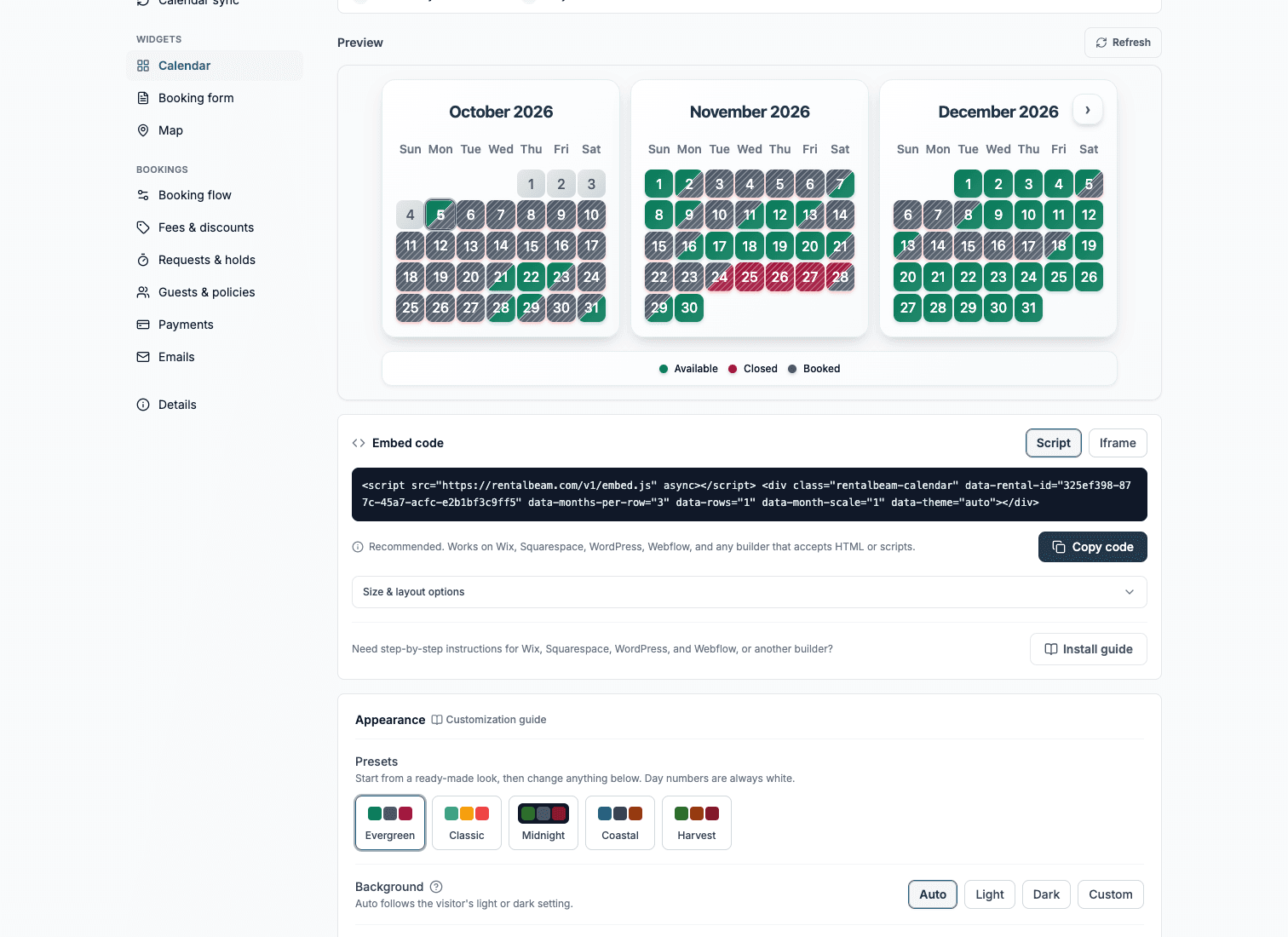
In RentalBeam, add every link as a source on the same rental. The calendar merges them, so a night booked anywhere reads as taken.
- 3
Embed that calendar on your site
Guests now see the truth before they ask. Most double-booking requests never get sent.
Step 2: export your direct bookings back
The import only protects your website. The platforms still do not know about the weekend you just sold directly.
- 1
Copy your export link
Open your rental and go to Calendar sync. The Combined Feed carries every booking and every rule you have set.
- 2
Paste it into each platform
Airbnb, Vrbo, and Booking.com each accept an import link in the same place they gave you theirs.
- 3
Let them catch up
Each platform re-reads on its own schedule. A direct booking appears there as a blocked range at the platform's pace.
Step 3: check again at the moment of truth
Sync narrows the gap. The booking form closes it.
- Pay in widget: RentalBeam re-checks live availability at the moment the guest confirms payment, so a stay booked elsewhere seconds earlier is caught before a reservation exists.
- Request now, bill later: you review the request against the calendar before you accept it, and a pending request can hold its dates while you decide.
- Inquiry only: nothing is booked until you reply, so nothing can collide.
Decide what a pending request does to your calendar
A request that needs your confirmation can hold its dates in one of three ways: no hold, a hold that expires automatically after a window you choose, or a hold that lasts until you answer. A hold protects the guest who asked first. An expiring hold protects you from a request you forgot to answer. Pick the one that matches how fast you reply, and remember the hold is exported to the platforms like any other block.
The rules that quietly prevent the rest
- Prep time between stays: a cleaning gap around every booking, so a back-to-back on two platforms cannot land on the same day.
- Advance notice: a minimum lead time before check-in, so a same-day booking on one platform cannot surprise you.
- Allowed check-in days and a maximum stay: fewer odd overlaps to reconcile by hand.
- Both are included in the export, so every platform enforces the same rules as your website.
What to do when one happens anyway
Cancel the later booking on the platform where it was made, message the guest at once, and check which link had gone stale. A platform export link can be regenerated by the platform; if a source stops updating, re-copy it. RentalBeam's Calendar sync section shows each source's last successful import so you can see the stale one instead of guessing.
Summary
Import every platform, export your own calendar back, and use a booking flow that checks the calendar one last time before a stay is accepted. Double bookings are a gap between calendars, and this closes it from both sides.