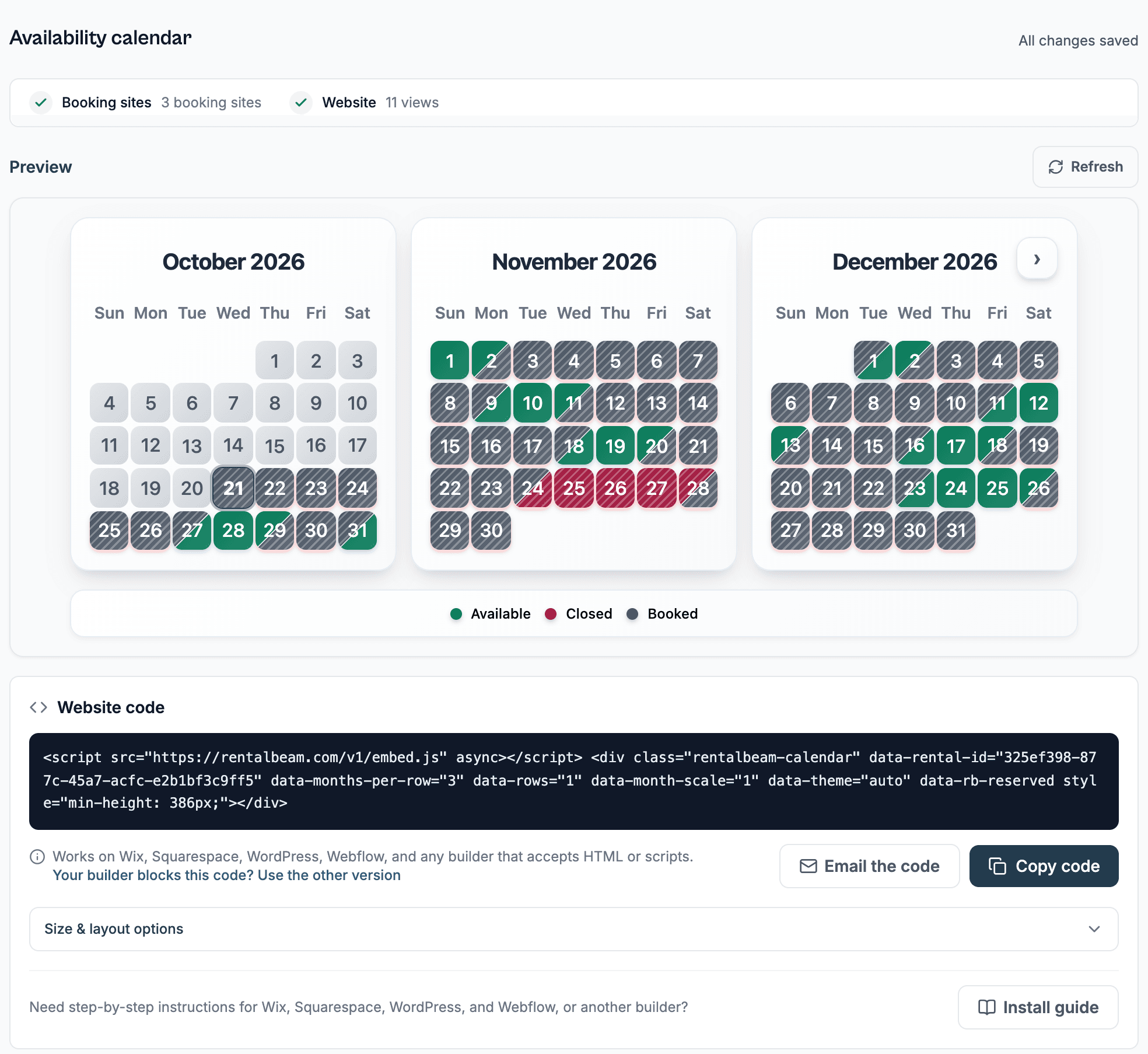
What's new in RentalBeam: September 2026
Three things shipped this month that change what a host sees every day: rentals that speak the language of a vehicle, a preview of every email before it goes out, and payment reminders that chase a balance for you.
Your rental can now be a vehicle or a piece of equipment
Every rental used to speak the language of a stay: check-in, check-out, nights, and a number of guests. That is the wrong vocabulary for a car hauler. A trailer host asked for words that fit what they rent, and RentalBeam has them now.
Each rental's Details page has one question: "What are guests booking?" Answer A stay and nothing changes, which is what every rental created before this release already is. Answer A vehicle or equipment and the words follow: trailers, cars, RVs, boats, bikes, and gear.
You will find the choice in the dashboard: open your rental from Rentals, then choose Details. It saves with the rest of the form.
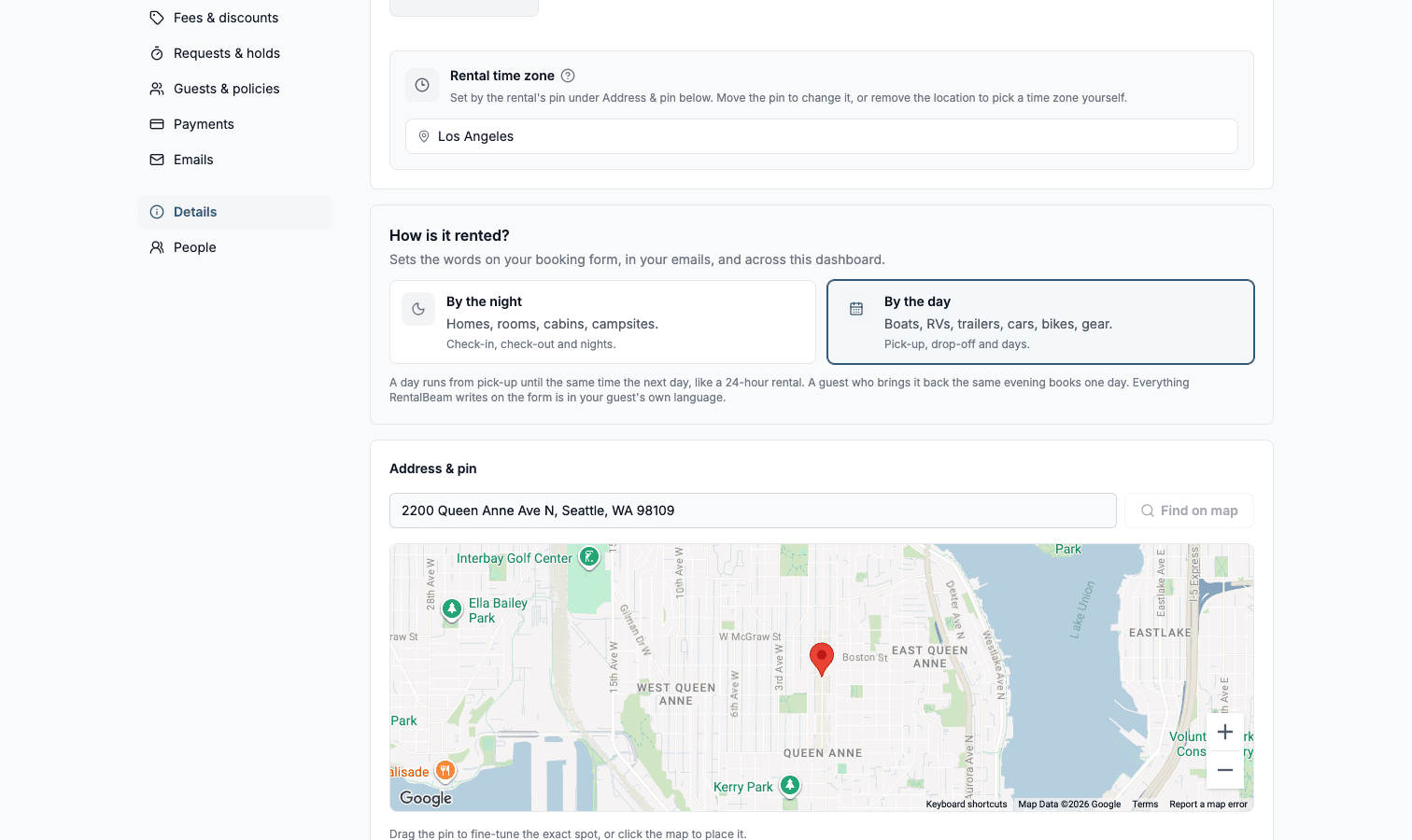
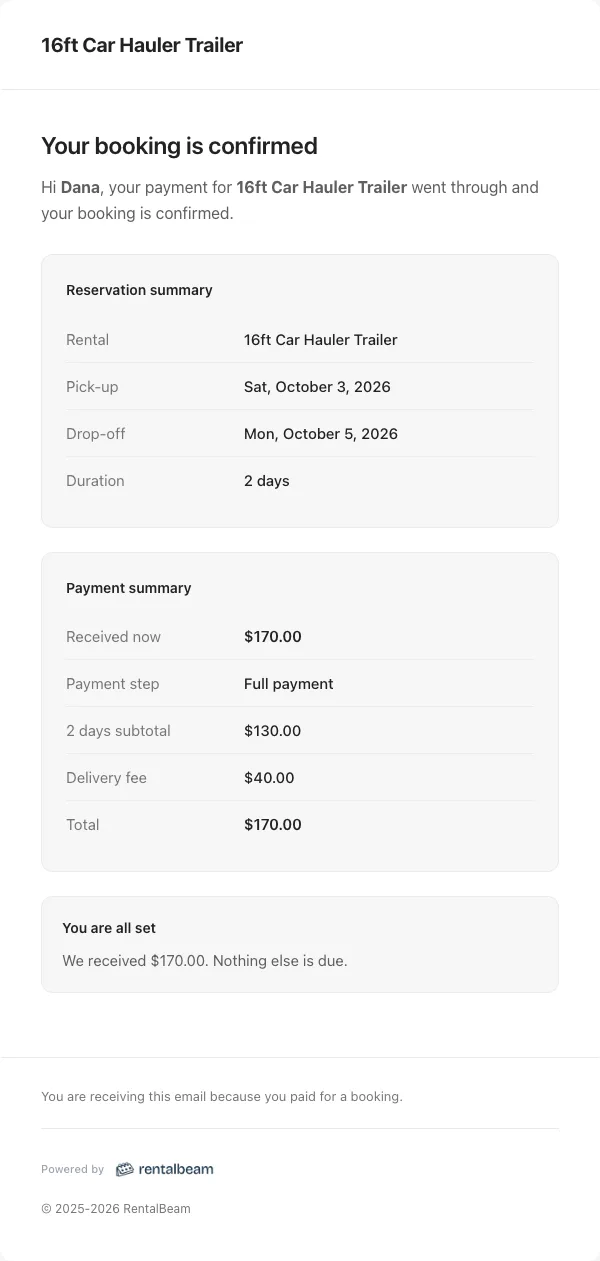
Your guest sees a booking form that says Pick-up and Drop-off, counts days instead of nights, and never asks how many people are coming. The confirmation email, the page where you review a request, and the page where the guest pays all say the same. In your own inbox a booking reads "2 days", "Picks up today", "Drops off Sep 3".
A rental day is 24 hours from pick-up. Pick up on Monday, drop off by the same time on Tuesday, and that is one day. Your booking form says so in plain words under the calendar, so a renter never has to guess where the line falls. A renter who brings the trailer back the same evening simply books one day and returns it early.
Vehicle rentals also get their own quick-add fields on the booking form: Pick-up time, Delivery address, Tow vehicle, Hitch ball size, an Insurance card file upload, and a required "I agree to the rental agreement" checkbox. Photo ID and Driver's License Number were already there. Delivery Fee joins the fee presets. Everything RentalBeam writes is translated into every language the widget speaks. Anything you write yourself, from the rental name to a fee note, is shown to guests exactly as you typed it.
The full field list is in the vehicle and equipment rentals docs.
See every email before it goes out
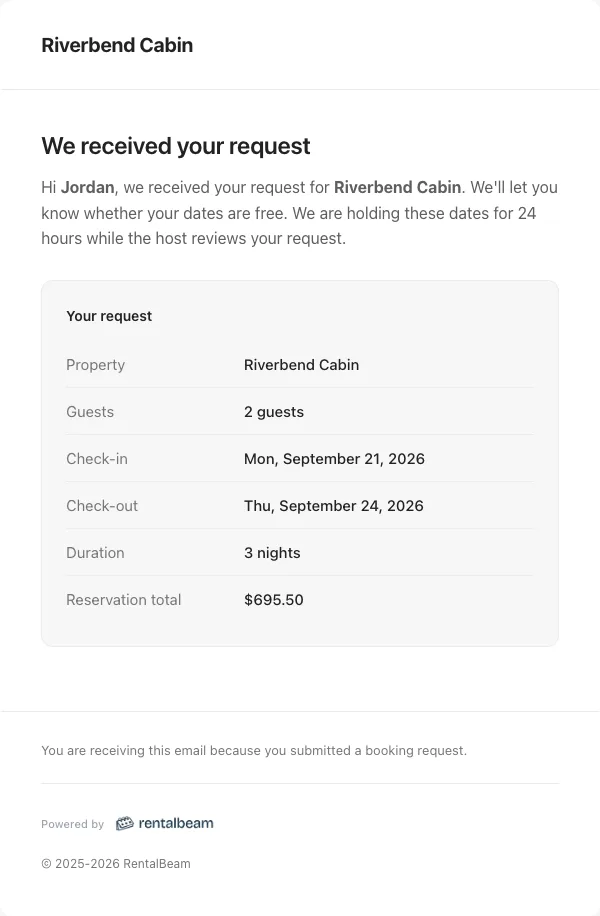
Your rental sends emails you had never read. The Emails section listed them and showed you none. Now every email RentalBeam writes for you carries a quiet Preview link there.
Preview opens the real email, not a mockup of one. It renders with your rental's name, your booking type, your currency, your accent color, and your logo, around a sample guest and a sample booking. There is a Desktop width and a Phone width side by side, the subject line above it, and one sentence telling you which parts are yours and which are sample.
Find it by opening your rental from Rentals, then choosing Emails.
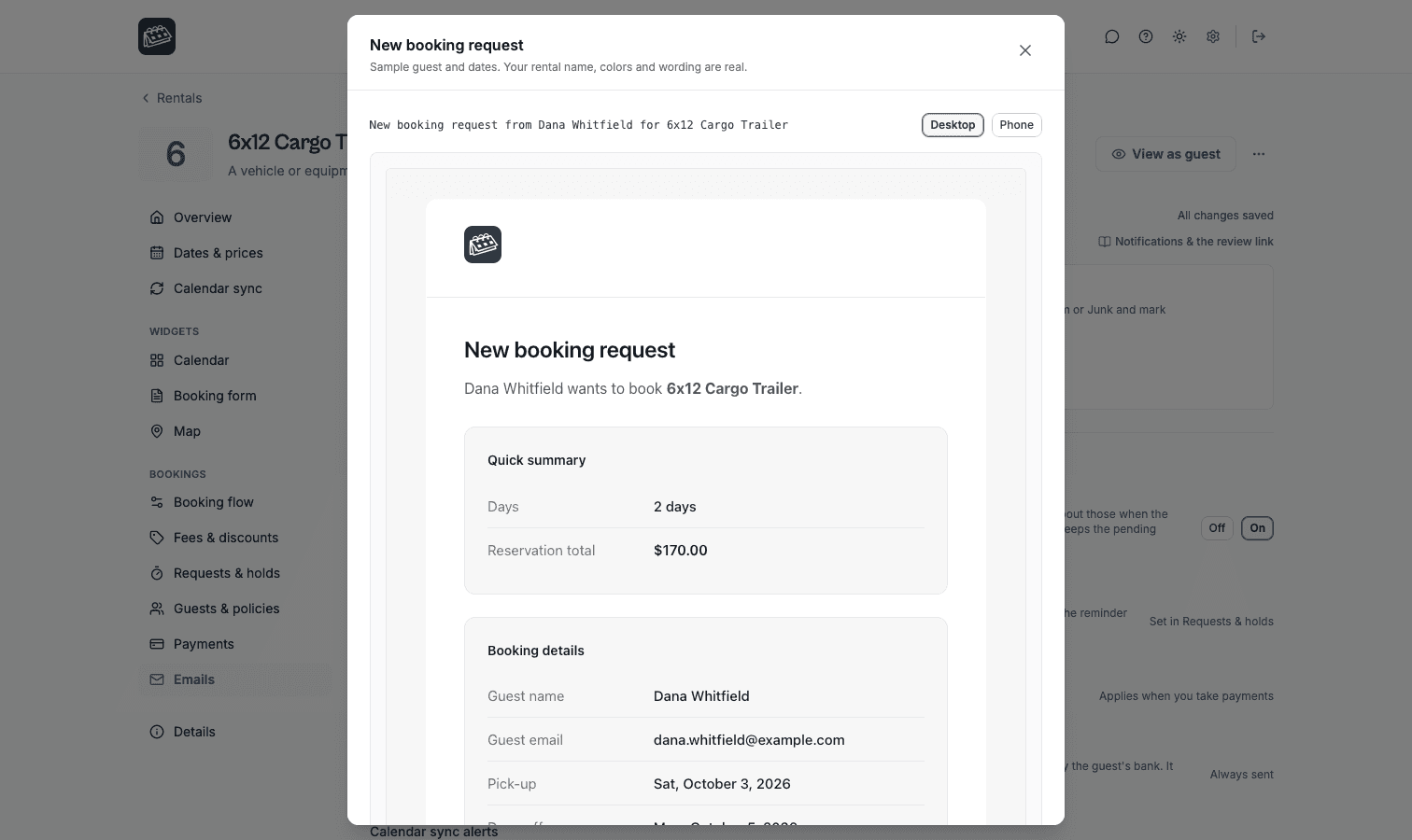
Beside Preview sits Send me a test. It emails that same rendered email to the address you signed in with, and to no other address, so you can see how it lands in a real inbox on a real phone.
Payment reminders, so you stop chasing balances by hand
If you collect a deposit now and a balance later, RentalBeam now reminds the guest for you. A guest with a payment step still to pay is emailed three days before the day it is due, and once more two days after it, if it is still unpaid. Each reminder goes out at most once, only during daytime hours in the rental's own time zone, and never for a step that has already been paid.
The email names the amount, the step, the due day, and how to pay, and it carries the same secure payment link the guest already has. If a guest has paid part of a step, the reminder credits what they sent.
Reminders are on by default for every rental that takes payments, and the switch is the "Payment reminders" row in the Emails section. Inquiry rentals see the row explained rather than active.
Your side got the same information. A booking with a payment past due shows an "Overdue" badge in the Bookings inbox, judged in the property's own day, so you and your guest hear "overdue" on the same morning. When a step goes two days past due, you get an email of your own naming the guest, the amount, the due day, and whether the guest's reminder actually left. And when you move a booking's dates, the money moves with it: every payment step still to pay is re-dated against the new dates, so nobody is reminded about a September due date for a stay that now happens in December.
The rules, in full, are on the payments docs page.
Smaller things worth knowing
Dates in guest and host emails now read "Mon, September 21, 2026", the same order the payment documents and the docs already used. One English product, one date order.
Guests are greeted by first name. An email that opened "Hi Jordan Ellis" now opens "Hi Jordan", and the details table below still carries the full name.
The solutions index is a real page now. It lists every rental type RentalBeam is built for, grouped into places guests stay and things guests pick up.
And the host docs were rewritten so that every setting names the tab it lives on. Twenty-six pages were corrected, three of which pointed at tabs that do not exist. If a docs page tells you where something is, it is now telling you the truth.