Trailer rental bookings on your own website: the form your counter actually needs
A trailer yard runs on a short checklist: who is towing, what they are towing with, when it goes out, and when it comes back. Most website booking forms were built for beach houses, so they ask for check-in, check-out, and how many guests are coming, and they ask for none of that. Here is what a trailer rental booking form should collect instead, which fields you can add in one click, what to state before anyone books, and how to get it live on your site today.
What should a trailer rental booking form collect?
A trailer rental booking form on your own website should ask for a pick-up date and a drop-off date, count the result in days rather than nights, and never ask how many guests are coming. It should show your daily rate and the full total, including a delivery fee, before the renter sends anything. It should collect the details your counter asks for anyway: a driver's license number, a photo of an insurance card, the tow vehicle, and the hitch ball size. It should say on the form itself that a rental day is 24 hours from pick-up, so nobody drives over expecting a calendar day. And it should read the same availability your website calendar shows, so nobody can request the car hauler that went out yesterday.
The rest of this page is the same thing at length, in build order.
What does a trailer renter expect to see?
Someone renting a 20-foot car hauler is not booking a room. They are picking a day to collect, a day to bring it back, and a price they can compare against the yard on the next exit. Four things decide whether the form reads as yours or as a rented lodging widget with the wrong words in it.
- Pick-up and drop-off, not check-in and check-out. The renter is collecting equipment, and the label is the first thing they read.
- Days, not nights. A dump trailer out Friday to Monday is three days. Nobody sleeps in it, and "3 nights" reads as a mistake.
- No guest count. A guest counter on a trailer form is the clearest sign the software was built for something else, and renters do notice.
- The daily rate and the running total, with the delivery fee and any tax already in it, before the renter fills in anything personal.
The fifth thing is the sentence that saves you a phone call: say on the form that a day is the 24 hours from pick-up. Collect at 9am Monday, back by 9am Tuesday, one day. Most American renters have met that rule at a national truck and trailer counter already, so it confirms an expectation rather than setting one. If you have not settled your own day rate, early returns, and late fee yet, what counts as a rental day? the 24-hour rule for trailer, boat, RV, and car rentals works through all three.
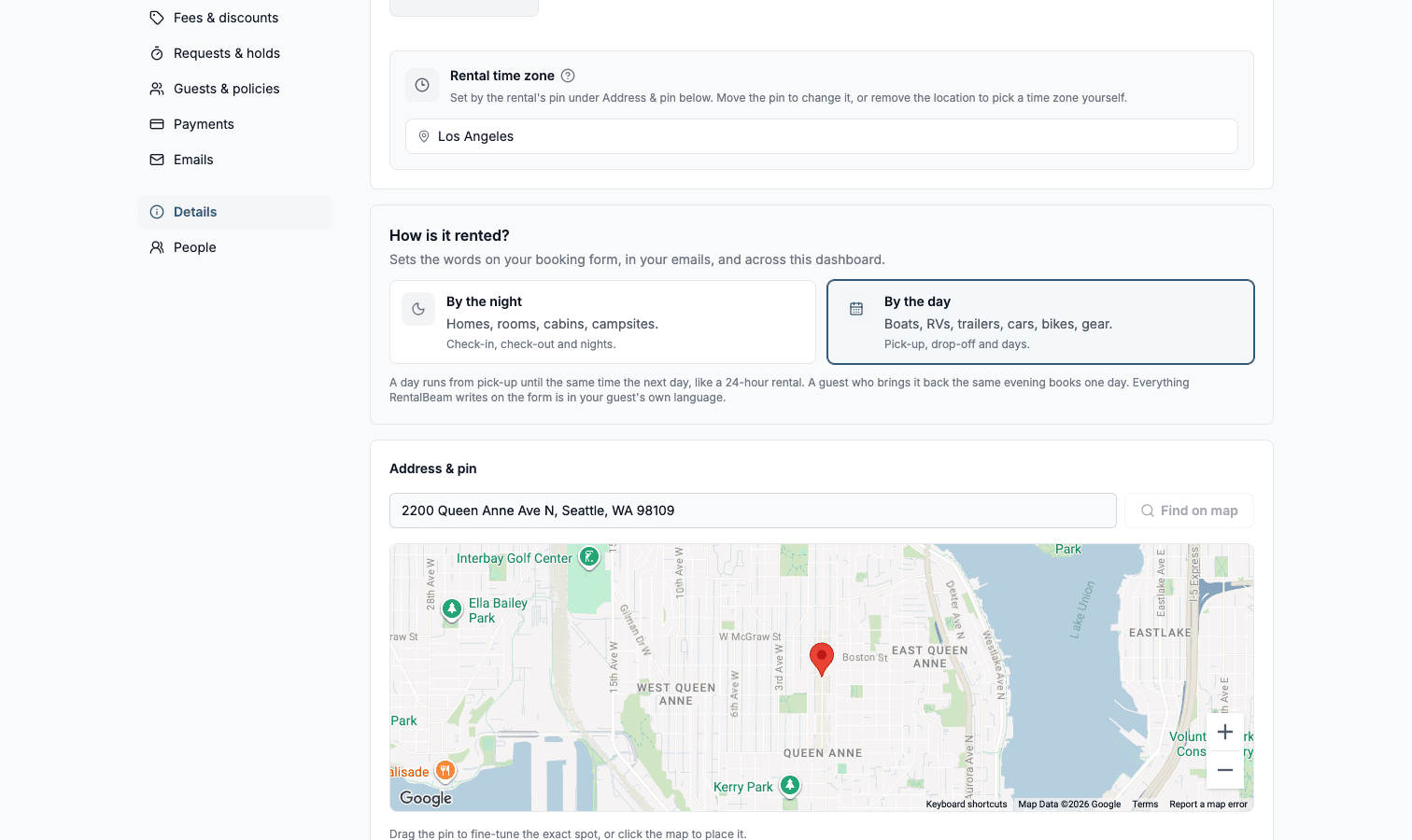
In RentalBeam this is one setting, not a rewrite. The rental's Details page asks What are guests booking?, and choosing A vehicle or equipment switches every word RentalBeam writes at once: the form, the price breakdown, the emails, the review link, the renter's payment page, and your inbox. The guest counter disappears from all of them.
Which fields does your counter ask for anyway?
Write down what you ask a walk-in before you hand over the keys. That list is your form. On a vehicle or equipment rental, each of these is a quick-add chip in RentalBeam rather than something you build by hand:
| Field | Type | Why it is on the form |
|---|---|---|
| Driver's license number | Text | The number goes on the rental agreement anyway. |
| Photo ID and Insurance card | File upload | Up to 3 images or PDFs per field, 10 MB each, stored privately and viewable only from the booking. |
| Tow vehicle | Text | Year, make, and model, so you can tell before pick-up day whether it will pull the load. |
| Hitch ball size | Dropdown | The single most common reason a renter drives away empty. |
| Delivery address | Long text | Only needed if you deliver, and easy to mark required when you do. |
| Pick-up time | Time | When they plan to collect, so your yard is staffed. |
| I agree to the rental agreement | Checkbox | Ticked before the request is sent, and recorded on the booking. |
Delivery is a fee, not a field, so it is added in Fees & discounts: Delivery fee is a flat amount that shows the renter its own line in the total. A Pro form carries up to 20 custom fields per rental, which is more than any trailer counter needs.
The preset names are translated, so a renter whose browser is set to Spanish sees the fee and field names in Spanish without you doing anything. Text you write yourself, the trailer name, your policy wording, a note on a fee, is shown to every renter exactly as you typed it.
What RentalBeam does not do
No hourly rentals and no time slots: availability is held per day. No identity verification service: a license number and an uploaded photo are text and a file, and checking them is still your job at the counter. No card hold and no damage deposit charge: the security deposit is a notice you write, showing an amount and a line such as "Collected at pick-up", and you take and return the money your own way.
What should you state before anyone books?
A trailer rental goes wrong at pick-up, not at booking, and almost always because something was assumed. Put your requirements where the renter reads them before submitting, then repeat them in the confirmation email. What belongs there is your call and your state's rules, but these are the ones trailer yards get called about:
- A valid driver license, and whose name it has to match. Say whether the person collecting must be the person who booked.
- A tow vehicle rated for the loaded weight, not just the empty trailer. Ask for year, make, and model and check it before pick-up day.
- The hitch ball size and coupler this trailer needs, written on the listing, so nobody arrives with the wrong ball.
- A brake controller where the trailer has brakes on more than one axle, and whether you rent or fit one.
- Return by the same time it was collected, because that is what a day means.
- Your late-return policy: the grace window, and what the charge is once it closes.
- Insurance: what your policy covers, what it does not, and what the renter has to bring proof of.
Towing rules and weight thresholds vary by state and by the trailer, so write these from your own rental agreement rather than copying another yard's page. The form's job is only to make sure the renter has read them and answered the questions that follow from them.
How do you set this up in ten minutes?
- 1
Tell RentalBeam it is a trailer
Open the rental from Rentals, then choose Details. Under What are guests booking?, choose A vehicle or equipment. Then pick your booking type under Booking type: most trailer yards want Request to book so a human checks the license and the tow vehicle before confirming.
- 2
Set the daily rate on the Calendar page, then the fees in Fees & discounts
Open the trailer's Calendar page and enter your usual daily price under Your usual settings. To give some days their own price, such as a holiday weekend, tap the first and last day and use the Price box. Then add the fees this trailer carries in Fees & discounts. Quick-add gives you Delivery fee and Sales tax; the tax rate takes three decimals, so a local rate lands exactly. Multi-day discounts live here too, which is how most yards fill midweek gaps.
- 3
Build the counter checklist on Guests & policies
Add the custom fields from the table above, mark the ones you will not rent without as required, and write your security deposit notice and cancellation policy here. This section is also where the deposit amount and its wording live.
- 4
Copy the website code from the Booking form section
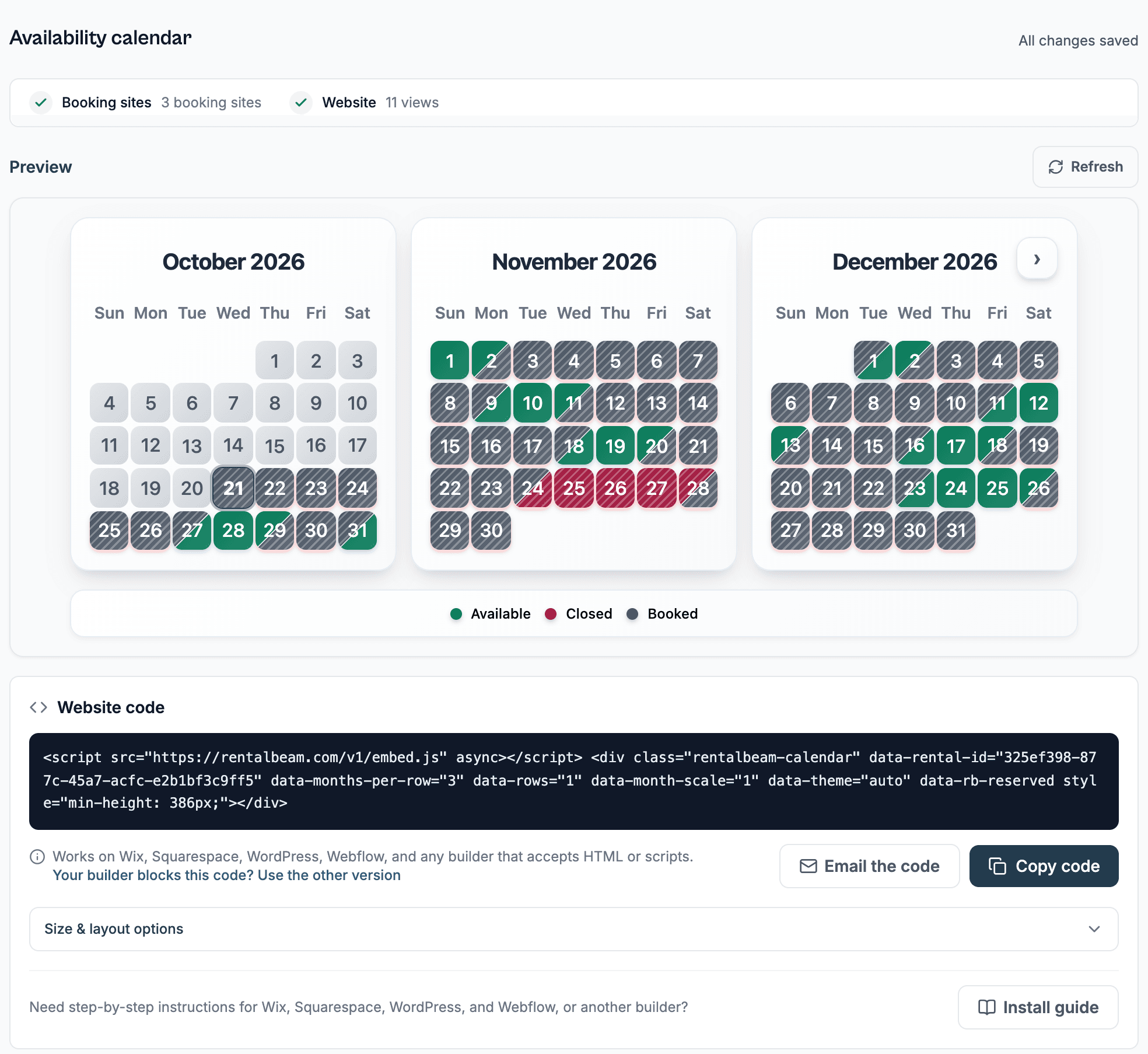
The Booking form builder holds the snippet and a live preview. Paste it into your website where you want the form, and paste the free availability calendar snippet above it so renters can see open days before they start typing.
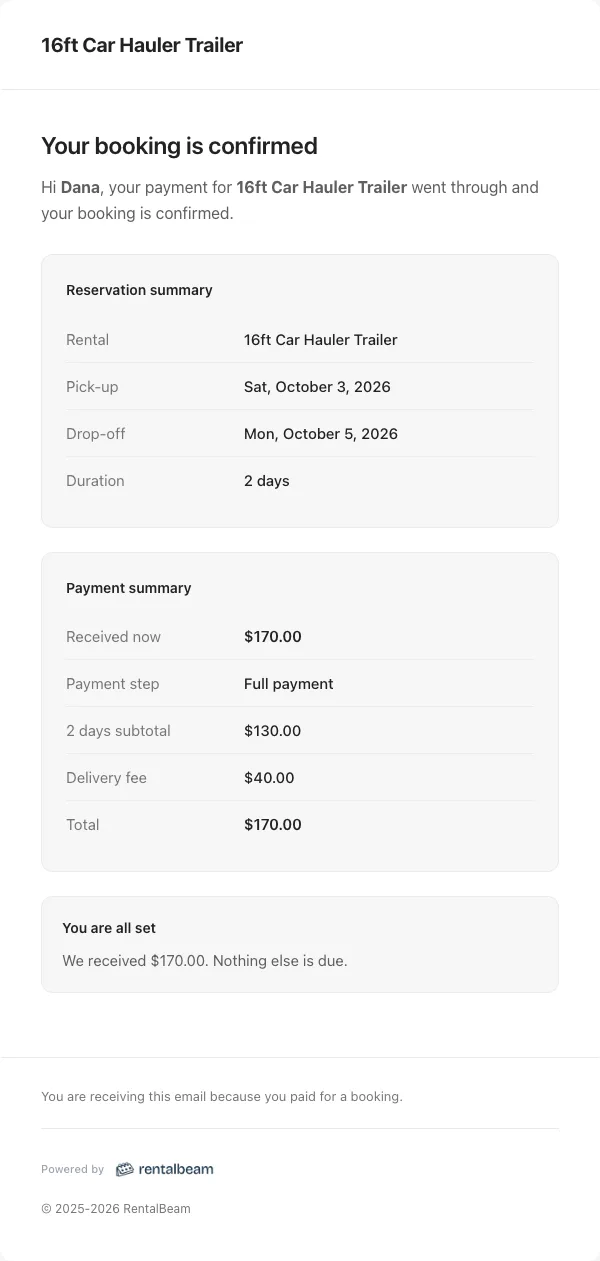
The renter's confirmation email follows the same vocabulary: pick-up, drop-off, a day count, a delivery fee if you charged one, and no guests row anywhere.
If you rent several trailers, put them in one collection and embed that instead. Renters pick their dates first, then choose from the trailers free on those days, each with its own photo and its own price. How to take boat, trailer, and car rental bookings on your own website covers the whole fleet setup, and the vehicle and equipment rentals guide documents the Setup choice itself.
Why not just list the trailer on a marketplace?
List it there as well if it brings you renters. The reason to run the form on your own site too is arithmetic: a marketplace takes a cut of every rental, and a booking through your own website carries no commission and no booking fee. If the renter pays by card through RentalBeam, the standard card processing fee applies and it is paid to Stripe, not to us.
The rest is reach. The page on your website that carries the form can be linked from everywhere you already are: the Facebook page you post inventory to, your Google Business Profile, the sign on the fence, the text message you send someone who called. The availability calendar starts free on one trailer, so you can publish live availability, see whether people use it, and only pay when you want the booking form on top of it.
Start with one trailer, the one you get asked about most. See the trailer and equipment rentals page for what the rest of the setup looks like.