How to add a website availability calendar without a PMS
If your goal is simply to show live availability on your website and stop answering the same date questions over and over, you do not need a full PMS first. You need a clean iCal workflow and a guest-facing calendar that actually helps people book.
What this setup gives you
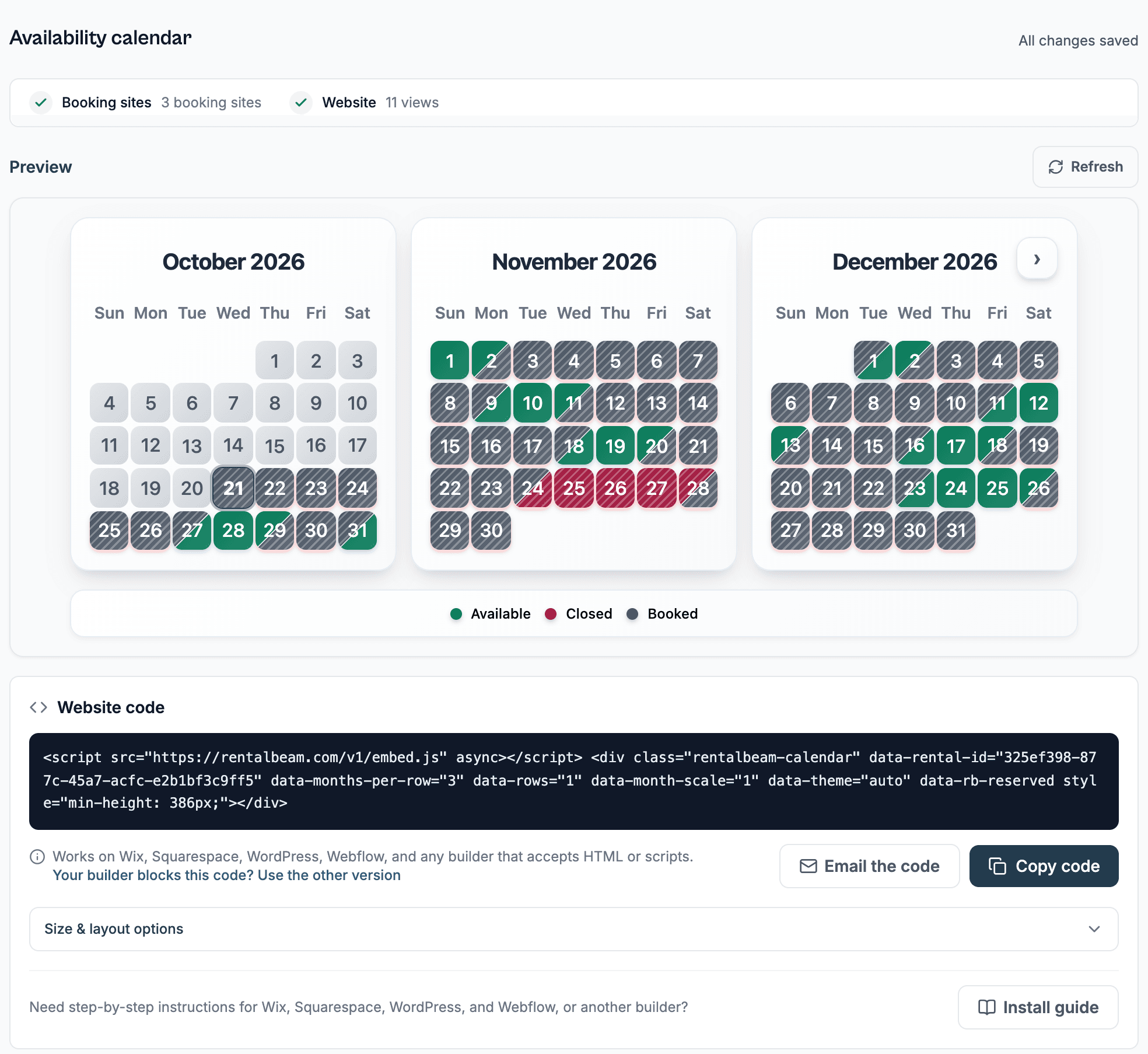
A website availability calendar is a live, guest-facing embed that shows open and booked dates pulled from your synced iCal feeds: guests see real availability without a PMS, a login, or a phone call.
- Live website availability synced from iCal feeds
- Support for Airbnb, Vrbo, Booking.com, Google Calendar, and other iCal sources
- A better guest experience on your own site
- A clean upgrade path into direct booking requests later
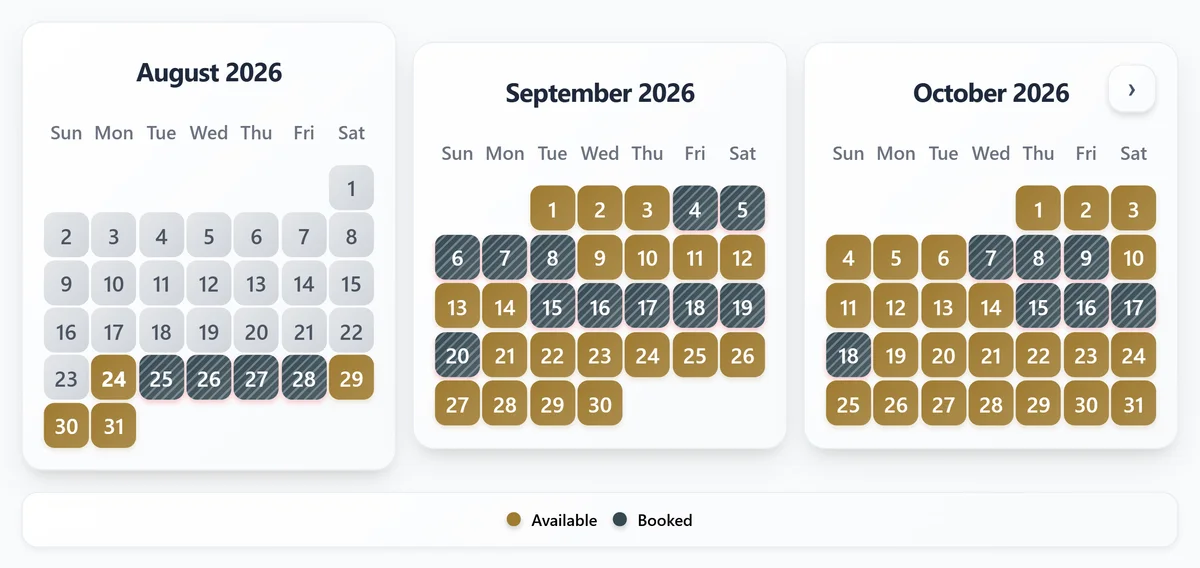
Without a live calendar vs. with RentalBeam
| Guest experience | Without a live calendar | With RentalBeam |
|---|---|---|
| Guest sees availability | Only by asking you directly | Right on your own website |
| OTA sync | Manual cross-checking | Synced from Airbnb, Vrbo, Booking.com, and other iCal sources |
| Upgrade path | Requires researching and picking new software later | Same account adds direct booking requests on Pro when ready |
Simple 4-step setup
This setup is deliberately small. If you want the fuller comparison first, see PMS vs availability widget. Otherwise, here is the whole workflow, including how it lines up with the broader guide to showing availability on your vacation rental website.
- 1
Create your calendar in RentalBeam
Start with the Free plan if you only need one calendar and one iCal source. Connect Airbnb, Vrbo, Booking.com, or any other compatible source.
- 2
Check the availability state
Before you embed anything, make sure blocked and open dates already look right inside RentalBeam. That confirms the source feeds are working properly.
- 3
Embed the calendar on your website
Builder-specific install steps
Choose your website builder for the fastest install path.
Recommended: ScriptWordPress
Best fit when you can add a Custom HTML block or plugin.
WordPress supports the full script embed, which keeps the calendar sized to your page.
Use the Script tab for this builder.
- Edit the page where guests check availability
- Add a Custom HTML block
- Paste the RentalBeam calendar embed code
- Preview the page and publish the update
Before you publish
- Paste the embed into a Custom HTML block, not a Paragraph block, so WordPress does not escape the code.
- Keep the calendar close to your main inquiry or booking button so guests can check dates and act without scrolling back up.
- After changing the months per row, rows, or month size in RentalBeam, copy the updated embed and re-open the live preview so the published layout matches the current settings.
- 4
Upgrade only when the next problem appears
Need multiple source aggregation, manual date controls, iCal export, or direct booking requests? Upgrade for those exact needs instead of buying a full PMS before you need it.
Use the smallest stack that solves today's job
Buy the thing that fixes what is broken this month, at the smallest cost in setup and admin.