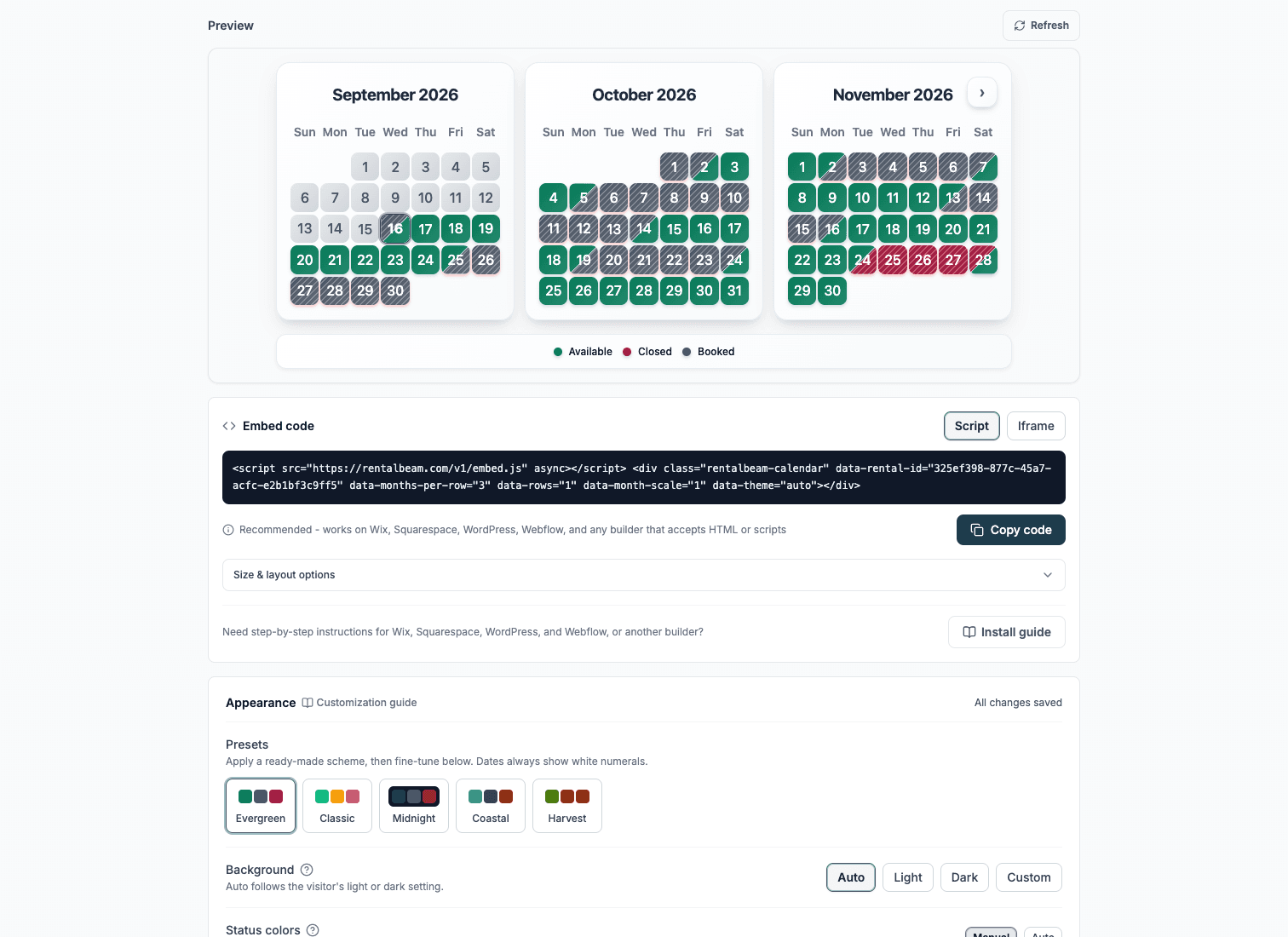
How to show availability on your vacation rental website
This guide shows how to display up-to-date availability on your vacation rental website using iCal sync, so guests always see current open dates and you reduce manual calendar management. It also covers how to scale from a simple website calendar to combined-feed exports and broader multi-channel control.
Why publish availability on your own site
Guests deciding where to stay want immediate clarity. Imported availability refreshes automatically, at most every 15 minutes, and any lag comes from the source platform's own feed cache rather than RentalBeam. A guest who cannot see your dates writes to somebody who shows them. If you are starting from scratch and do not have a property management system, see how to add a website availability calendar without a PMS.
- Reduce inquiry friction with clear available dates
- Improve trust and booking intent from website visitors
- Keep schedule aligned across OTA channels
- Lower manual admin workload for hosts and teams
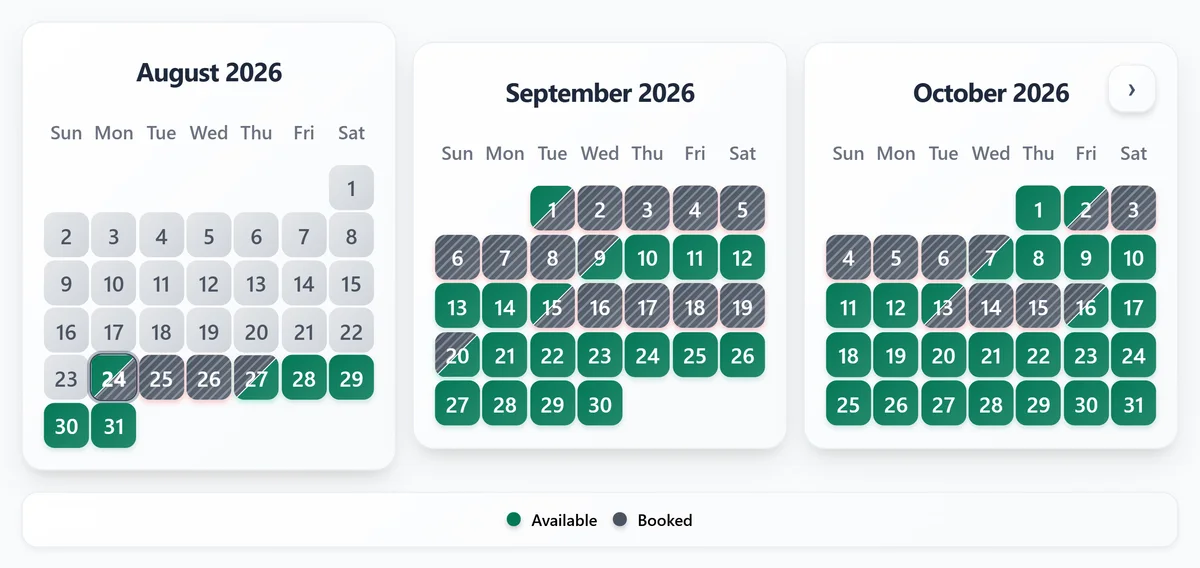
What you need
- At least one iCal URL from Airbnb/VRBO/Booking.com
- A RentalBeam calendar widget in dashboard
- Website editor access for embed placement
Setup steps
- 1
Collect your iCal URL(s)
- Open your OTA host dashboard
- Find the calendar export or iCal section
- Copy the feed URL for each listing/channel
- 2
Create your availability widget
- Go to your RentalBeam dashboard
- Create a calendar widget and paste iCal feed(s)
- Adjust theme and display options
- Save and preview
Keep it simple
Start with one source and validate rendering before adding multi-source feeds.What upgraded plans add
Plus and Pro increase source capacity to 10 iCal feeds per rental, add manual blocked ranges with labels and colors, remove RentalBeam branding, and let you export one combined iCal URL for Google Calendar or OTA imports where supported.Not signed up yet? See the vacation rental calendar widget.
- 3
Embed on your website
Paste the generated embed code where guests check availability:
html<iframe src="https://rentalbeam.com/embed/your-widget-id" width="100%" height="446" frameborder="0" style="border: none; border-radius: 8px;"> </iframe> - 4
Verify guest experience
Free vs Plus vs Pro for the availability widget
Here is exactly what changes as you move from Free to Plus to Pro for the availability calendar:
| Feature | Free | Plus | Pro |
|---|---|---|---|
| Rentals | 1 | 1 or 3, or any number from 5 to 50 priced per rental | 3, or any number from 5 to 50 priced per rental |
| iCal sources per rental | 1 | 10 | 10 |
| Multi-month availability view | Yes | Yes | Yes |
| Appearance customization (colors, background, font, legend) | No | Yes | Yes |
| Manual date blocks with labels/colors | No | Yes | Yes |
| iCal export | No | Yes | Yes |
| RentalBeam branding | Visible | Removed | Removed |
| Direct booking form | No | No | Yes |
| Map widget | Builder and preview | Embed on your site | Embed on your site |
3, 10, and 25 are the standard rental tiers - larger portfolios can get a custom rental quantity on Plus or Pro, so 25 is not a hard cap.
Keep every calendar aligned
A website calendar is usually the first step. The next challenge is keeping Airbnb, VRBO, Booking.com, Google Calendar, and your own manual closures aligned without guesswork.
- Import multiple OTA feeds into one calendar view
- Manually close owner stays or maintenance windows with custom labels and colors
- Export one combined iCal URL for Google Calendar or OTA imports where supported
- Monitor Healthy, Stale, or Error sync status per source
- See when platforms last fetched your export URL