Airbnb calendar not syncing? What hosts should check first
An Airbnb calendar that stops syncing usually has one of four causes: the export link changed, another site still imports an old link, a duplicate import is still active, or the next fetch has not happened yet. Open the export link in a browser. If it fails, copy a fresh one from Airbnb's Export calendar and replace every import.
Check these first
- Confirm the Airbnb export URL still works
- Confirm the destination platform is still importing the correct URL
- Check whether the problem is just platform fetch delay
- Look for duplicate or old import connections that are still active
A practical troubleshooting order
- 1
Open the source URL directly
Paste the Airbnb export URL into your browser. If it fails or looks clearly wrong, start by replacing the source URL.
- 2
Verify the destination import target
Check Airbnb imports in Vrbo, Booking.com, Google Calendar, or any other destination. The import may still point to an older URL or an incomplete source.
- 3
Wait for a real fetch cycle
If you just changed imports, give the platforms time to fetch. Airbnb refresh is automatic, but not instant.
- 4
Reduce sync-path complexity
If you have several platforms all importing from different places, merge them into one combined URL so each destination is looking at the same source of truth.
Same-day inventory is always the riskiest
iCal sync is useful, but it is not instant. If you allow same-day or near-same-day bookings, the delay window becomes more dangerous. Advance notice settings can help reduce that risk.
When one combined link is enough
If the problem is mostly sync-path cleanup, one combined link is enough: preview your sources merged for free on iCalendar Sync, then keep everyone pointed at one link with RentalBeam Plus and Pro.
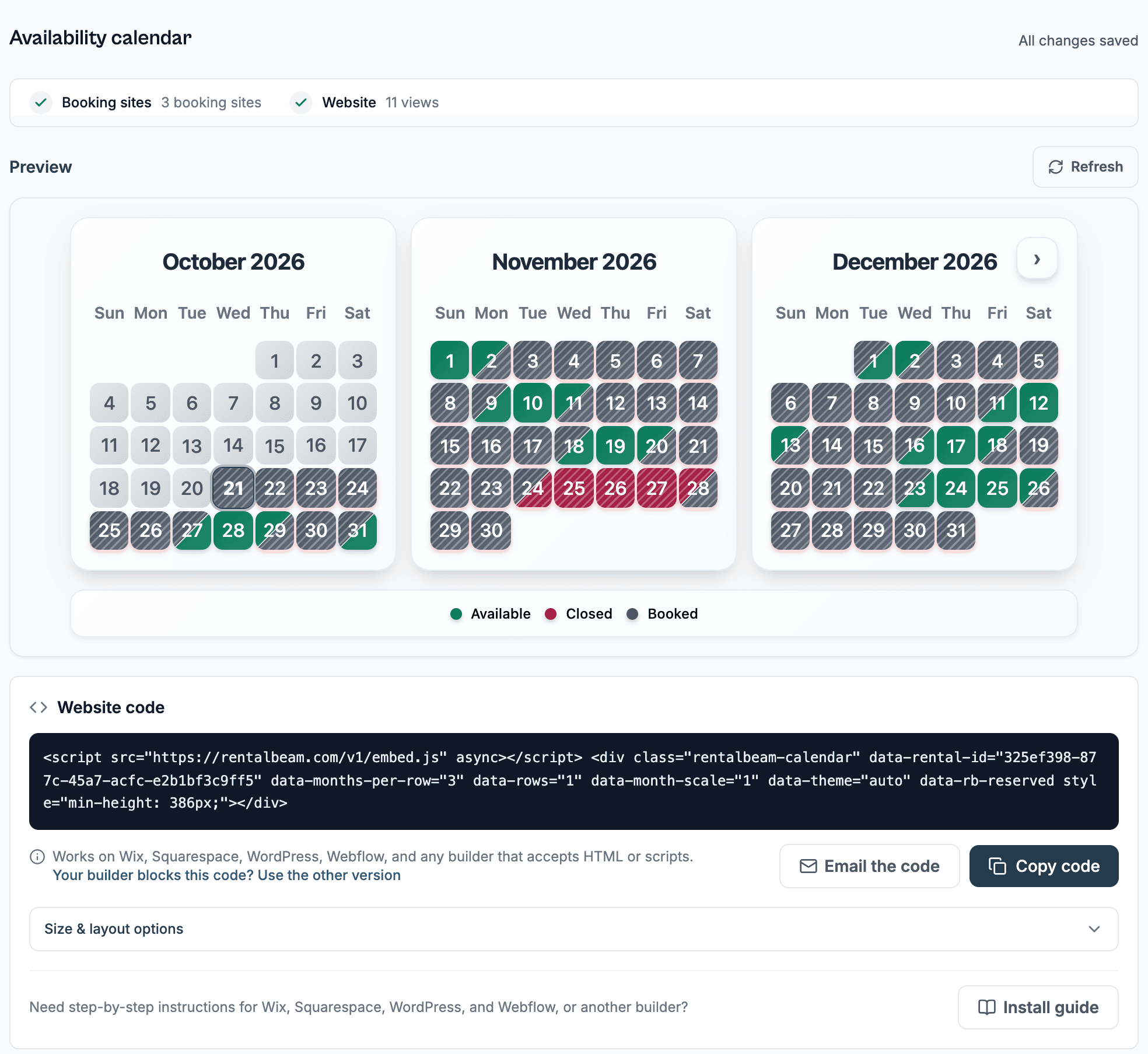
If you want visibility into source health, export access tracking, or a website calendar on top of sync, RentalBeam covers that too: each booking site on a rental shows Up to date, Not updating, or Link broken.