

Link page, on every plan
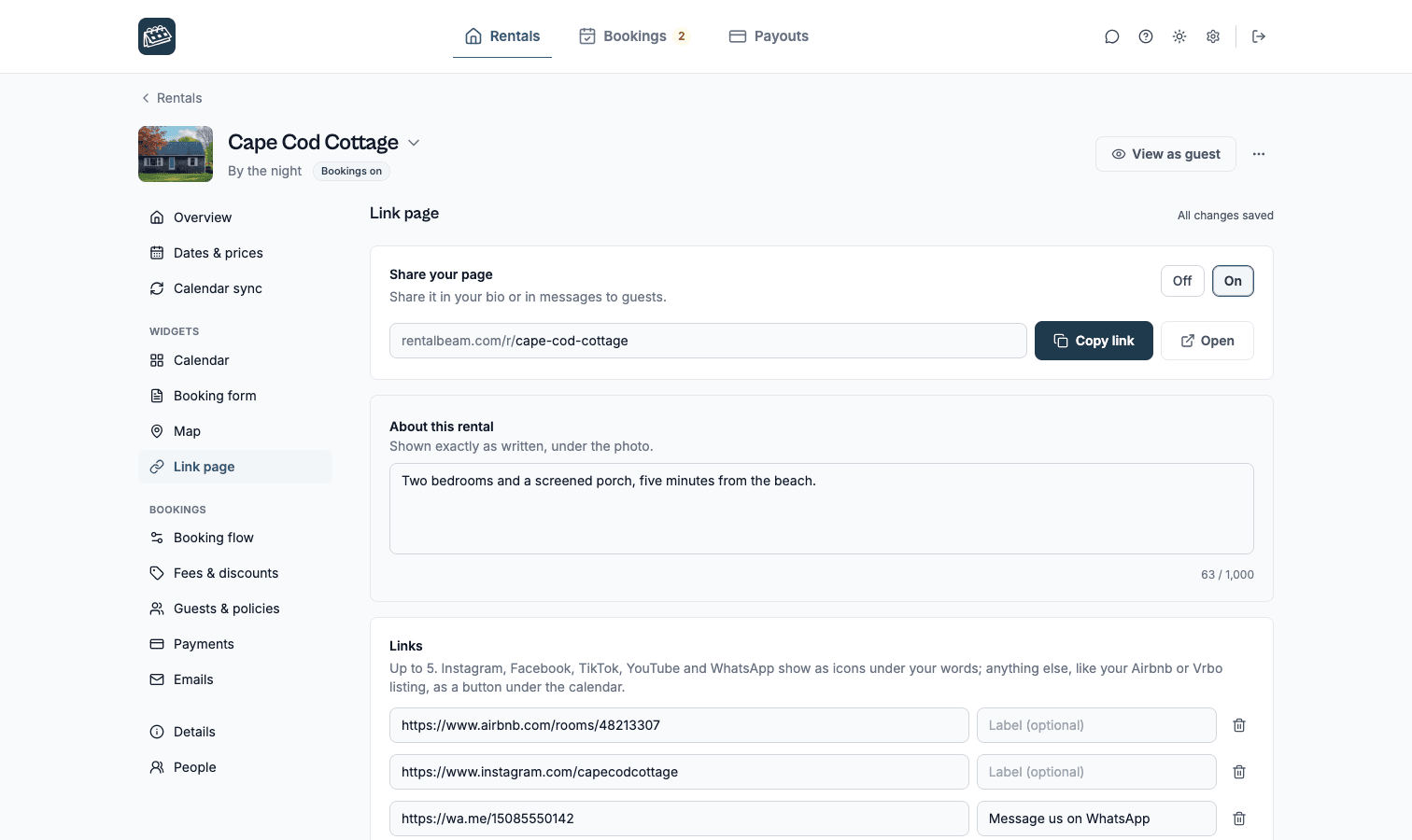
One link for your rental. Photo, open dates and your links, no website needed.
Put it in your Instagram bio, a WhatsApp message or a QR code in the rental. Its dates come from your Airbnb, Booking.com or Vrbo calendar.
On every plan, Free included. Set up in about 2 minutes.
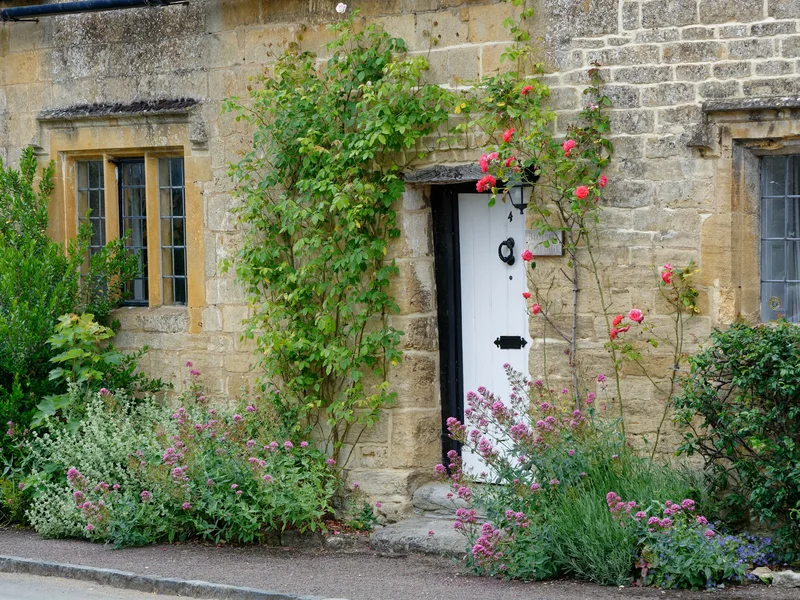
Cotswold Barn
A stone barn with a garden and a wood stove, on a quiet lane.


What is a link page for a rental?
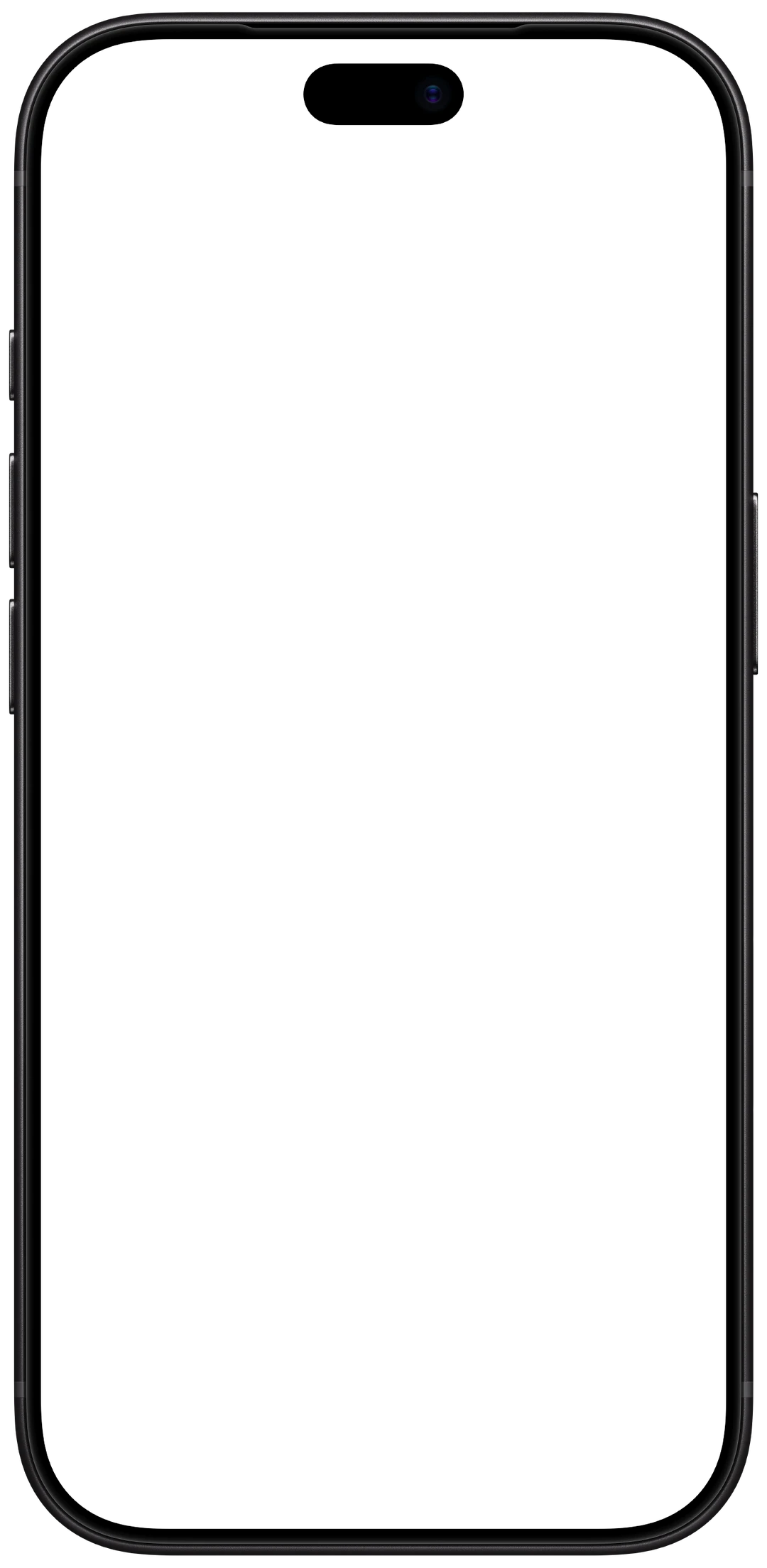
A link page is one public page for one rental, at rentalbeam.com/r/ followed by its name, for hosts with no website or for a bio link. It shows the rental's photo, your words, your social links and a calendar of open dates from your Airbnb, Booking.com or Vrbo calendar. It is on every plan, Free included.
One page per rental, in its own colors. Each page takes its colors from the rental's photo, so guests see the place first, then the dates.
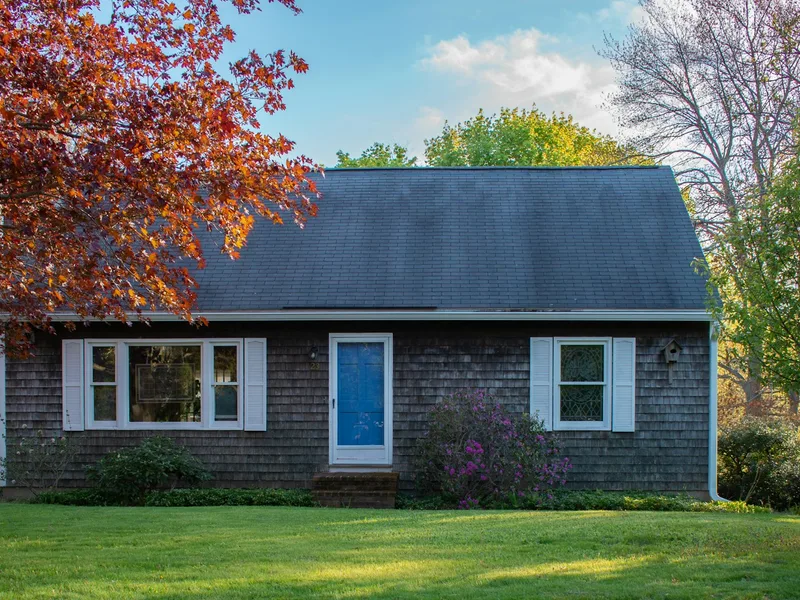
Cape Cod Cottage
A shingled cottage a short walk from the beach. Bikes in the shed.
rentalbeam.com/r/cape-cod-cottage
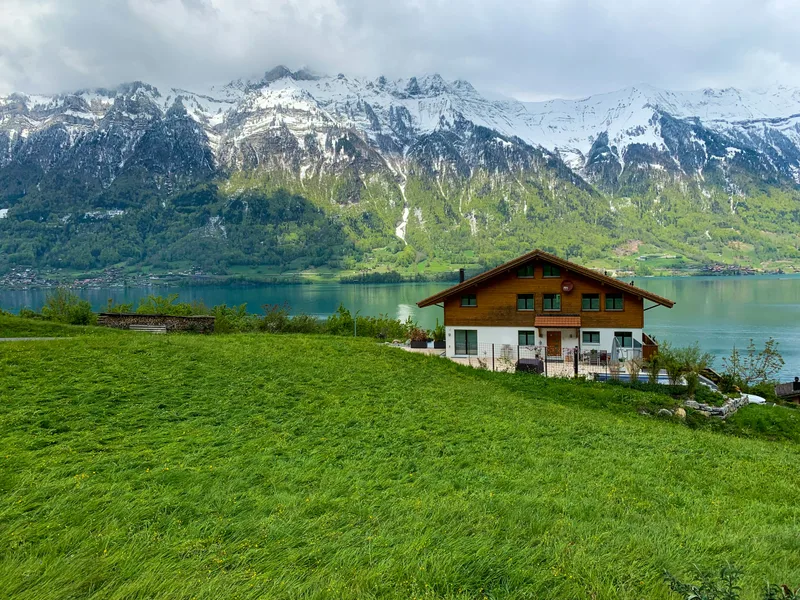
Chalet Edelweiss
A wooden chalet with mountain views and a fireplace.
rentalbeam.com/r/chalet-edelweiss
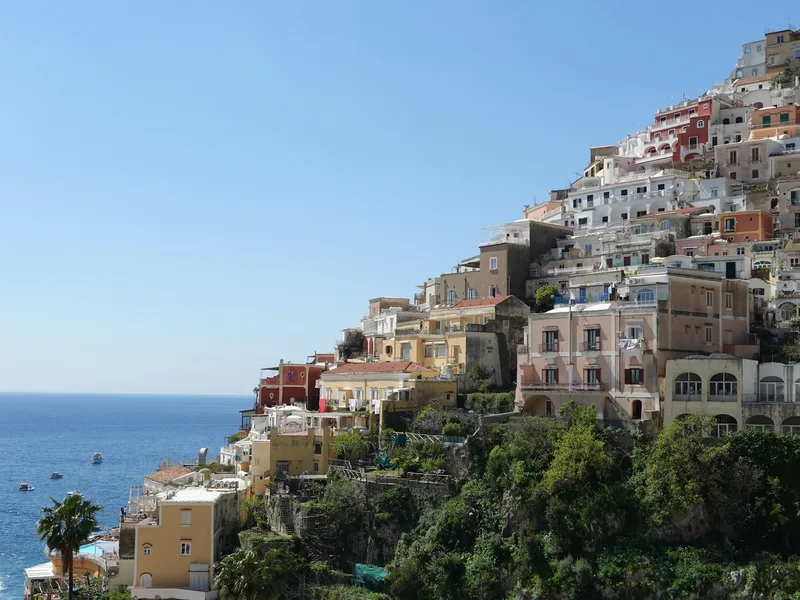
Casa Positano
Terraces over the sea, steps from the old town.
rentalbeam.com/r/casa-positano


Share it where your guests already are. One address for one rental. Paste it anywhere a link goes.
Instagram and TikTok bio
Your profile's link, pointing at your photo and open dates.
WhatsApp and email
Answer "Is it free in July?" with a link instead of a list of dates.
A QR code in the rental
A guest who liked the stay finds your dates for the next one.
Google Business Profile
Your listing's website field, without building a website.
You see who looks. "Views in the last 30 days" sits under its address, beside "Copy link" and "QR code". Change the address any time: links you already shared lead to the new one.
What each plan adds to it. Every host gets a link page. Plans add what they add on a website, and Plus and Pro start with a 7-day free trial.
Free
Your page
- Photo, name and your own words
- A calendar from one booking site
- Instagram, Facebook, TikTok, YouTube and WhatsApp icons
- Buttons to your listings and your website
Plus
More sites, prices and a map
- Up to 10 booking sites in one calendar
- Prices under open days
- A map of where the rental is
- One page for several rentals
Pro
Bookings
- A booking form on the page
- Requests you confirm, or instant booking paid by card
- Each request by email and on your phone
- We never take a cut of what you charge.
Live in three steps. No website and no code.
Step 1
Claim your address
rentalbeam.com/r/ and your rental's name.
Step 2
Paste your calendar link
From Airbnb, Booking.com or Vrbo. Your booked dates fill the calendar on their own.
Step 3
Switch it on and share it
Turn on "Share your page", then press "Copy link" or "QR code".
Questions.
Is the link page free?
Yes. Every plan has it, Free included. On Free the calendar reads one booking site; Plus and Pro read up to 10 per rental and add prices on the calendar and the map, and Pro adds the booking form.
Do I need a website?
No. The link page is the page. If you have a website, the same calendar can go on it too.
Does it replace Airbnb?
No. It shows your open dates from Airbnb, Booking.com or Vrbo, and it can link to your listings there.
Will guests find it on Google?
On Plus and Pro, search engines may list the page. A Free page works the same when you share it, and stays out of search results.
Can I change the address later?
Yes. Links you already shared keep working: the old address leads to the new one.
Can several rentals share one page?
Yes, on Plus and Pro. A collection of your rentals gets one page with their photos and one calendar, or one booking form on Pro.
Claim your rental's link.
On every plan, Free included. Set up in about 2 minutes.