

Booking.com availability
Free Booking.com calendar widget
Show your Booking.com availability on your own website and turn the visitors who found your place into direct bookings. No PMS, no code, setup in about 2 minutes.
How do I show my Booking.com calendar on my website?
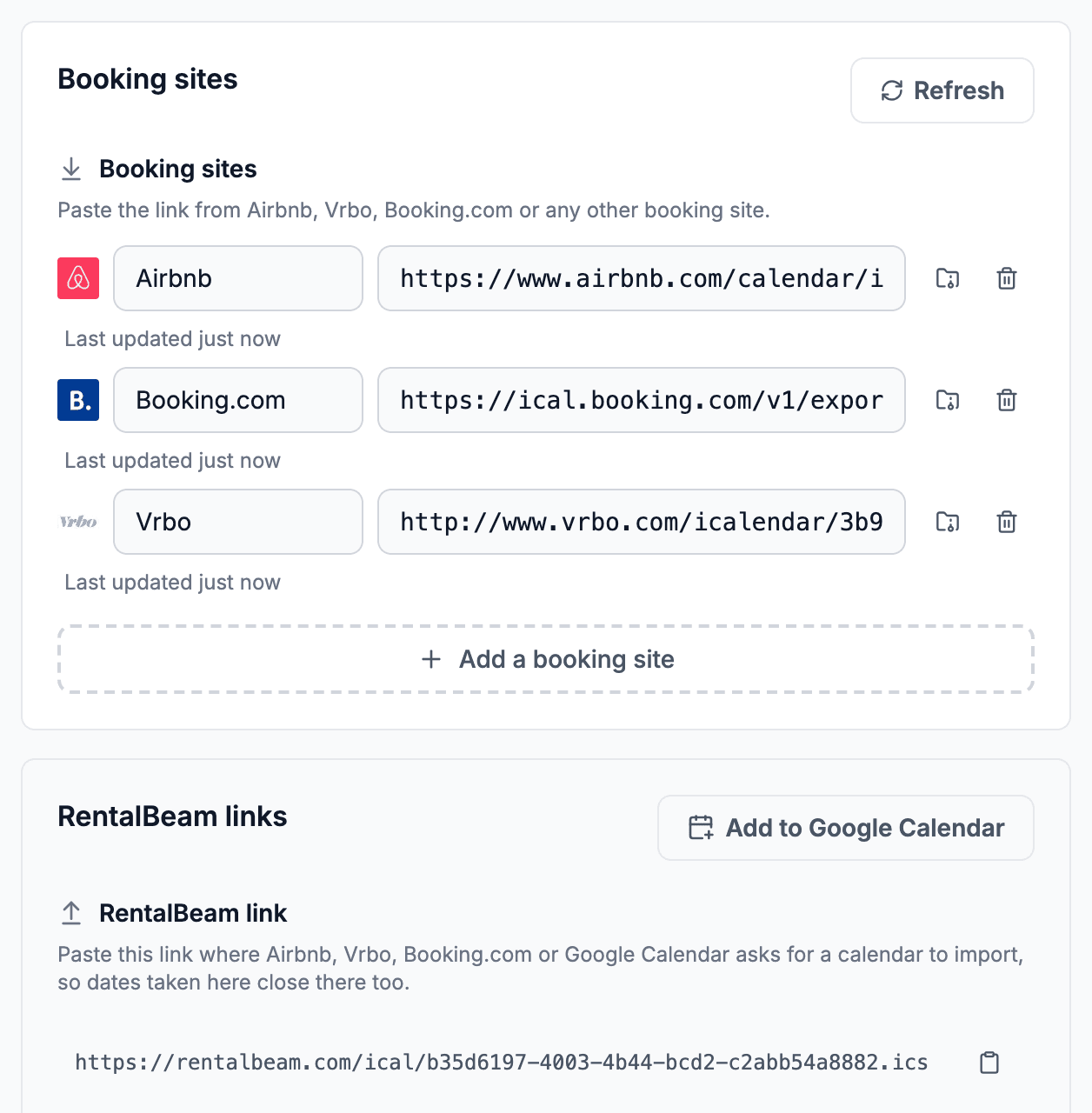
To show your Booking.com availability on your own website, copy your calendar's export link from the Booking.com extranet and paste it into RentalBeam. You get a calendar to embed on your site that RentalBeam re-checks about every 15 minutes. Free reads one booking site; Plus and Pro add Airbnb, Vrbo and others to the same calendar.
Where are your bookings?
Find your Booking.com calendar link
- Log in to the Booking.com extranet and open Calendar
- Scroll to the Sync calendars box under the calendar
- Click Export calendar, then Copy link
Paste a calendar link above and the code for your own calendar appears here.
Your calendar, on your own website
Paste your calendar link above to fill in your dates, or create a free account and set it up from your dashboard.
Direct bookings
Give a guest who found you on Booking.com a reason to book with you. A Booking.com booking carries a commission. The same stay booked on your own website carries none.
Dates only, never guests
The widget shows whether each date is booked or open, nothing more. No guest name, contact detail or payout from Booking.com appears on your page.
One calendar, every channel
On Plus and Pro, add your Airbnb and Vrbo feeds beside your Booking.com feed and the widget shows one merged calendar. A date booked on any channel reads as booked on your website too.
Works with your website builder
Copy the website code and paste it into Wix, Squarespace, WordPress, Webflow, and any builder that accepts HTML or scripts.
Booking sites
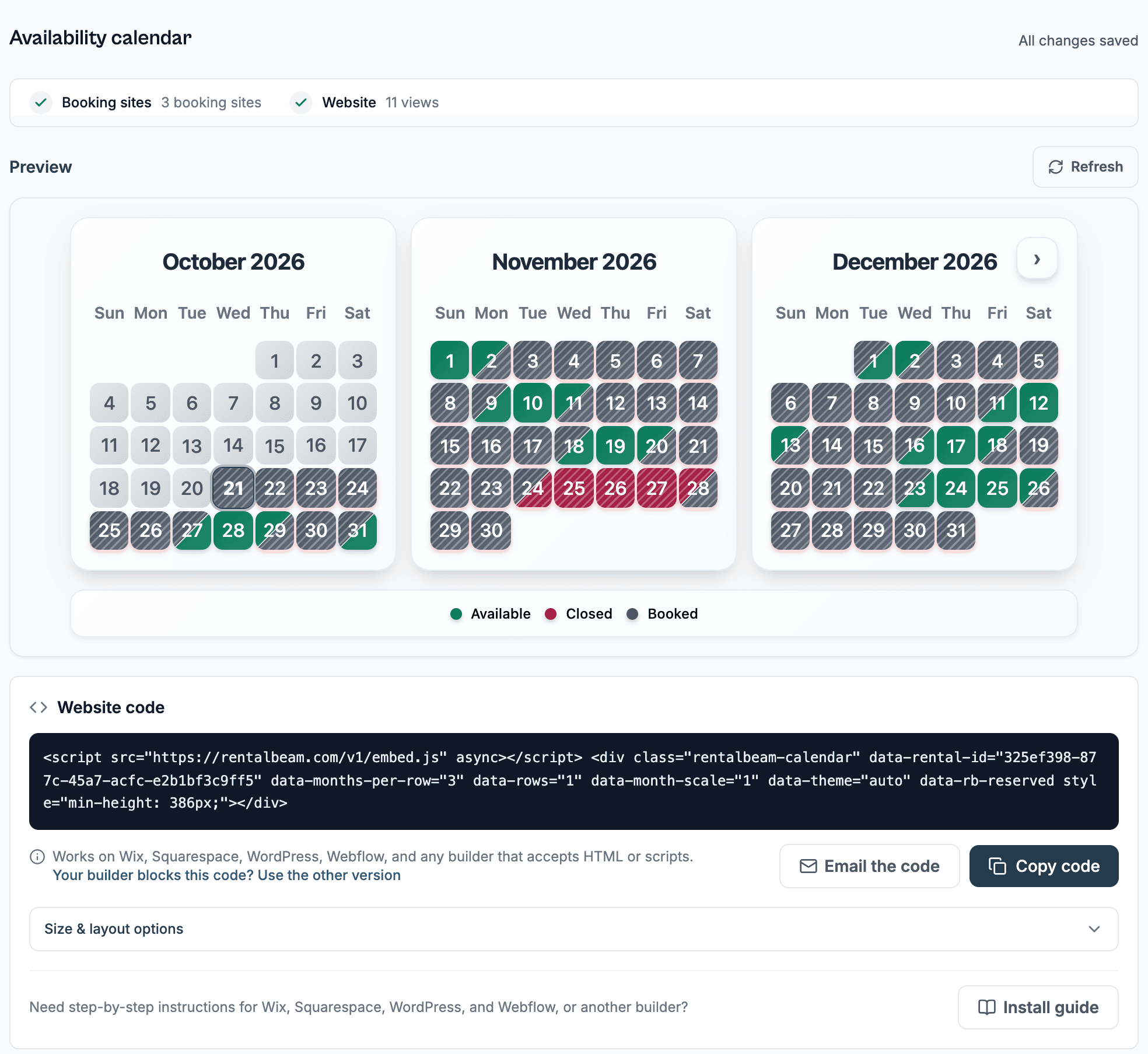
Your Booking.com availability, mirrored on your own site. RentalBeam re-checks your Booking.com calendar on its own, about every 15 minutes.
Your own look
Make the calendar look like it belongs. On Plus and Pro you can set colors and fonts to match your site.
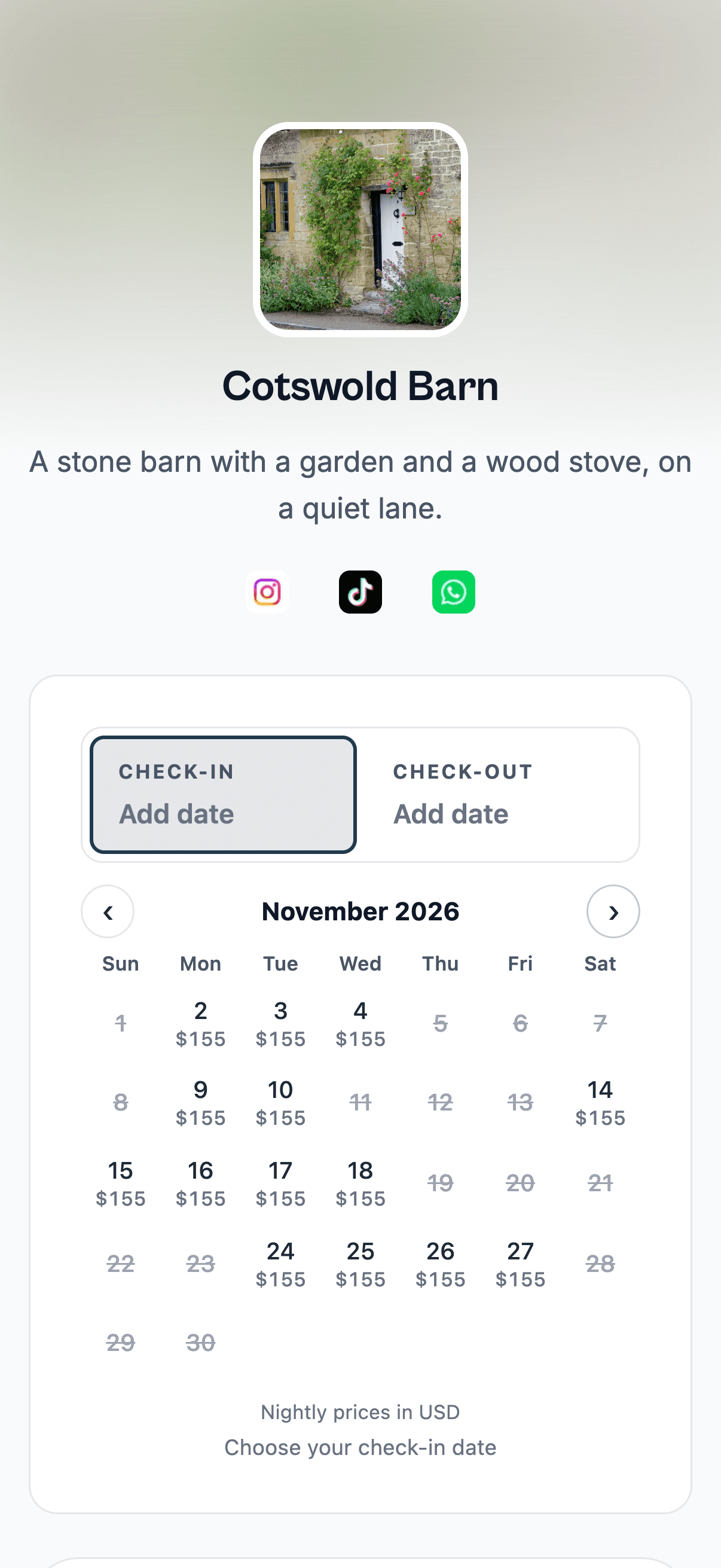
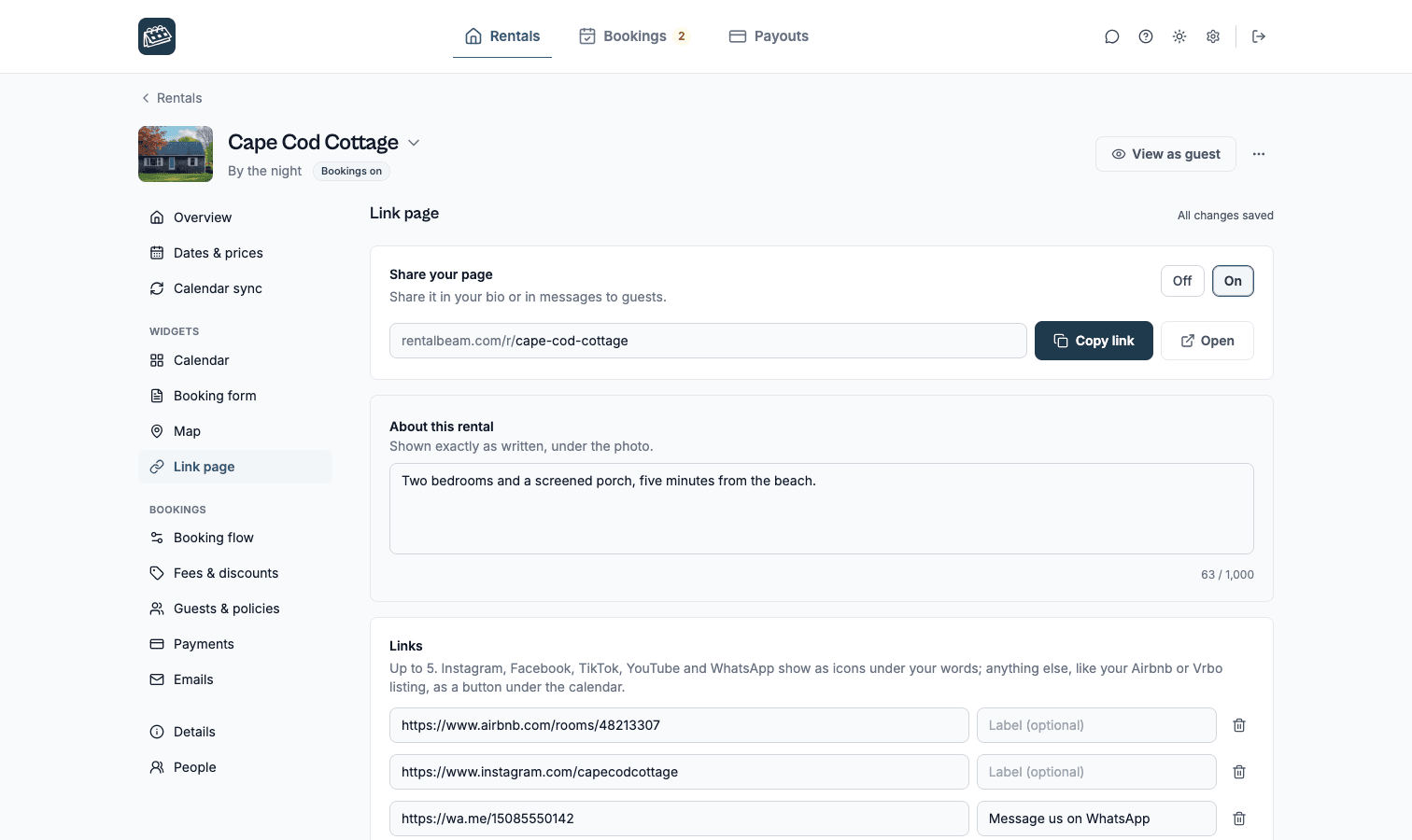
No website? Share one link. Every rental gets a link page with its photo, your words and your calendar to book from. Several rentals can share one page. Put it in your bio or send it to guests. On every plan.

Related guides. Setup details, and what to add when you want direct bookings.
Frequently asked questions.
Where do I find my Booking.com iCal link?
Log in to the Booking.com extranet and open Calendar. Scroll to the Sync calendars box under the calendar. Click Export calendar, then Copy link. The link starts with https://ical.booking.com/v1/export and is the feed RentalBeam reads. Paste it into the widget builder and your website calendar shows the same booked and open dates your Booking.com calendar has.
How often does the Booking.com calendar widget update?
RentalBeam re-checks your Booking.com feed about every 15 minutes, on its own, with nothing for you to press. The timing you see also depends on how often Booking.com refreshes the feed it publishes, so treat the calendar as close to current, not to the minute.
Does the widget show guest names from my Booking.com bookings?
No. The widget displays only whether a date is booked or open. Guest names, email addresses, phone numbers and payout details never appear on your website.
Can I show Booking.com, Airbnb and Vrbo availability in one calendar?
Yes, on Plus and Pro. Add the iCal link from Booking.com, Airbnb, Vrbo, or any other calendar that publishes one to the same rental, up to 10 iCal sources per rental, and the widget merges them into one calendar. A stay booked on any of those sites blocks that date everywhere the widget is embedded. The Free plan reads one booking site, so it suits a host who lists on Booking.com only.
Does the Booking.com calendar widget work on Wix, Squarespace, WordPress, and Webflow?
Yes. RentalBeam gives you a short script snippet, or an iframe if you prefer one, and it works on Wix, Squarespace, WordPress, Webflow, and any builder that accepts HTML or scripts. Paste it where you want the calendar to appear. The whole setup takes about 2 minutes.
Is the Booking.com calendar widget free?
Yes. The availability calendar is on RentalBeam's Free plan with one rental and one iCal source, which covers a single Booking.com property shown on your own website. Plus and Pro come for 1 or 3 rentals, or any number from 5 to 50 rentals, priced per rental, adding more rentals, more iCal sources per rental, custom colors and fonts, branding removal, and a combined export URL.
Can guests book from the Booking.com calendar widget?
The calendar widget shows availability; it does not take a reservation. To accept direct bookings on your own website, add the booking form widget, which is on the Pro plan. Guests then check your open dates and send a booking request, or pay for the stay, without going back to Booking.com.
Will embedding my Booking.com calendar affect my Booking.com listing?
No. RentalBeam reads the calendar export link Booking.com gives you in the extranet. It does not sign in to your account, change your listing, or touch your rates or your ranking on Booking.com.
Put your Booking.com calendar on your website.
Set up your free availability calendar in about 2 minutes. No credit card needed.