How to combine multiple iCal feeds into one URL
To combine several iCal feeds into one URL, copy the export link from each booking site, such as Airbnb, Booking.com and Vrbo, and paste them all into iCalendar Sync to preview them merged, free. The one combined link comes with RentalBeam Plus and Pro. Import it everywhere in place of the separate links.
Why combine feeds at all?
- Fewer calendar import paths to manage
- One URL to reuse across platforms where iCal import is supported
- Less confusion when troubleshooting stale imports
- A cleaner handoff into Google Calendar or OTA import settings
How to merge your feeds
- 1
Collect every export URL first
Copy the iCal export URLs from Airbnb, Vrbo, Booking.com, Google Calendar, or any other source you want included.
- 2
Paste them into iCalendar Sync
Open iCalendar Sync, paste each source URL and preview them merged. The one link to paste back comes with RentalBeam Plus and Pro.
- 3
Replace separate imports with the combined URL
In every destination that supports iCal import, replace the old single-source imports with the new combined URL so each destination sees the same availability state.
The combined feed is still iCal
This does not create instant real-time sync. Platforms still fetch on their own schedules. What it does do is make sure every fetch pulls from one complete availability source.
When to move beyond the free preview
The free preview shows what one combined calendar looks like; the link itself comes with RentalBeam Plus and Pro. If you also want a website availability calendar, manual date blocking, export access tracking, or a direct booking path, that is where RentalBeam becomes the better fit.
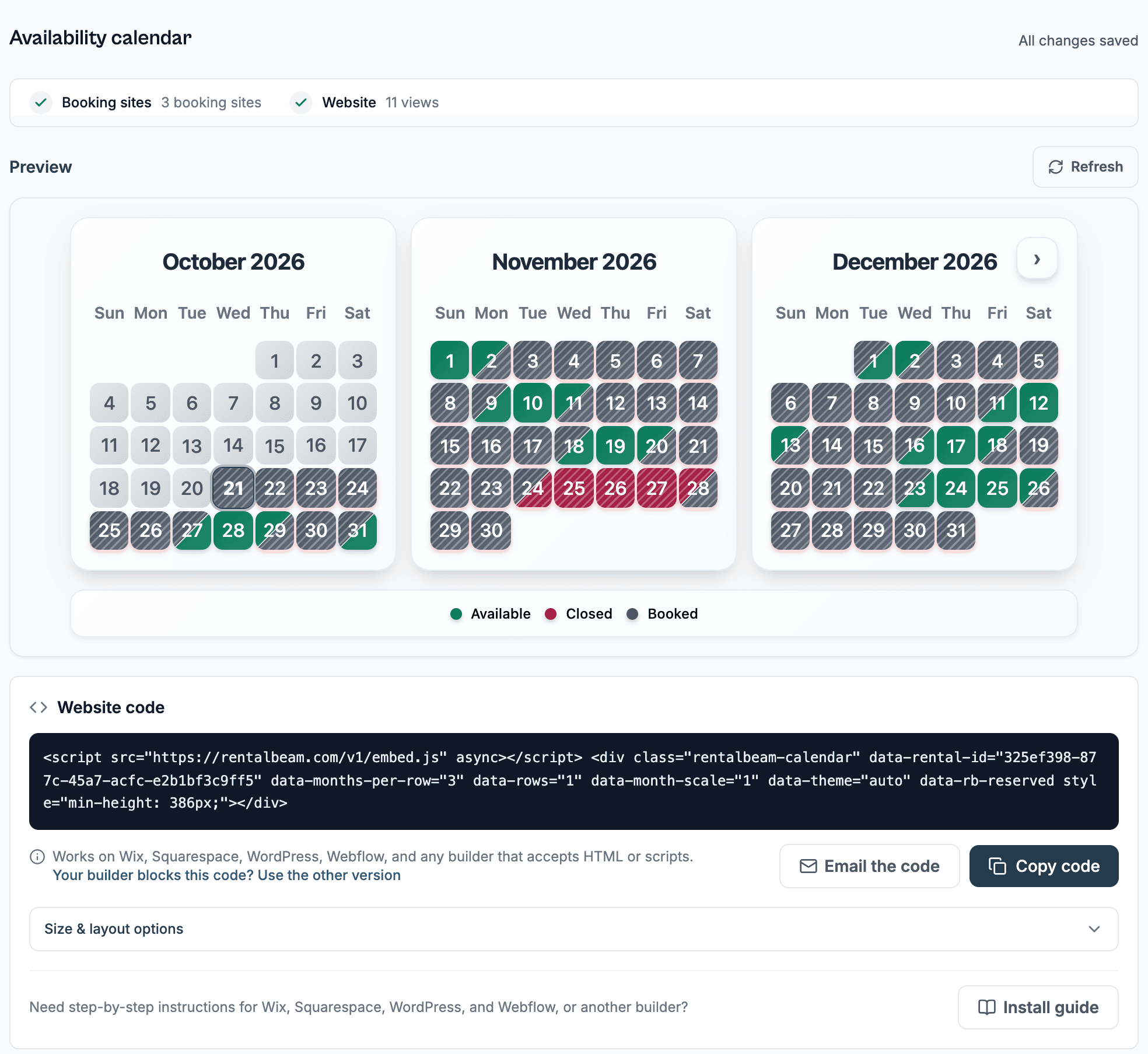
RentalBeam adds a Booking sites section to each rental, export URL tracking, combined exports, and an embeddable website availability calendar for hosts who want more visibility and control.
Related setup path
If your next step is publishing availability on your own website, read how to show availability on your vacation rental website.