How to sync your Booking.com calendar with Airbnb and Vrbo
To sync Booking.com with Airbnb and Vrbo, open Calendar in the Booking.com Extranet, find Sync calendars, choose Export calendar and copy the link. Import that link into Airbnb and Vrbo, then import their export links into Booking.com. Booking.com fetches imports every few hours, so a day of advance notice guards against double bookings.
Why Booking.com sync catches hosts off guard
Airbnb and Vrbo have prominent iCal export buttons in their calendar settings. Booking.com buries its own deeper in the Extranet, and the interface changes often enough that guides go out of date quickly.
Booking.com also occasionally regenerates iCal URLs when you make certain listing changes. If your sync suddenly stops working, a changed URL is usually the first thing to check.
Booking.com refresh rate
Booking.com fetches imported iCal feeds every few hours but does not publish an exact schedule. For same-day or next-day availability, always check each platform directly and consider setting a minimum advance notice of at least 1 day.
Step by step: export and sync your Booking.com calendar
- 1
Find your Booking.com iCal export URL
Log in to the Booking.com Extranet.
Open Calendar and scroll to the Sync calendars box under the calendar.
Click Export calendar, then Copy link.
The URL ends in
.ics. This is your export URL. - 2
Export your Airbnb and Vrbo iCal URLs
Airbnb: Availability settings, then Sync calendars, then Export calendar.
Vrbo: Calendar, then Settings, Availability, Calendar sync, Connect calendars, Export calendar. Copy the URL.
- 3
Preview all three feeds as one calendar
Go to icalendarsync.com and paste all three iCal URLs into the sync tool. Click Preview combined calendar.
You see all three calendars merged into one. Get your sync link saves it to RentalBeam, where the one link to paste back comes with Plus and Pro.
- 4
Import the combined URL into each platform
Booking.com: In the Extranet, go to Calendar sync, then Import calendar, and paste the combined URL.
Airbnb: Calendar, then Connect calendars, then Import calendar, and paste the URL.
Vrbo: Calendar settings, then Import calendar, and paste the URL.
All three platforms now share one source of truth for availability.
What iCal sync does and does not cover
- Blocked dates from bookings on any connected platform
- Manually blocked dates (owner stays, maintenance)
- Works with all three platforms at the same time
- One link for every platform, with RentalBeam Plus and Pro
iCal sync does not transfer pricing, guest details, reviews, or listing content between platforms. For that level of two-way sync you need a full property management system or channel manager.
Adding more platforms later
Any platform that exports an .ics URL can be added to your combined feed. Tripadvisor, Google Calendar, Apple Calendar, Hospitable, Lodgify, and hundreds of others all support iCal export.
Each time you add a new platform, preview all your sources on icalendarsync.com, then use your RentalBeam sync link; it updates by itself, so the platforms need no new URL.
Want to show your availability on your own website too?
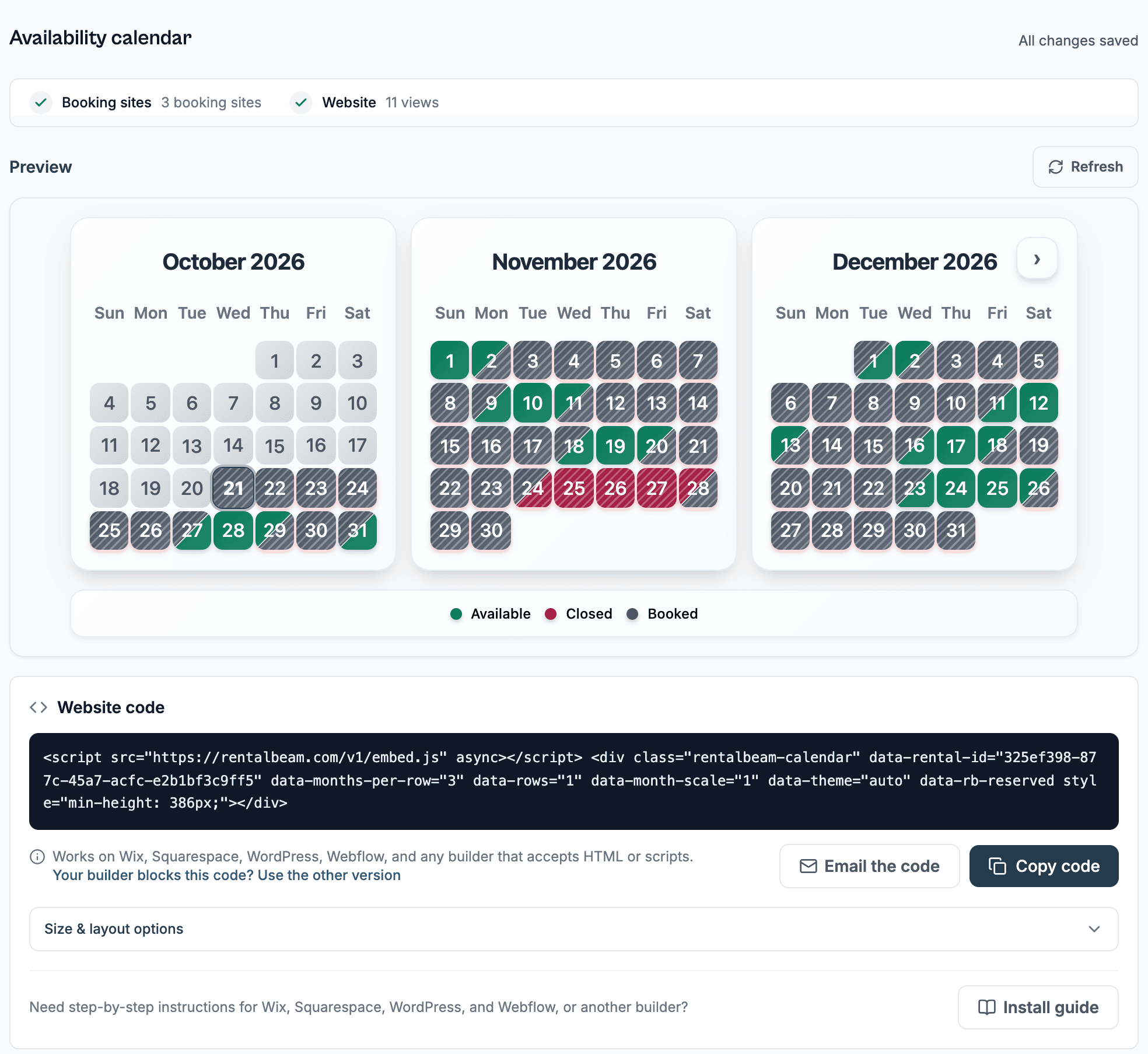
Once you have a combined iCal feed, you can also embed a live availability calendar on your own rental website with RentalBeam. Guests see up-to-date availability from all your platforms in one calendar. The setup is in how to sync your Booking.com calendar with your website.