

Map widget
A map widget is an embeddable map that shows a rental's exact or approximate location on the host's own website, separate from the availability calendar and booking form. It typically supports a designed visual style, host-set privacy (exact pin or an approximate area), and pins for one rental or a set of rentals shown together.
A map widget answers a different guest question than a calendar or booking form: not which dates are open, but where the rental actually is, which matters when a guest is comparing listings by neighborhood, drive time to an airport, ski lift, or beach.
Privacy is the main design decision behind a map widget. Some hosts are comfortable showing an exact pin at the property's address; others prefer an approximate area (a shaded zone offset from the real point) until a guest has actually booked, a common pattern across short-term rental platforms for standalone homes.
Why it matters for hosts
RentalBeam's Map Widget can be built and live-previewed in a rental's Map section on every plan, with five curated themes, three pin styles, and a choice of exact-pin or approximate-area privacy. Embedding it on the host's own website requires Plus or Pro; on Free it renders only on RentalBeam's own surfaces. Host-curated nearby highlights (points of interest with icons and notes) can be added around an exact-mode map.
Further reading More detail on how this works with RentalBeam.
Related terms Other glossary terms that come up alongside this one.
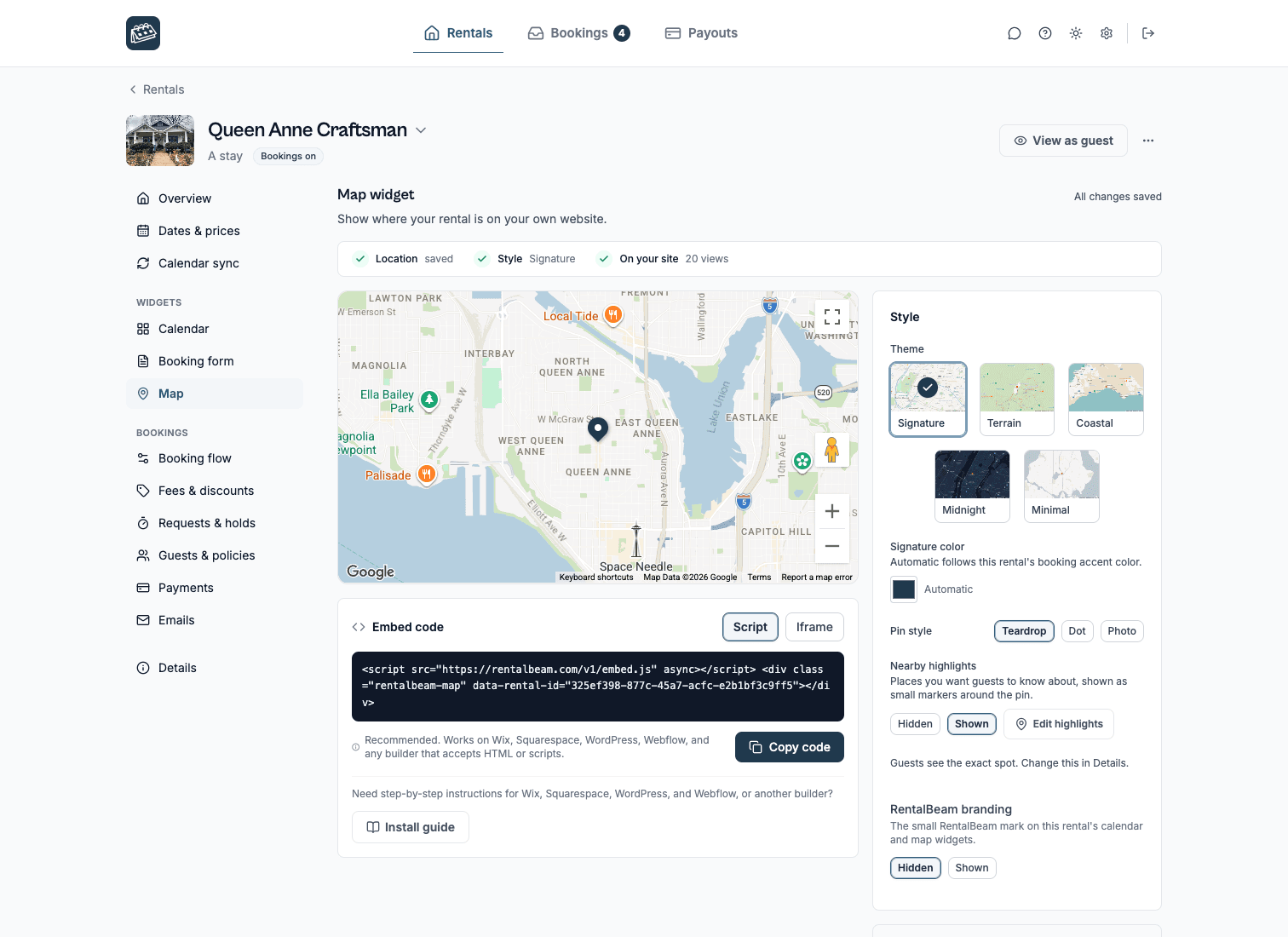
See this in the product.
See the map widget docs