A booking link for your rental, no website needed
A link page is a single public page for one rental, with its photo, your own words, your calendar and your links. You turn it on in the dashboard and share one address wherever guests already find you.
Who it is for
The link page is for hosts who have no website, and for hosts who want one link to share. If guests find you on Instagram, message you on WhatsApp or write again after a stay, you can answer with one address that shows the rental and its open dates.
It is a single page for one rental, not a website. If you already have a website, the same calendar and booking form can go on it too; see Embed the booking widget and Availability Calendar.
What guests see
- Your rental's photo as a tile, and its name.
- Your "About this rental" text, shown exactly as you wrote it. It is never translated.
- Icons for your Instagram, Facebook, TikTok, YouTube and WhatsApp.
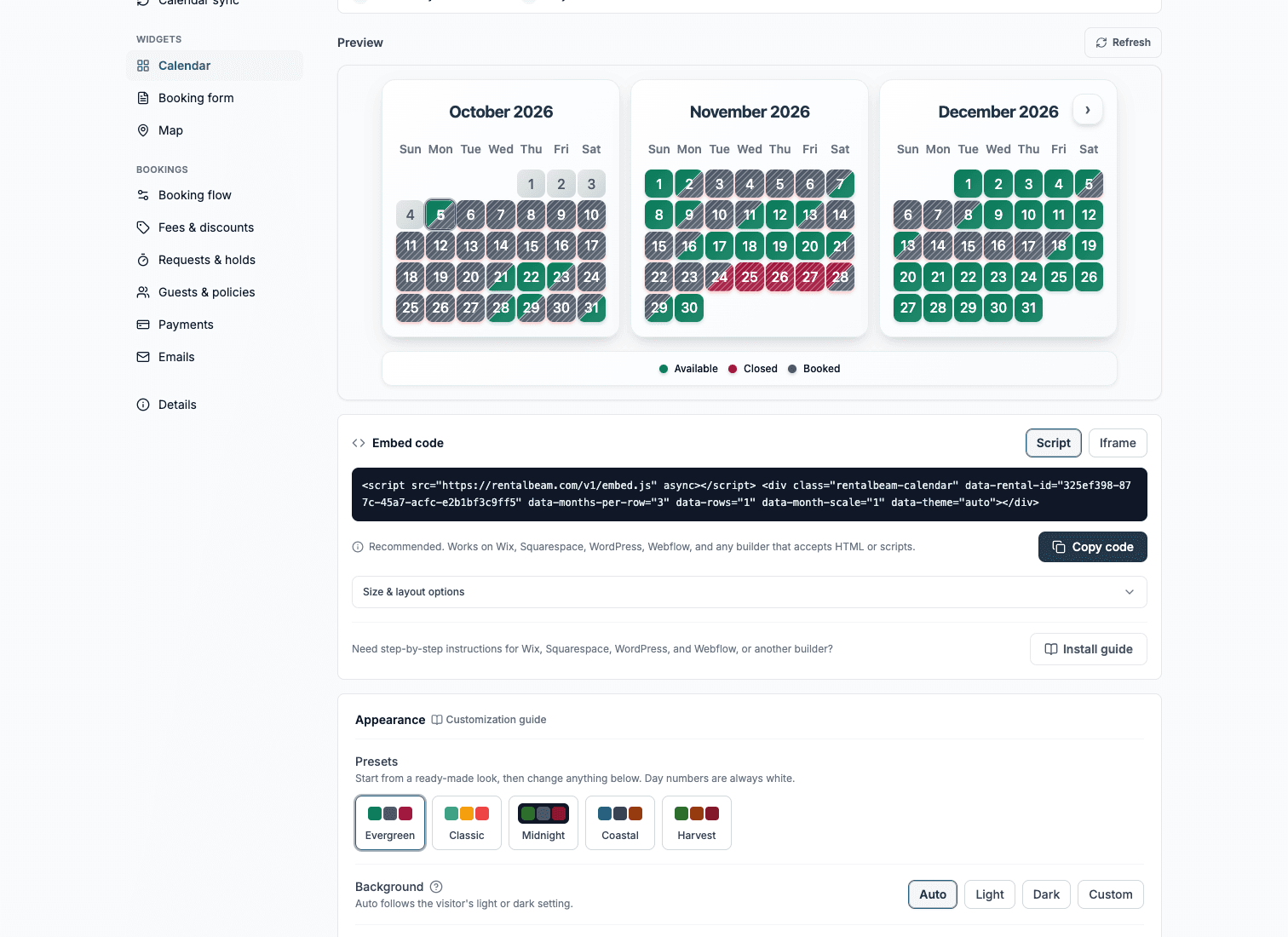
- One calendar. On Pro with bookings on, it is the booking form with its calendar open: guests pick dates, see the total and send a request or pay. Otherwise it is the availability calendar, synced from Airbnb, Vrbo, Booking.com and other iCal calendars.
- The map, on Plus and Pro, if you turn it on.
- Buttons for your other links, such as your Airbnb or Vrbo listing.
The page carries no RentalBeam mark, so it reads as yours.
How to set it up
- 1
Open the rental's "Link page" section
In the dashboard, open the rental, go to Widgets and find the "Link page" section. The page stays off until you turn it on.
- 2
Turn "Share your page" On
Your page gets an address made from the rental's name, like rentalbeam.com/r/lakeside-cabin. You can change it at any time in the address box next to "Copy link". Links you already shared keep working, because the old address leads to the new one.
- 3
Write "About this rental"
A few lines on the stay: who it suits, what is close by, what guests love. Guests see it exactly as you write it. The photo and name come from the rental's "Details".
- 4
Add your "Links"
Up to five. Instagram, Facebook, TikTok, YouTube and WhatsApp show as icons under your words. Anything else, like your Airbnb or Vrbo listing, shows as a button.
- 5
Show the "Map" (Plus and Pro)
The map is off until you turn it on. It shows where the rental is, as set in "Details".
The Link Page guide covers each setting.
How to share it
- Put it in your Instagram bio.
- Paste it into a WhatsApp or email reply when a guest asks about dates.
- Turn it into a QR code with any QR code maker, for your house guide or a flyer.
When you paste the link into a chat, it shows the rental's photo and name, so the guest knows what they are opening.
What it does not do
The link page does not bring guests by itself. It is where you send people you already reach: your followers, past guests and anyone who writes to ask about dates.
It is also not a replacement for Airbnb, Vrbo or Booking.com. RentalBeam works beside them. Keep your listings, let the calendar sync from them, and add them to the page as buttons for guests who prefer to book there.
What each plan shows
The link page is on every plan. What appears in the calendar spot depends on the plan.
| Plan | What the link page shows |
|---|---|
| Free | The availability calendar |
| Plus | Adds the map and, when you switch them on, your prices on the calendar |
| Pro | The booking form with its calendar open, when bookings are on |
See RentalBeam Pricing: Free, Plus, and Pro Plans for everything else each plan includes.