



Free
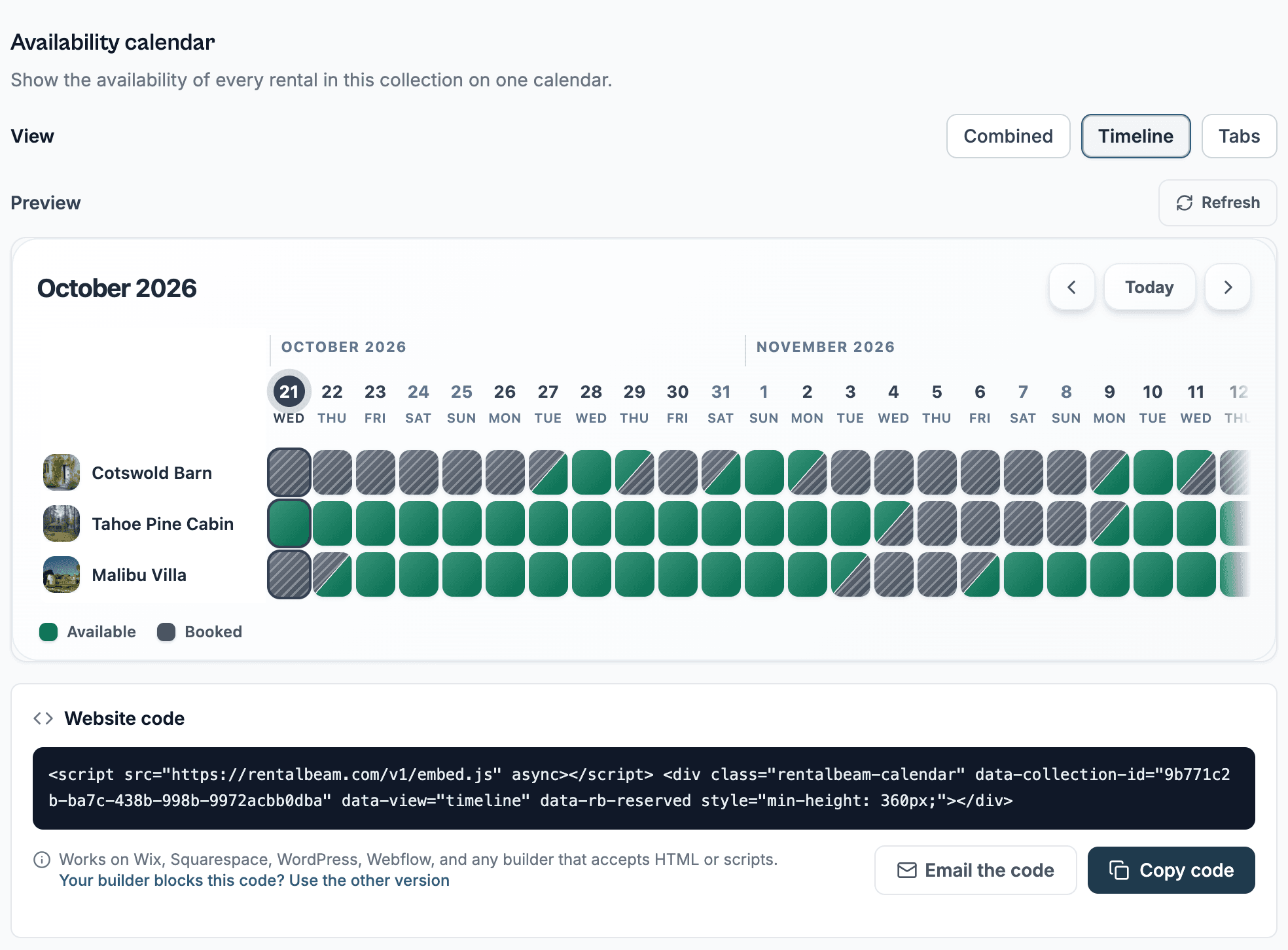
Live availability on your website
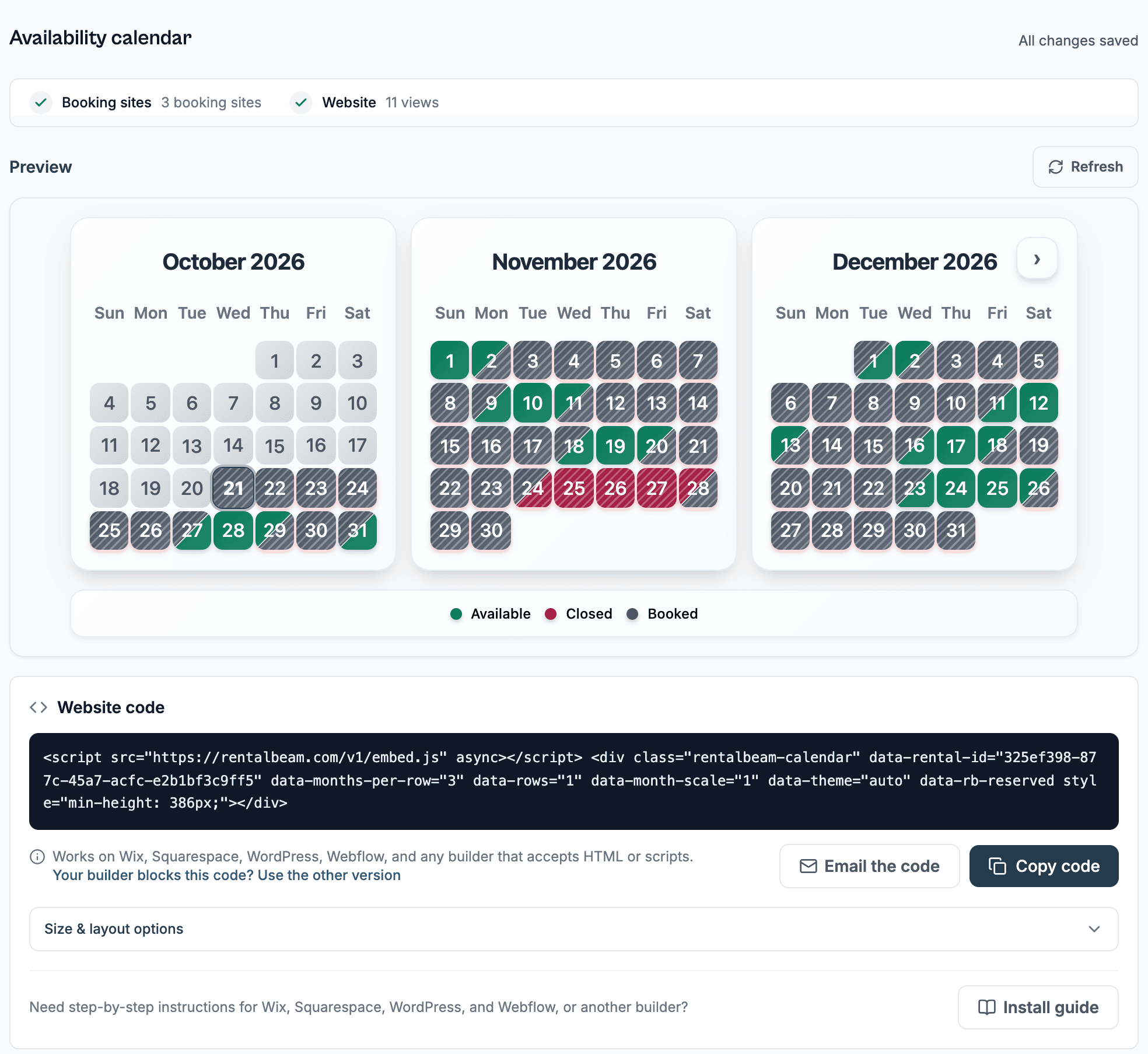
One rental, one iCal source, and a synced multi-month calendar embedded in about 2 minutes.
For hosts with their own website
Free for one rental with no time limit, no card. Direct bookings are on Pro, with no commission.

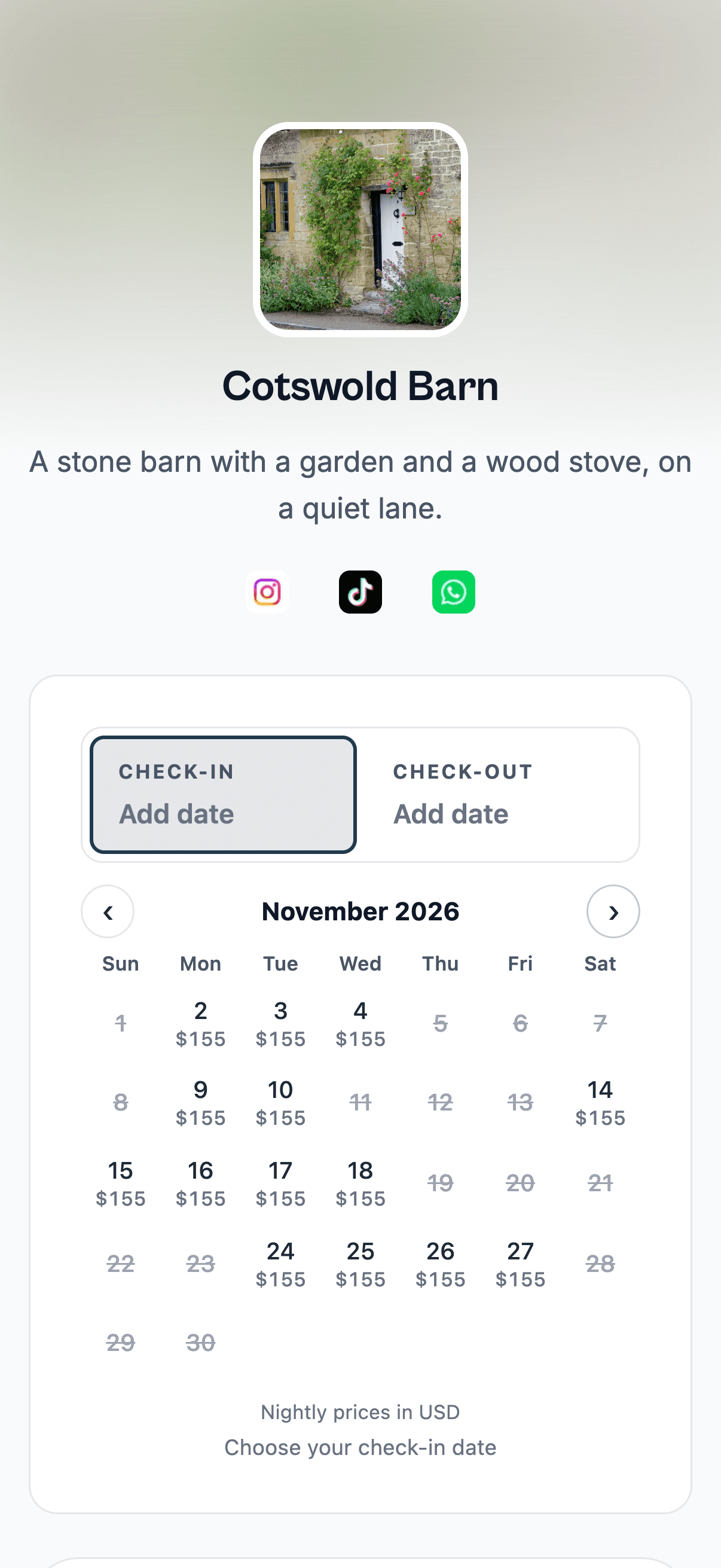

Solimare Corsica
Corsica, France
"I love that guests can easily check availability and prices directly on the website. The payment system also looks very straightforward to set up and makes the booking process simple and convenient for guests."
solimare.corsica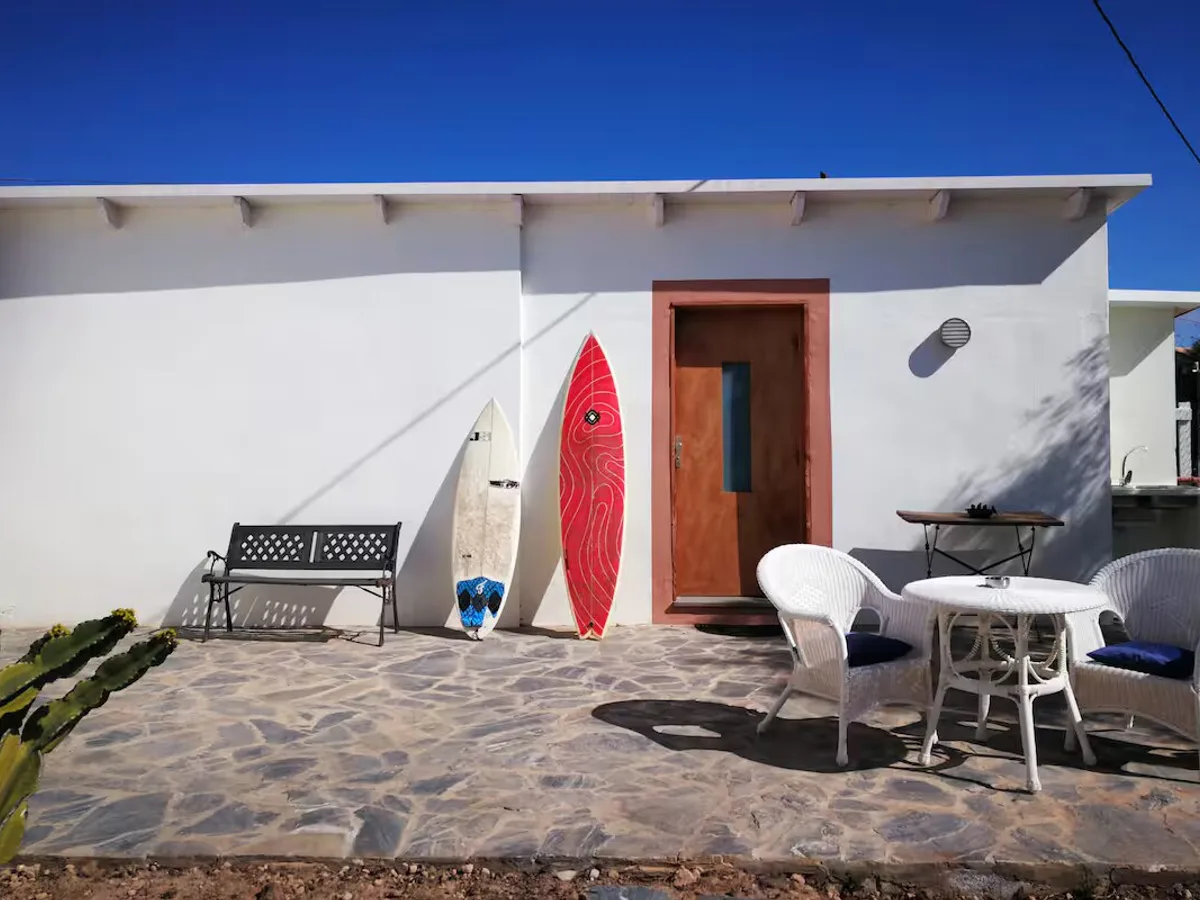
Live availability on your website
One rental, one iCal source, and a synced multi-month calendar embedded in about 2 minutes.
Your calendar, your look
Your rentals with the full appearance studio, managed dates, and a combined two-way iCal export.
Direct bookings, zero commission
Add the booking form widget and take direct bookings with no commission and no RentalBeam booking fee. Card payments carry only Stripe's fee.
Not sure direct bookings are worth it? Calculate what OTA commissions cost you per year
No. You keep your Airbnb and Vrbo listings. RentalBeam reads their calendars and shows the real availability on your own website, where guests can also book you directly, so you add direct bookings without giving anything up.
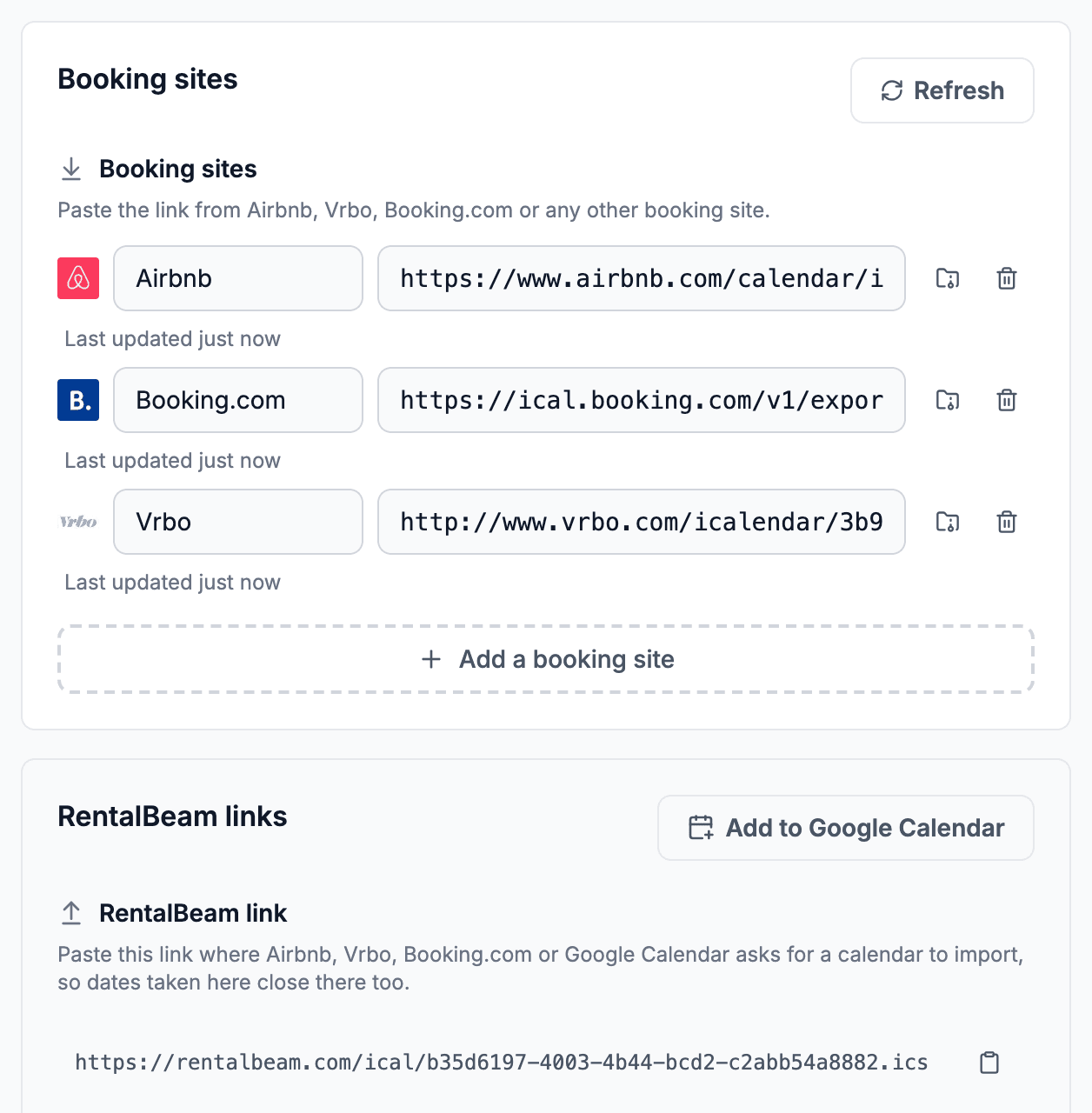
For most hosts, setup takes about 2 minutes. You copy an iCal export URL from Airbnb, Booking.com, Vrbo, or another source, paste it into RentalBeam, preview the widget, and embed it on your website.
No. RentalBeam is built for non-technical hosts. You paste in your iCal feed, then copy the embed snippet into any website builder or site that accepts HTML, such as WordPress, Wix, Squarespace, Webflow, or custom websites.
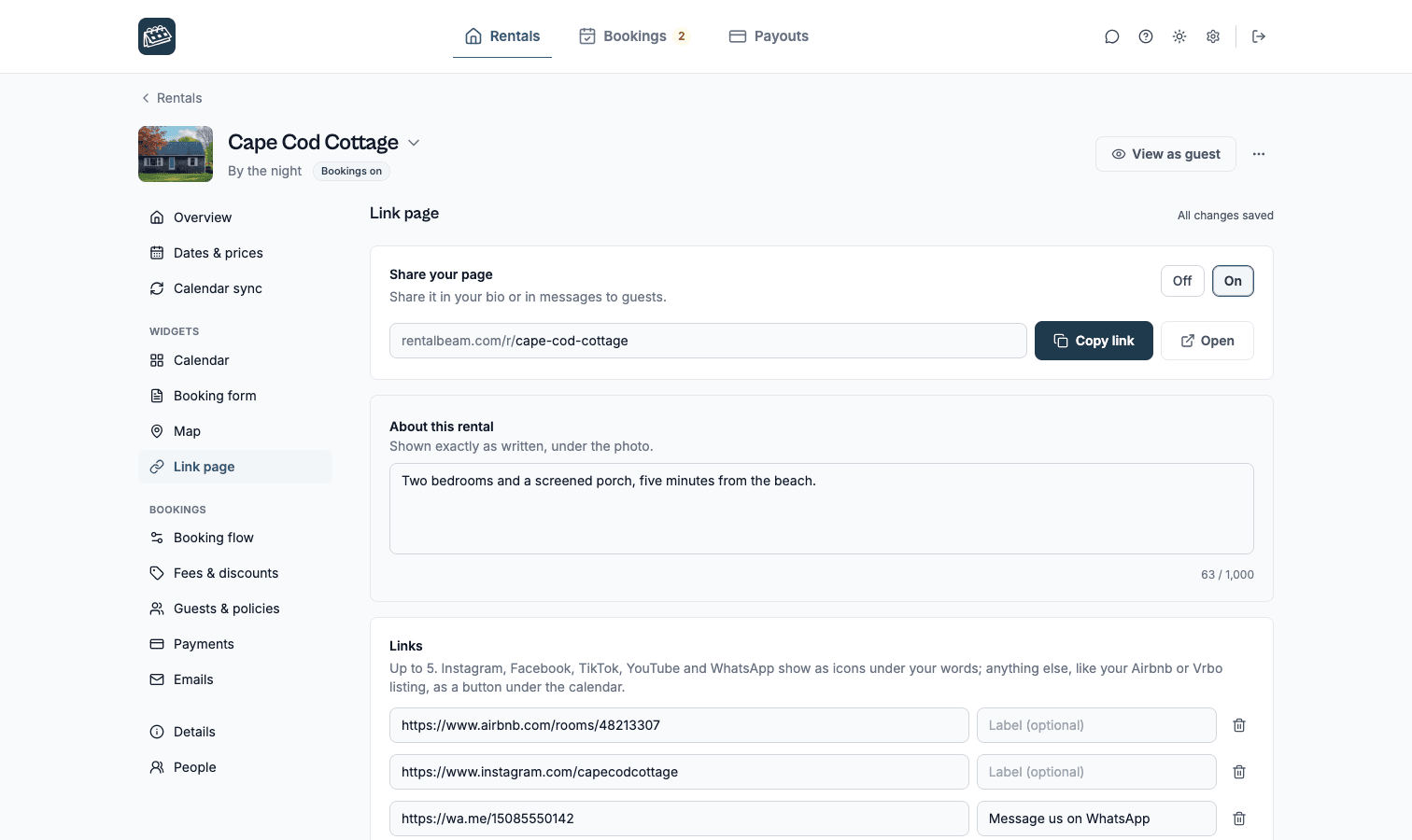
Switch on a link page for the rental: one link, rentalbeam.com/r/your-rental, with its photo, your words, your calendar and your links. Share it in your bio or with guests. It is on every plan, and on Pro guests book right from it.
Yes. The availability calendar widget is free forever on the Free plan. You get 1 rental, 1 iCal source, a multi-month view, and an embed code. No credit card required.
Yes, with the Pro plan. The booking widget embeds a reservation request form directly on your website. Guests can stay inquiry-first, you can approve the stay and send a secure payment link later, or you can turn on guest card payments when you want guests to pay online.
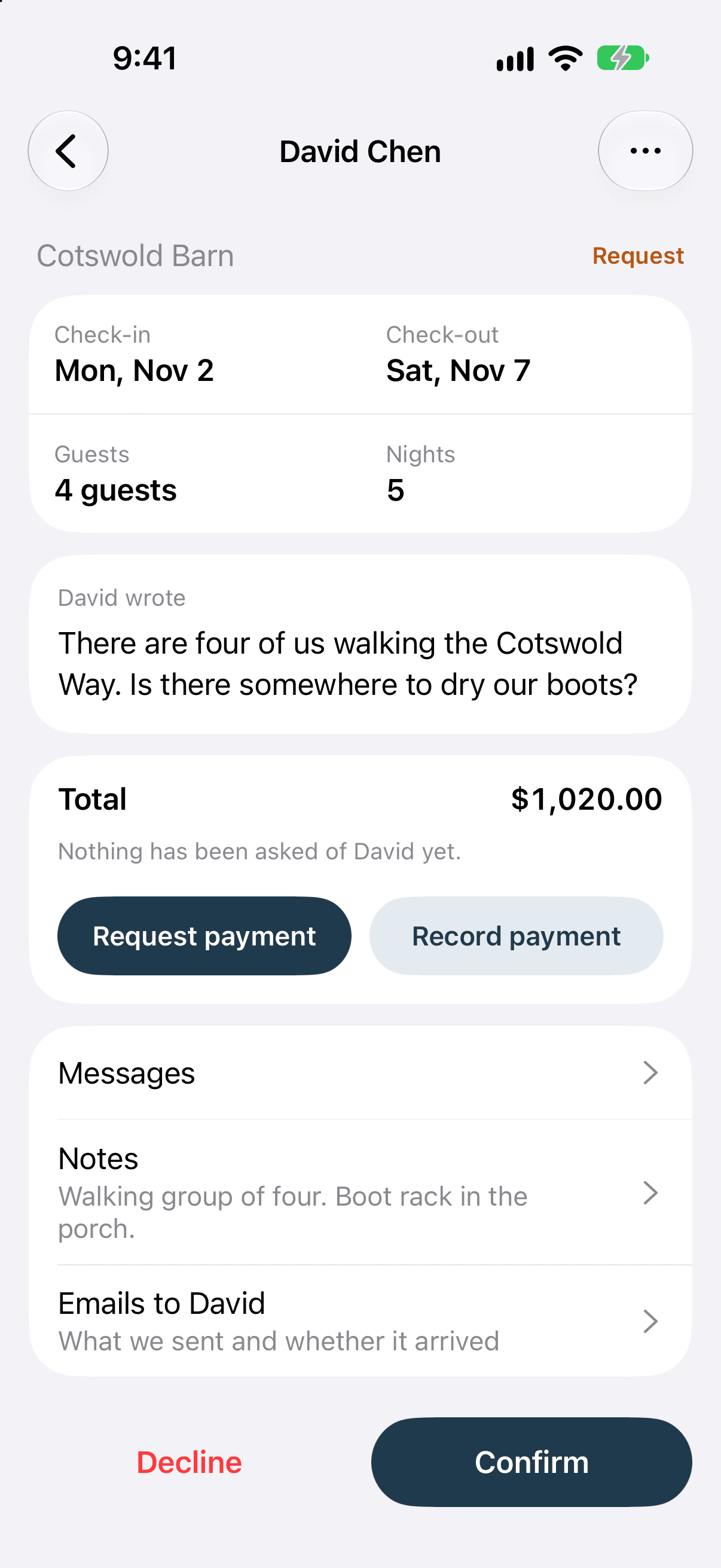
Yes. It is on Google Play now and coming soon to the App Store, and it comes with every plan. With Pro it alerts you to new requests and lets you confirm or decline them and reply to guests; with Plus or Pro you can close nights and change prices. Setup stays on the website.
You copy the calendar export link from Airbnb, Booking.com, Vrbo or any site that supports iCal and paste it into RentalBeam. The widget re-checks it on its own, about every 15 minutes, and shows the blocked dates. On Plus and Pro you can also export one combined iCal feed back to Google Calendar or to a booking site that imports one.
Yes. The widget is built to look like part of your website. Every calendar supports light, dark, and auto themes, responsive layouts, and 25 display languages. On Plus and Pro you can set custom colors for available, booked, and closed dates, pick a custom widget background, label and color your managed date ranges, and remove RentalBeam branding. On Pro, the booking form and guest emails carry your brand accent color so the whole booking flow matches your site.
The embed code works on any platform that accepts HTML, including WordPress, Wix, Squarespace, Webflow, and custom-built sites. You paste one snippet and the widget appears.
Plus adds custom colors and fonts, managed dates, your rate under each open day of the calendar, up to 10 iCal feeds per rental, a combined iCal export with Google Calendar quick-add, map embeds on your own website, and branding removal. Pro includes everything in Plus, plus the booking form widget with optional pricing display, seasonal and weekend pricing, fees, discounts, coupon codes, custom fields, booking rules, pricing in the currency you choose, payment links, split payment steps, payment request PDFs with customizable details, and optional guest card payments. Pro takes no commission and no RentalBeam booking fee on your direct bookings. When a guest pays by card, only the standard Stripe card-processing fee applies, paid to Stripe rather than RentalBeam.
Create a free account, paste your calendar link, then copy the embed code into your site.
Free for one rental with no time limit and no card. Plus adds your own look and more rentals, Pro adds direct bookings with no commission.
Compare plansAbout two minutes from your calendar link to a live calendar on your website.
See setup guides