

Duda integration
 Add a booking calendar to Duda

To add a booking calendar to Duda, copy your website code from RentalBeam and paste the script snippet into an HTML widget. Guests see your open dates, synced from Airbnb, Vrbo and Booking.com. The calendar is free on every plan; the booking form (Pro) and the map (Plus or Pro) paste in the same way.
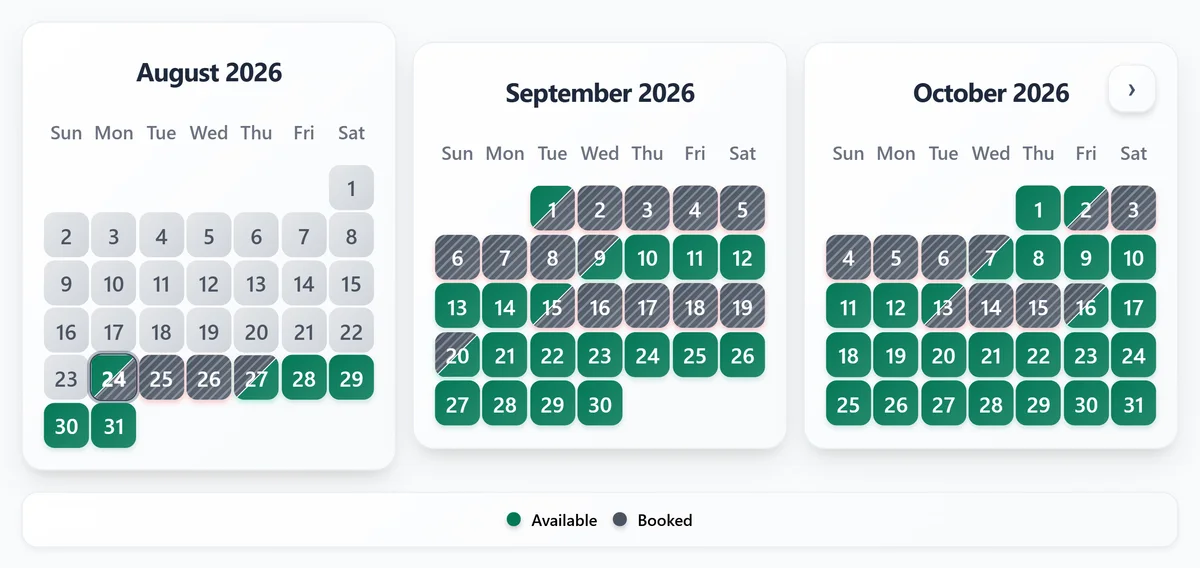
Availability calendar
Paste the calendar into Duda. Free on every plan. Use the script snippet in an HTML widget.
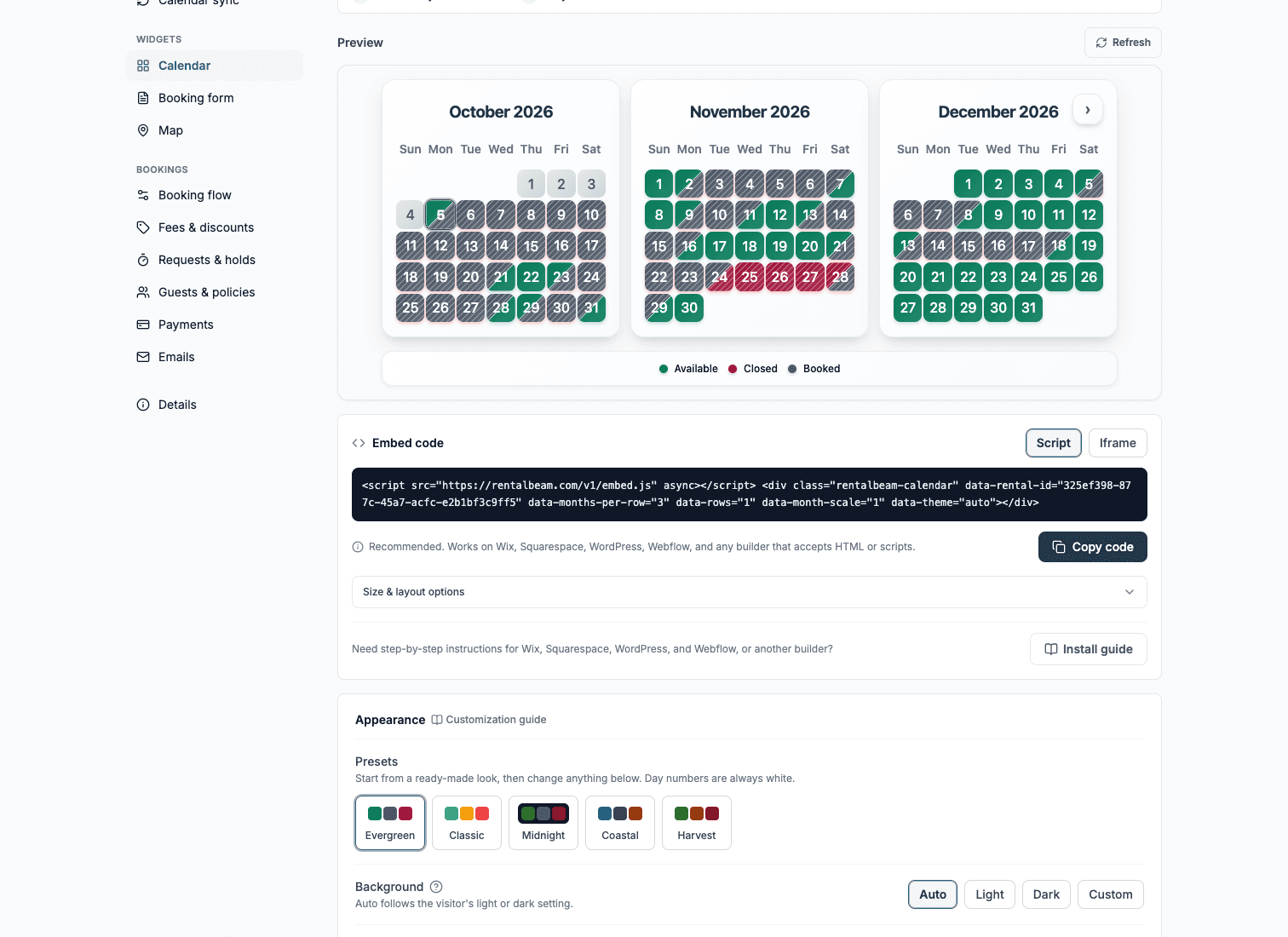
What you need
- A Duda site on a Team plan or higher, or an agency that can edit it
- Your RentalBeam calendar widget
- At least one connected OTA or iCal availability source such as Airbnb or Vrbo
Steps
- Open the page in the Duda editor
- In the side panel choose Add, then Elements, search for HTML, and drag the HTML widget into its own row or column
- Open the widget's code and paste the RentalBeam calendar script snippet
- Publish, then check the calendar on the preview or the live page
Before you publish
- Custom code needs a Duda Team plan or higher. If an agency built your site, ask them to add the widget.
- Give the HTML widget a column of its own, as Duda recommends for custom code.
- Judge the result on the preview or the live page rather than inside the editor.
Where to put it
- Give the HTML widget a column of its own, as Duda recommends for custom code.
- Place it next to your booking or inquiry button so guests can act right after checking dates.
- Judge the result on the preview or the live page rather than inside the editor.
The script snippet looks like this
<script src="https://cdn.rentalbeam.com/v1/embed.js" async></script>
<div class="rentalbeam-calendar" data-rental-id="your-rental-id" data-rb-reserved style="min-height: 386px;"></div>
Duda's HTML widget runs JavaScript loaded over HTTPS, so the script embed keeps the calendar sized to its content.
Booking form
Take booking requests on Duda. On Pro. Guests pick dates, see the price and send a request.
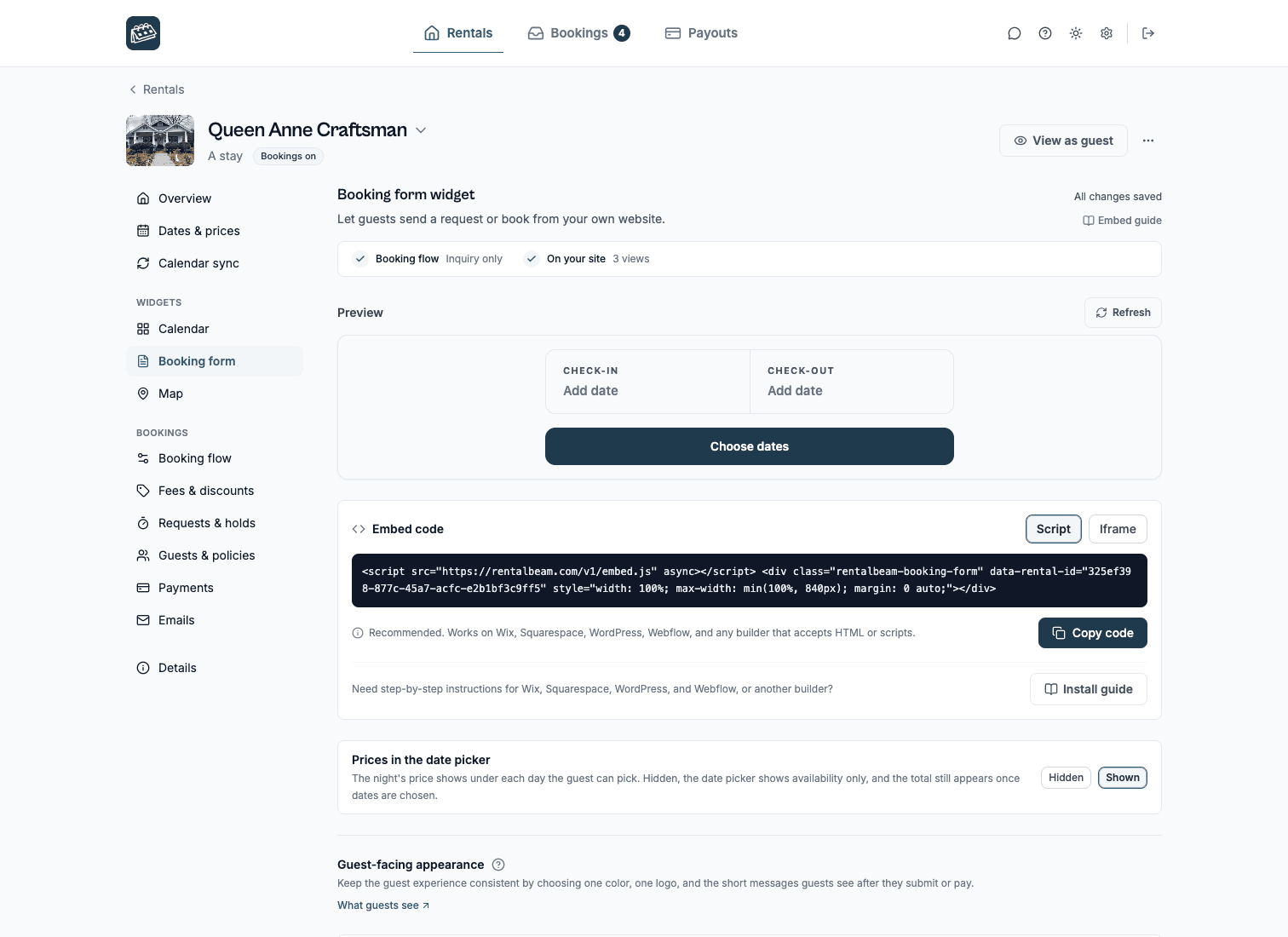
Steps
- Open the page where guests should send booking requests
- Choose Add, then Elements, search for HTML, and drag the HTML widget into its own row
- Open the widget's code and paste the RentalBeam booking widget script snippet
- Publish, then send a test inquiry from the live page on a computer and a phone
Before you publish
- Custom code needs a Duda Team plan or higher.
- Keep the form in its own row so neighboring columns do not squeeze it on a phone.
- Send one real test inquiry from the published page to confirm the email reaches you.
Where to put it
- Keep the form in its own row so neighboring columns do not squeeze it on a phone.
- Send your test inquiry from the preview or the live page rather than inside the editor.
- Booking settings you change in RentalBeam update the live widget automatically, so the code never needs another edit.
The script snippet looks like this
<script src="https://cdn.rentalbeam.com/v1/embed.js" async></script>
<div class="rentalbeam-booking-form" data-rental-id="your-rental-id" data-rb-reserved style="width: 100%; max-width: min(100%, 840px); margin: 0 auto; min-height: 160px;"></div>
The HTML widget runs the booking form script, so the form can grow as guests fill it in.
Map
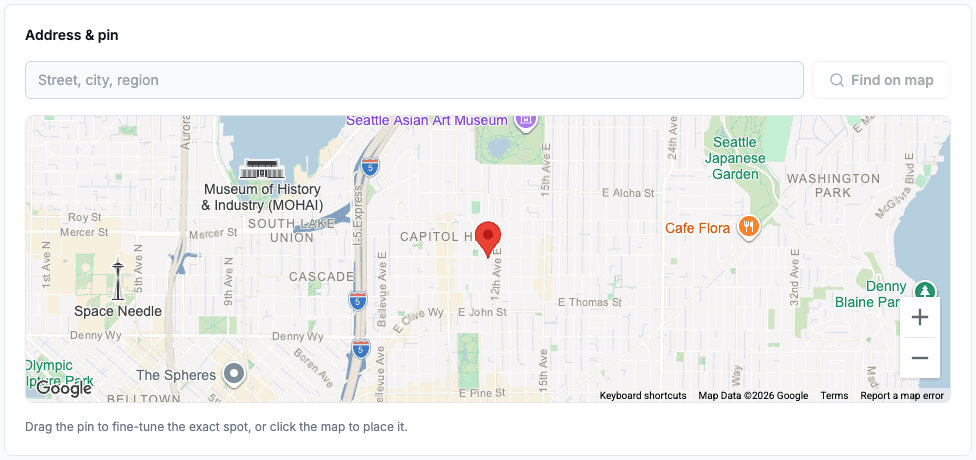
Show where your rental is on Duda. On your own website with Plus or Pro. Exact pin or approximate area.
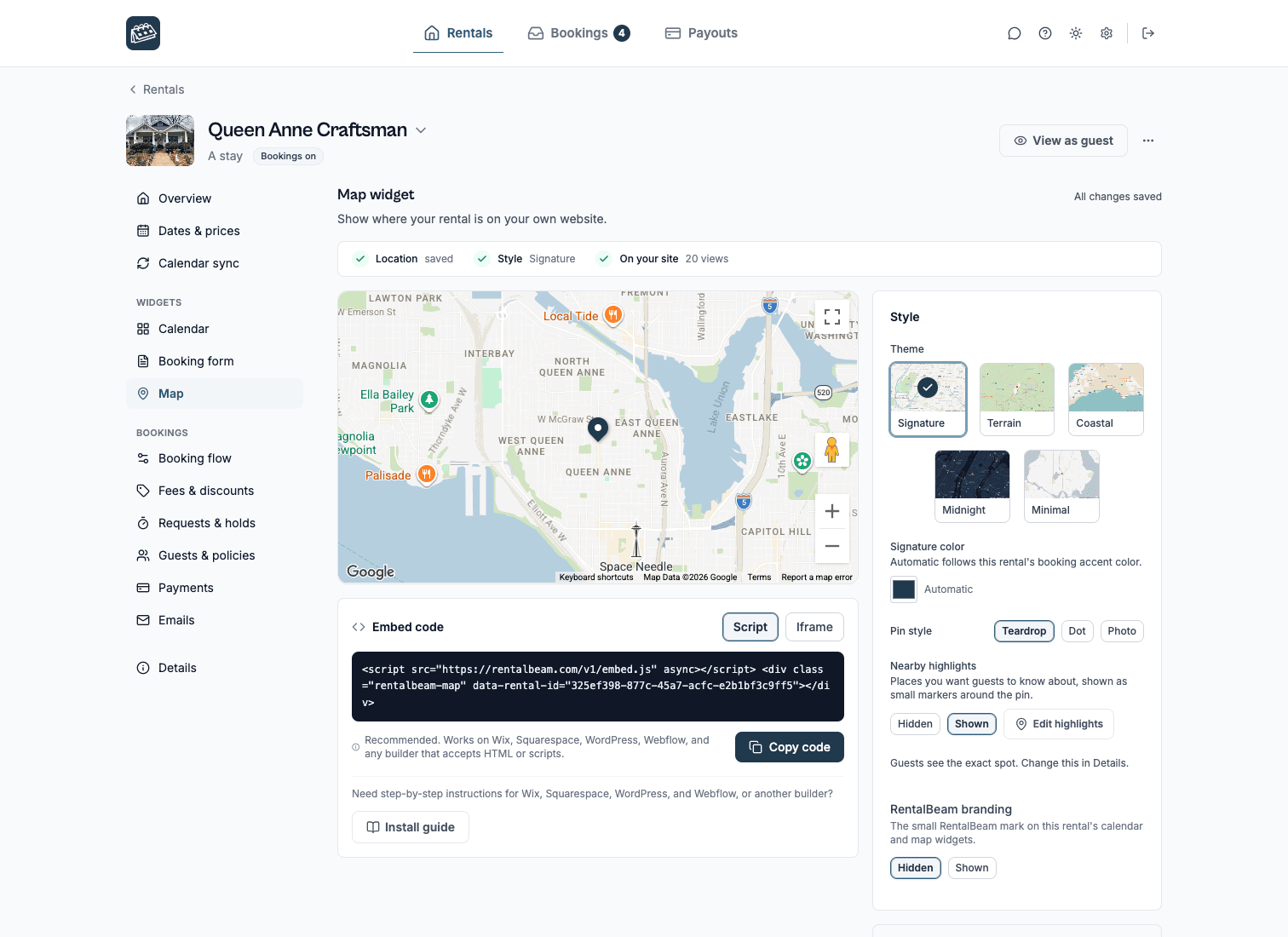
Steps
- Open the page where guests should see your rental's location
- Choose Add, then Elements, search for HTML, and drag the HTML widget to that spot
- Open the widget's code and paste the RentalBeam map script snippet
- Publish and check the map on the live page
Before you publish
- Custom code needs a Duda Team plan or higher.
- Place the map near your address or directions so guests find it naturally.
- Judge the result on the preview or the live page rather than inside the editor.
The script snippet looks like this
<script src="https://cdn.rentalbeam.com/v1/embed.js" async></script>
<div class="rentalbeam-map" data-rental-id="your-rental-id"></div>
The HTML widget runs the map script, so the map keeps the theme and aspect ratio you chose in the Map section.
Troubleshooting
If a widget does not show on Duda. It goes in an HTML widget. Then check these, in order.
- Publish the page and check the live address, not only the editor preview.
- Open the page in a private window to rule out a cached copy.
- Check that your RentalBeam calendar already shows the right booked dates before you look at the page.
- Send one test booking request from the live page and confirm the email reaches you.
Related guides. The same widgets, in more depth.
Duda questions.
Can I use RentalBeam on Duda?
Yes. The availability calendar, the booking form and the map all paste into an HTML widget on Duda, and they work alongside your Airbnb, Vrbo or Booking.com listings instead of replacing them.
Should I use a script or iframe on Duda?
Duda's HTML widget runs JavaScript loaded over HTTPS, so the script embed keeps the calendar sized to its content. In practice, script is the best default for Duda.
Will this sync with Airbnb, Vrbo, and Booking.com?
Yes. RentalBeam supports any iCal URL, so you can import Airbnb, Vrbo, Booking.com, Google Calendar, and other compatible sources. The booking form reads the same calendar, so guests never see dates that are already booked elsewhere.
Do I need a property management system?
No. RentalBeam is for hosts who want synced availability and direct-booking tools without paying for a full PMS stack.
Does RentalBeam take a commission or booking fee on guest card payments?
RentalBeam Pro is a single direct-booking plan with no commission and no booking fee. It adds the booking form widget, guest-payment workflow, coupon codes, seasonal pricing, custom fields, booking rules, host email tools, and reply-from-inbox guest messaging. RentalBeam never takes a cut of your booking revenue. When a guest chooses to pay by card through RentalBeam, the only deduction is the standard Stripe card-processing fee, which is paid to Stripe - not RentalBeam. Inquiry, pay-later, and off-platform bookings (such as bank transfer) carry no per-transaction cost at all.
Which plan do I need?
The availability calendar works on every plan, including Free. The booking form needs Pro. Every plan can build and preview a map in a rental's Map section; showing it on your own website needs Plus or Pro.
Can I show an approximate area instead of my exact address?
Yes. Each rental's Details page lets you choose exact-pin mode or approximate-area mode. Approximate mode shows guests a shaded circle instead of your exact coordinates, and nearby highlights are withheld.
Put your calendar on Duda
Free to start. Copy the website code, paste it in, and publish.