Christmas, New Year and ski weeks: minimum stays and changeover days for direct bookings
Give Christmas, New Year and ski weeks their own rules: a longer minimum stay, Saturday to Saturday changeovers and a higher price on those dates. In RentalBeam you set the minimum and the price for chosen dates on the Calendar tab, and the booking form applies them to every guest.
Why holiday weeks need their own rules
An ordinary week and the week of Christmas are not the same product. Guests ask for the same few nights, the dates sell out first, and a one-night stay on December 30 can leave the nights around it empty.
Three rules fix most of it:
- A longer minimum stay over Christmas and New Year, so the dates go to guests who stay a while.
- Fixed changeover days in ski resorts, where weeks usually run Saturday to Saturday and a Tuesday arrival breaks the week.
- A higher price on the dates guests want most.
Hosts in the southern hemisphere have the same job turned around: Christmas and New Year are their summer peak, and the steps below are the same.

What RentalBeam does for each
| Rule | What you set | Where |
|---|---|---|
| Longer minimum stay | Nights for the dates you pick | Calendar tab, Minimum stay box |
| Higher price | A price for the dates you pick | Calendar tab, Price box |
| Weekly changeover day | Days guests can arrive and leave | Your usual settings, Stays |
| Arrivals on chosen dates | Arrivals and departures on or off for the dates you pick | Calendar tab, Arrivals and departures box |
| Closed dates | Nights you keep for yourself | Calendar tab, Open or closed |
The booking form applies all of them before a guest can ask, so a stay that breaks a rule never reaches your inbox. The form and its rules come with Pro.
Set a longer minimum for Christmas and New Year
- 1
Pick the dates
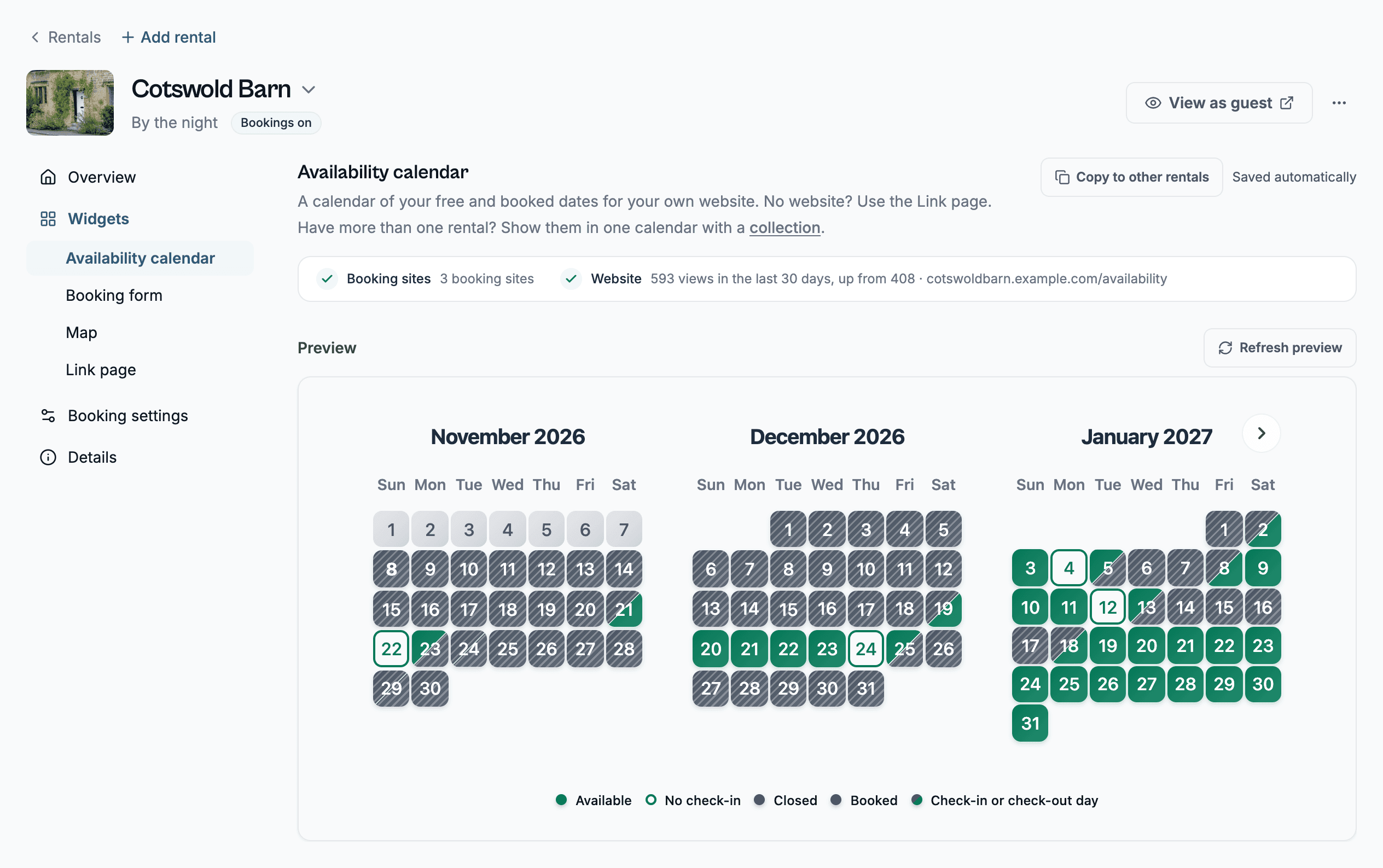
Open the rental and go to its Calendar page. Tap the first day and the last day of the stretch, for example December 22 to January 2.
- 2
Type the nights
Press Change these nights. In the Minimum stay box, type the number of nights, such as 5, and press Save. The calendar shows a small "5+" on those nights.
- 3
Choose how it counts
With no dates picked, Your usual settings has a Stays group. Stays that arrive that night is how Airbnb counts a minimum. Any stay that includes it asks every stay that touches those nights to meet the minimum, which suits Christmas night and New Year's Eve.
Every other date keeps your usual minimum. Press Use my usual minimum to take the holiday minimum off. More on every stay rule is in minimum stay and booking rules for direct bookings.
Run ski weeks Saturday to Saturday
Under Stays in Your usual settings, set Days guests can arrive and Days guests can leave to Saturday only. Then give the ski dates a seven-night minimum with the steps above. The booking form now offers only Saturday check-ins and Saturday check-outs, so every booking is a whole week.
These weekly days apply across the year, not to one range of dates. If your rental takes shorter stays in summer, leave the weekly days open and use the Arrivals and departures box for the dates you pick, which turns arrivals and departures on or off for exactly those nights.
A changeover day is the day one guest leaves and the next arrives. The glossary has the short definition.
Charge more on the dates guests want
- 1
Pick the holiday dates
Use the same dates as the minimum, or a shorter stretch, such as December 24 to January 1.
- 2
Type a price
In the Price box, type the nightly price and press Save. The price and the minimum save separately, so one never changes the other. The calendar shows the new price in bold under each night.
- 3
Add a weekend price if it helps
Weekend price adds a percentage or an amount on the nights you choose, and a night with its own price keeps it.
Fees, child rates, discounts and coupon codes sit on top of the nightly price, and the guest sees the total before they ask or pay. Seasonal pricing for direct bookings covers each part.
Fill the gaps
When a minimum leaves two or three nights between bookings that nobody can book, the calendar marks them Gap. Pick those dates and lower the minimum, so a short stay can fill them, or press Closed to keep them for yourself. Prep time between bookings helps when you need a day to turn the rental over.
Keep your booking sites in step
What reaches Airbnb, Vrbo and Booking.com
Closed dates travel through your calendar link, so a booking on your own website closes the same nights on the sites that import it. Minimum nights, check-in days and prices do not. Set the same holiday minimum and prices inside each booking site yourself.
Airbnb guests book on Airbnb. Your own booking form is for guests who reach you another way: your website, your link page, your Instagram, or a friend of a past guest. Why that matters for what you keep is in Airbnb's 15.5% host fee and direct bookings.