Let guests pick their rental by date: a collection booking widget that shows what is free
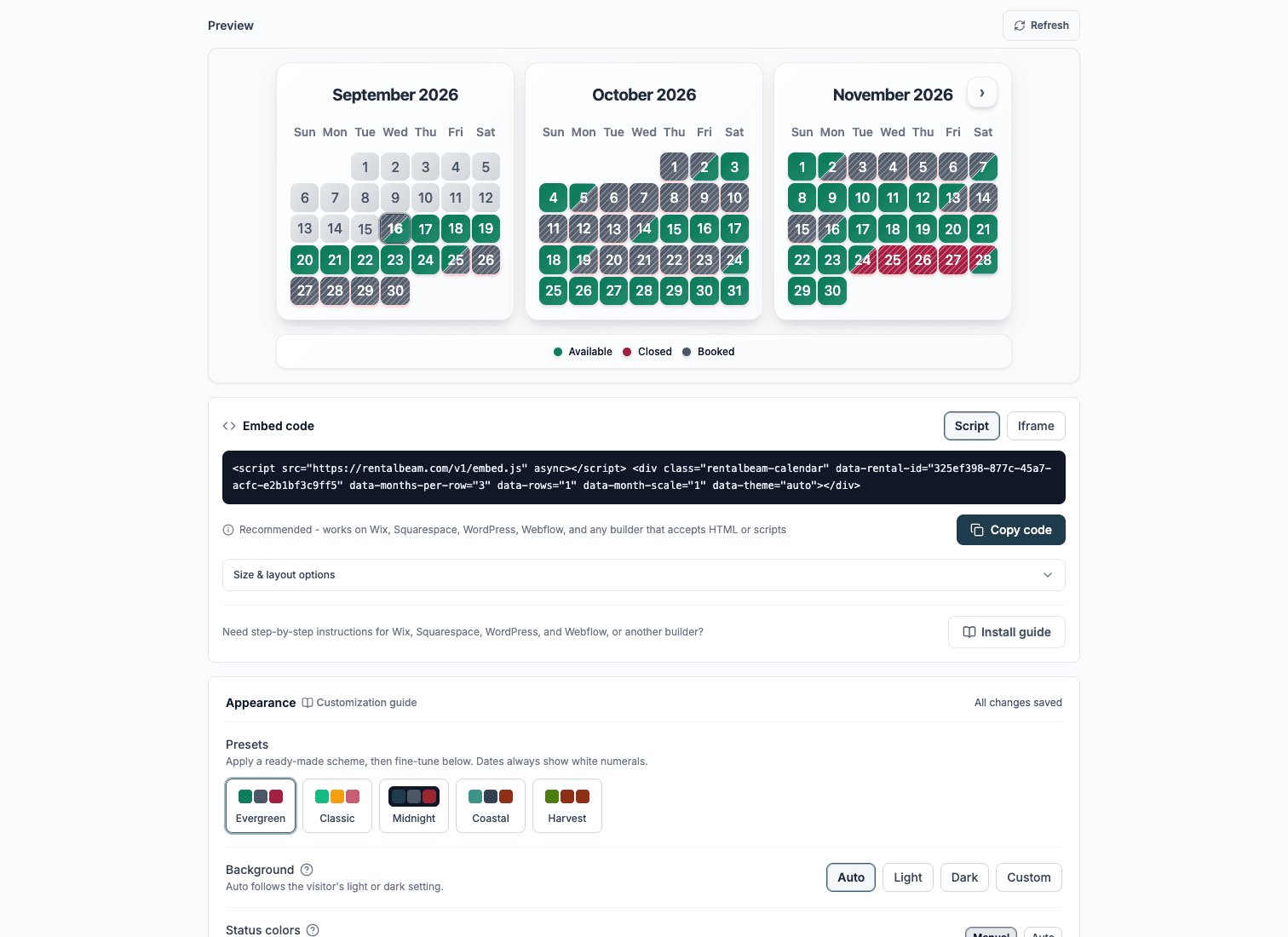
If you rent more than one of something - rooms, cabins, boats, vehicles, trailers - the cleanest booking experience is the one travelers already know: pick your dates, then choose from what is open. RentalBeam now does exactly that. Guests select dates against your whole collection's availability and then pick from the rentals that are actually free for those dates, each shown with its own photo and its real price for those dates. Every booking still belongs to one rental, and there is no commission on direct bookings.
Note: this works by grouping separate rentals into a Collection. Each rental keeps its own calendar, pricing and settings; the collection only decides which of them a guest can pick.
One form per rental does not scale
A common setup for hosts with several rentals is one embedded form per room or vehicle. It works for two rentals and falls apart at five: the guest has to open each form, check dates, find one closed, back out, and try the next. Most give up before they find the rental that is free. The fix is to flip the order - ask for dates once, then show only what can actually take those dates.

How "By date" works
Put your rentals into a collection and embed the booking widget - the By date flow is the default, so there is nothing extra to set. Then the guest experience is three quiet steps:
- 1
Pick dates against the whole fleet
The date picker shows merged availability: a night is open when any rental in the collection is free. The guest never has to know which specific rental is open to start - they just choose when they want to come.
- 2
Choose from the rentals that are free
As soon as the dates are valid, the widget shows the rentals that can take the whole range and meet their own minimum stay - each as a photo card with its real, server-calculated price for those exact dates, so guests compare like for like. The guest taps the one they want. If only one rental is free, it is already selected.
- 3
Book it like any single rental
Pricing, custom fields, and payment all come from the chosen rental's own settings, and the request lands against that one rental. The server re-checks availability before accepting, so two guests cannot grab the same rental.
The photos do the selling
Each rental has an optional photo in its appearance settings. On the By date picker that photo is what the guest compares - "the loft with the balcony" beats "Rental 3." Rentals with no photo show their initial instead, so the picker always looks finished.
Or let guests pick a rental first
By date is the most guest-friendly option for a fleet and the default, but it is not the only one. The install screen offers both main flows, and a compact dropdown variant is available through the data-picker attribute on the embed:
- Dates first (the default - no data-picker needed): pick dates first, then choose from the rentals free for those dates, with photos. Best for most fleets.
- Cards (data-picker="cards"): photo tiles, one per rental - the guest picks the rental first, then sees its dates.
- Dropdown (data-picker="dropdown"): a compact menu of rentals - tidy when you have many rentals or limited width.
On any of the three pickers you can also let a guest tick additional rentals for the same dates in one go - turn on "Let guests add other rentals" in the install screen (or add data-multi-request="true"). Each extra rental becomes its own booking request with its own availability check and pricing - there is never a single charge spanning rentals. You review and confirm each one as usual.
Set it up in four steps
- 1
Add each listing as its own rental
Each rental keeps its own iCal sources, pricing, and booking settings. Import availability from Airbnb, VRBO, Booking.com, or any iCal feed, or manage dates by hand.
- 2
Add a photo to each rental
Open a rental's appearance settings and upload a photo. This is what guests compare in the picker, so use a clear, recognizable shot of each rental.
- 3
Create a collection
Under Rentals, create a collection, tick the rentals that belong together, and optionally give each a short display label. Collections need at least two rentals.
- 4
Install it from the Bookings tab
Once every rental in the collection has bookings enabled, the collection shows an Install button on the Bookings tab. Pick Dates first for the By date experience, copy the snippet, and paste it into WordPress, Wix, Squarespace, Webflow, or any site that accepts HTML.
It is built for phones
Most guests check availability on a phone, so the experience is mobile-first. On the availability calendar, guests can swipe left or right to move between months instead of hunting for small arrows, and the photo picker stacks into a clean, tappable grid. Swiping the calendar never fights with scrolling the page.
Start free, add the form on Pro
The availability calendar - including the all-rentals fleet views - is free to start. The booking form and the By date picker are part of Pro direct bookings. See plan pricing for what each tier includes, or read the collections documentation.