What is iCal and how does it work for vacation rentals?
If you list on multiple booking channels, iCal is the backbone of your availability sync. This guide explains what iCal is, how it works, and how hosts use it to avoid double bookings, including how combined-feed export workflows can simplify ongoing calendar management.
What is iCal?
iCal (also called an ICS calendar feed) is a standardized format for sharing calendar data through a URL. For vacation rentals, that data is almost always booked or blocked date ranges: a platform publishes an iCal feed URL, and any tool that reads it, including RentalBeam, can display the same availability elsewhere.
Think of iCal as a shared calendar URL
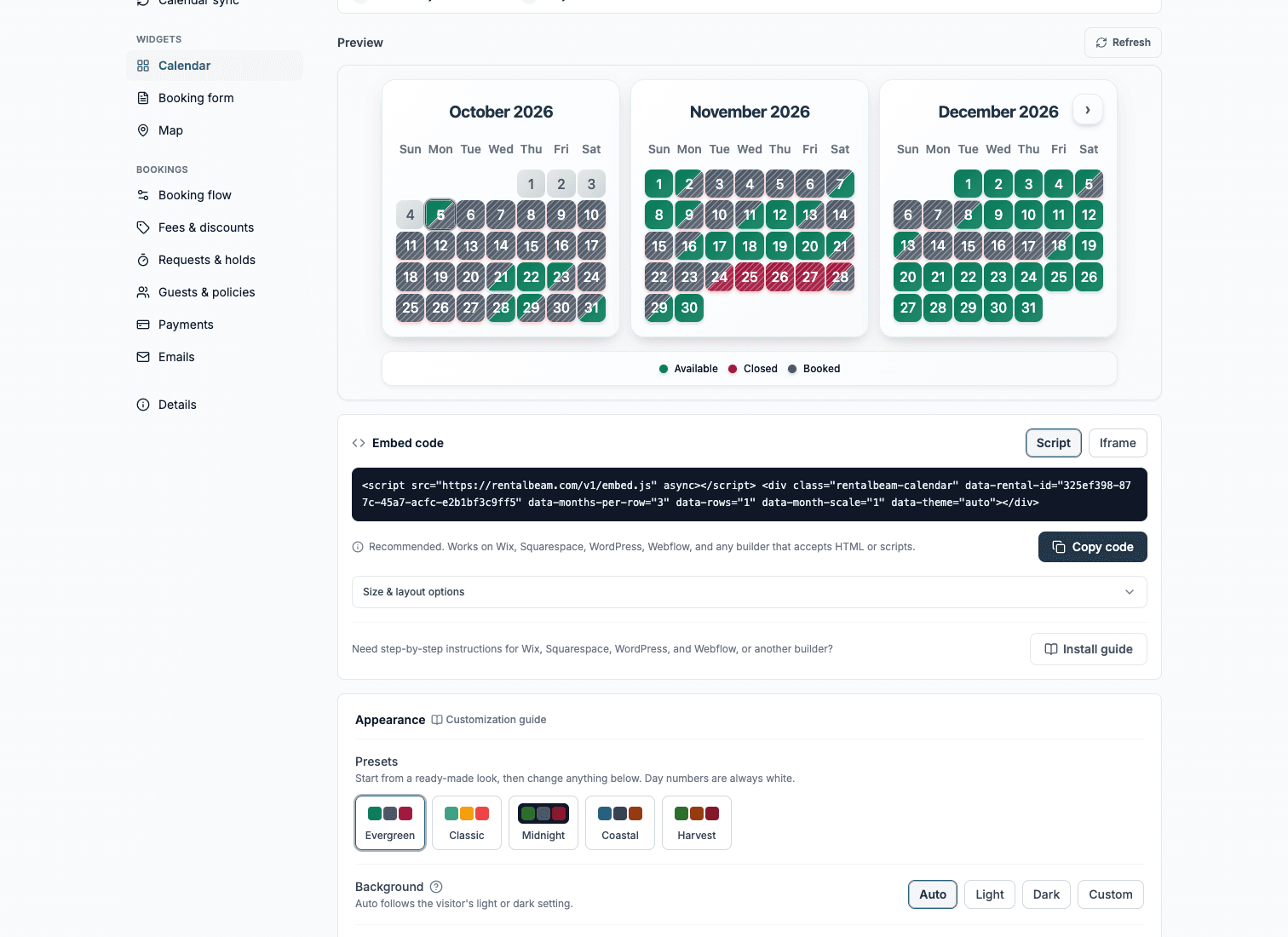
Each channel can publish a feed URL. Tools like RentalBeam read those URLs and display a unified availability calendar.

Why hosts rely on iCal
- Sync availability across multiple booking channels
- Reduce manual date blocking work
- Lower risk of double bookings
- Publish accurate availability on your own website
Setup details vary by channel: see how to sync your Vrbo calendar with your website or how to sync your Booking.com calendar with your website.
How iCal sync works, step by step
- 1
A channel publishes an iCal feed URL
Airbnb, Vrbo, and other platforms provide export URLs for calendar data.
- 2
You connect feed URLs in your sync tool
RentalBeam reads those feeds and merges blocked/booked dates into one availability state.
- 3
Your website widget displays current availability
Guests see open vs unavailable dates without viewing OTA dashboards.
- 4
Feed updates keep data in sync
When bookings or cancellations occur in source channels, availability updates in your connected calendar widget.
Why availability isn't always instant
RentalBeam imports each connected feed at most every 15 minutes. The other half is outside anyone's control: a change has to appear in the source platform's own feed before RentalBeam can read it, and platforms differ in how quickly they publish one. So the total time is our refresh plus whatever the platform adds.
One-way sync vs two-way workflow
Most hosts start with one-way sync: they export an Airbnb or Vrbo iCal feed and import it somewhere else. That works, but it can get messy when you manage multiple feeds, owner blocks, Google Calendar, and website availability at the same time.
| Aspect | One-way sync | Combined (two-way) workflow |
|---|---|---|
| What it does | Exports one OTA feed and imports it somewhere else | Imports every OTA feed into RentalBeam, then exports one combined feed back out |
| Sources | Handles one channel at a time | Aggregates Airbnb, Vrbo, Booking.com, and other iCal sources in one place |
| Manual blocks | Not supported | Owner blocks and maintenance windows can be added before export, on plans that support date controls |
| Sync visibility | You check each source separately | A sync-health view shows Healthy, Not updating, or Can't read per source |
| Best for | A single feed, single destination | Multiple channels plus your own website in one clear state |
Once your availability is synced, decide whether you need a full PMS or just a widget: see PMS vs availability widget.