

Plans & limits
What each plan unlocks, at a glance. Prices are not shown here. They are always current on the pricing page.
RentalBeam has three plans. Free gets a working availability calendar, with no time limit. Plus adds widget customization and more rentals and iCal sources. Pro adds the direct booking widget on top of everything in Plus.
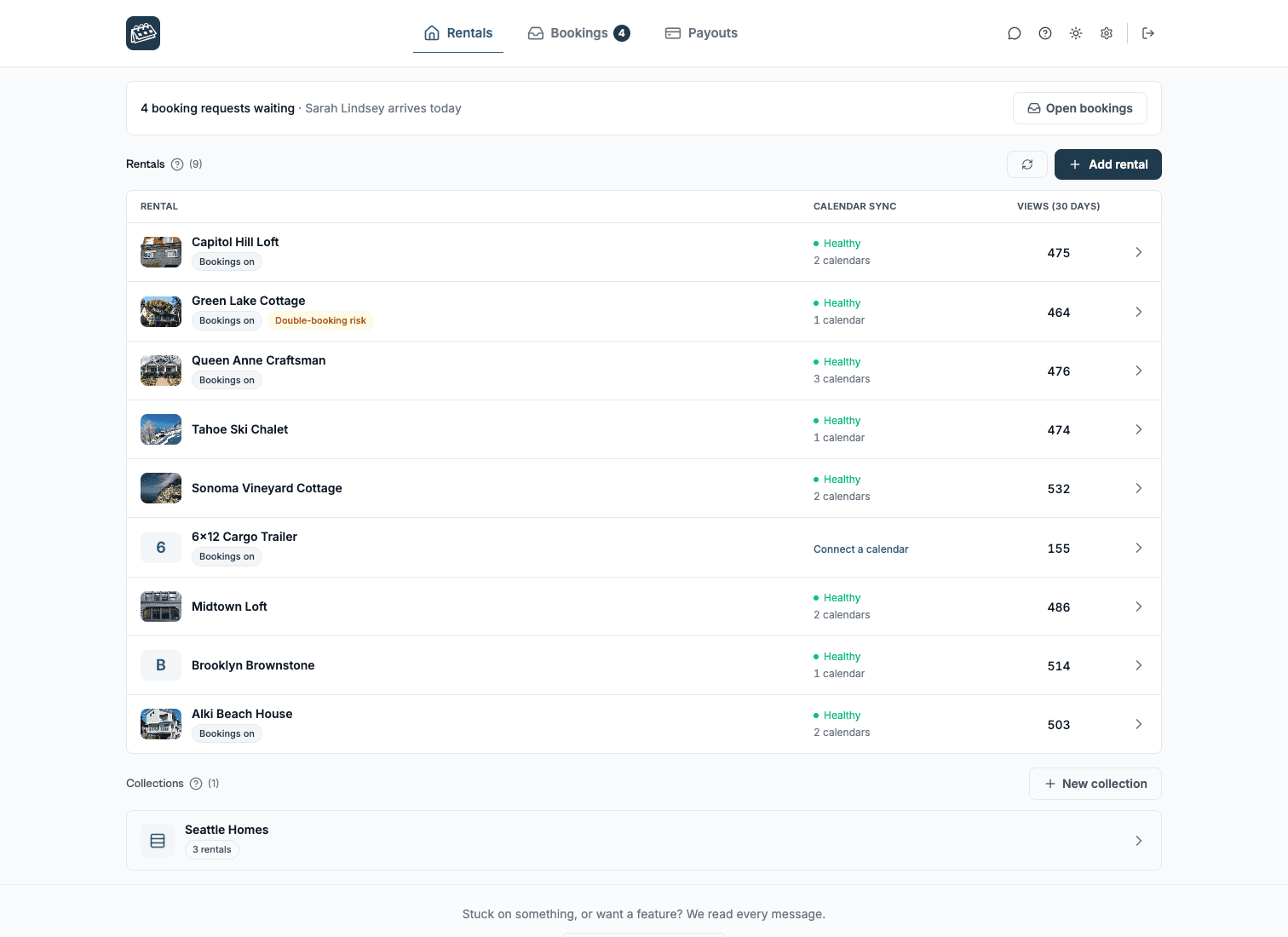
You meet a plan limit in the dashboard itself. The add-rental control on the Rentals tab says when you are at your rental count, and a locked embed section names the plan that unlocks it.
Rentals and iCal sources
| Feature | Free | Plus | Pro |
|---|---|---|---|
| Rentals | 1 | 1, 3, or 5 to 50 | 1, 3, or 5 to 50 |
| iCal sources per rental | 1 | 10 | 10 |
| iCal import (inbound sync) | ✓ | ✓ | ✓ |
| iCal export (outbound) | - | ✓ | ✓ |
| Google Calendar quick-add subscribe | - | ✓ | ✓ |
Availability calendar widget
| Feature | Free | Plus | Pro |
|---|---|---|---|
| Calendar widget embed | ✓ | ✓ | ✓ |
| Multi-month view, mobile swipe navigation | ✓ | ✓ | ✓ |
| Widget appearance (colors, background, font, legend, split-day) | - | ✓ | ✓ |
| Managed (custom) dates with labels | - | ✓ | ✓ |
| Hide RentalBeam branding | - | ✓ | ✓ |
| Widget languages | 25 | 25 | 25 |
| Your rate shown under each open day | - | ✓ | ✓ |
| Collections (2+ rentals shown together) | - | ✓ | ✓ |
Booking widget
| Feature | Free | Plus | Pro |
|---|---|---|---|
| Booking form widget | - | - | ✓ |
| Inquiry only, Request now, and Pay in widget flow modes | - | - | ✓ |
| Custom fields & file uploads (up to 20 fields) | - | - | ✓ |
| Your own prices for chosen dates, shown on your calendar | - | ✓ | ✓ |
| Seasonal prices charged in the booking form, discounts, and coupon codes | - | - | ✓ |
| Booking rules (advance notice, prep time, pending holds) | - | - | ✓ |
| Multiple notification emails (up to 3) & guest messaging | - | - | ✓ |
| Booking appearance (logo, accent color, font) | - | - | ✓ |
| Stripe Connect guest payments, payment requests, payment reminders & payment documents | - | - | ✓ |
| Collection booking widget | - | - | ✓ |
Map widget
| Feature | Free | Plus | Pro |
|---|---|---|---|
| Build, style, and preview a location map in the dashboard | ✓ | ✓ | ✓ |
| Embed the map widget on your website | - | ✓ | ✓ |
Pro pricing
Pro is a single plan with no commission and no RentalBeam booking or application fee on direct bookings. You keep 100% of your booking revenue. When a guest pays by card, only the standard Stripe card-processing fee applies, paid to Stripe rather than RentalBeam. Inquiry-only, pay-later, and off-platform payments such as bank transfer have no per-transaction cost at all.
The free trial
Both paid tiers come with a 7-day free trial, offered when you upgrade from Free. It runs on the smallest plan of each tier: Plus at 1 rental and Pro at 1 rental, on monthly or annual billing, whichever you pick. Each host gets one trial, so it is not offered again on a later upgrade or after you cancel.
You can switch between Plus and Pro while the trial is running. You're only billed for the plan you keep, when the trial ends.
Managing your subscription
Your payment details live on one secure billing page: the card or PayPal you pay with, and your receipts. You reach it from your account.
- 1Open your Account page and select "Billing & receipts", or use the "Update payment method" link.
- 2Your secure billing page opens.
- 3From there you can update your card or PayPal, or download receipts.
To move between Plus and Pro, change how many rentals you pay for, or switch between monthly and yearly billing, select "Change plan" on your Account page. The pricing page opens with your current plan marked, and it shows what you will pay before anything changes.
A change that gives you more starts as soon as you confirm: Pro instead of Plus, more rentals, or yearly billing instead of monthly. A change that only lowers something, such as fewer rentals or monthly billing instead of yearly, starts on your next billing date, and you keep what you have until then. If a switch to monthly also gives you more, it starts right away, and the unused part of your year becomes credit that pays your next bills.
To cancel, select "Cancel plan" on your Account page. A few short questions come first, and your answers tell us what to fix. You keep your plan until the end of the period you have paid for, and canceling during a trial means you are never charged.
To pay with a different PayPal account, choose to update your payment method, pick PayPal, and sign in to the account you want to use. There is no charge for updating your details.